It's just coloring the standard diff output so lines starting with > or + are yellow and ones starting with < or - are green. This is also what "git diff" does by default: http://www.jefftk.com/git-diff-color-2x.png
diff -y is side-by-side. As far as I know colordiff does per-line coloring, while icdiff seems to have finer granularity. This dude really should have patched colordiff, though. Or just used emacs.
colordiff is just a perl script to colorize diff's output. Patching it to add support for the kind of coloring I want to do here would be a lot of work.
As for using emacs, there are many cases when I want a stand-alone diff tool.

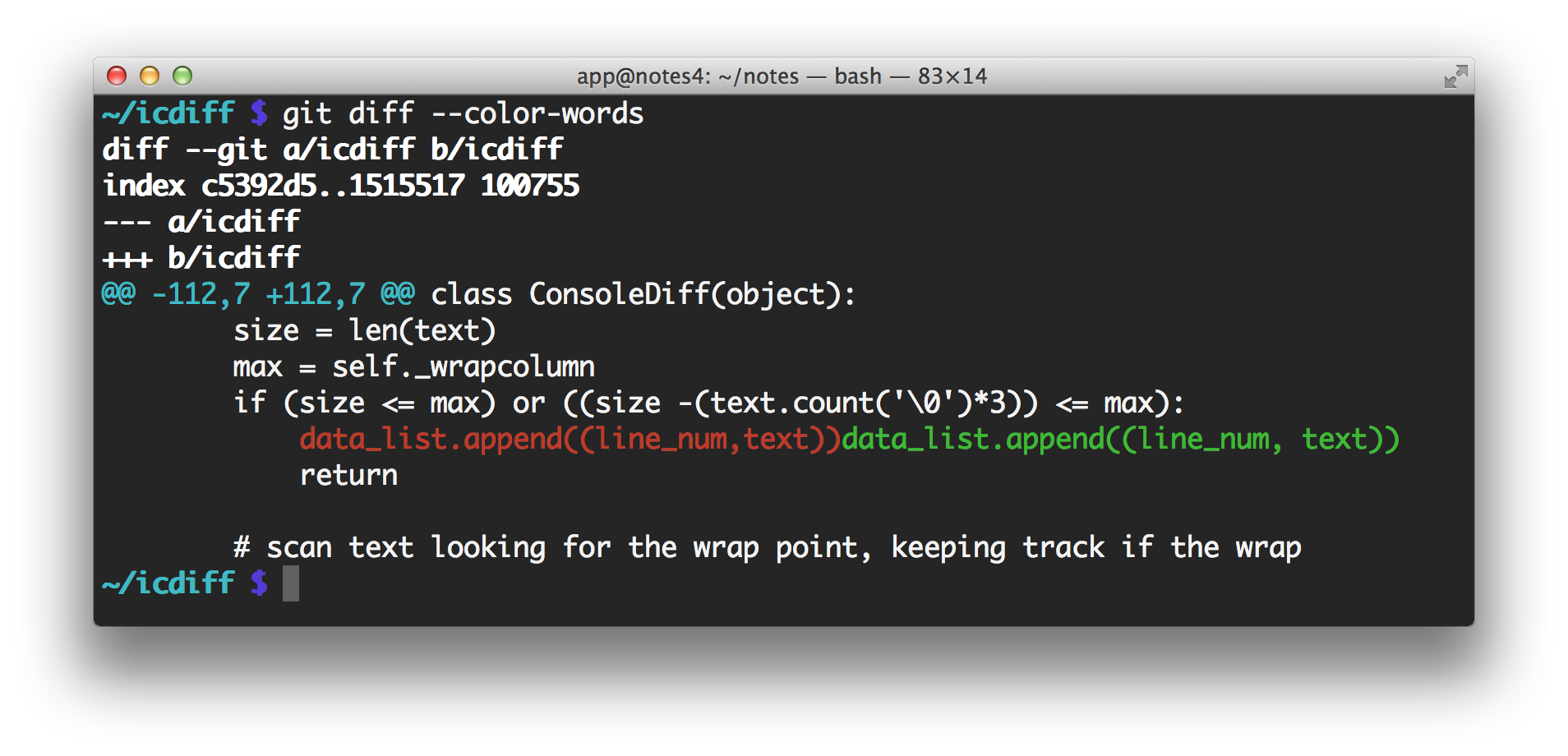
It's just coloring the standard diff output so lines starting with > or + are yellow and ones starting with < or - are green. This is also what "git diff" does by default: http://www.jefftk.com/git-diff-color-2x.png
icdiff is doing a side-by-side diff, and it's only coloring the changed sections of lines: http://www.jefftk.com/icdiff-side-by-side-2x.png