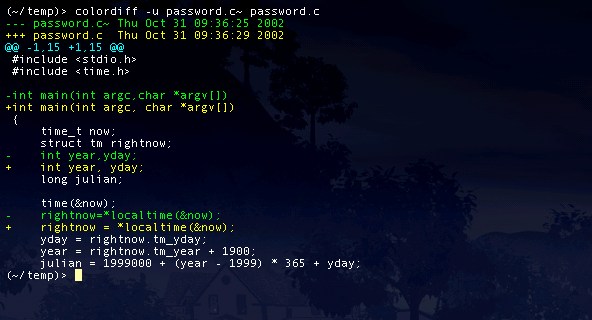
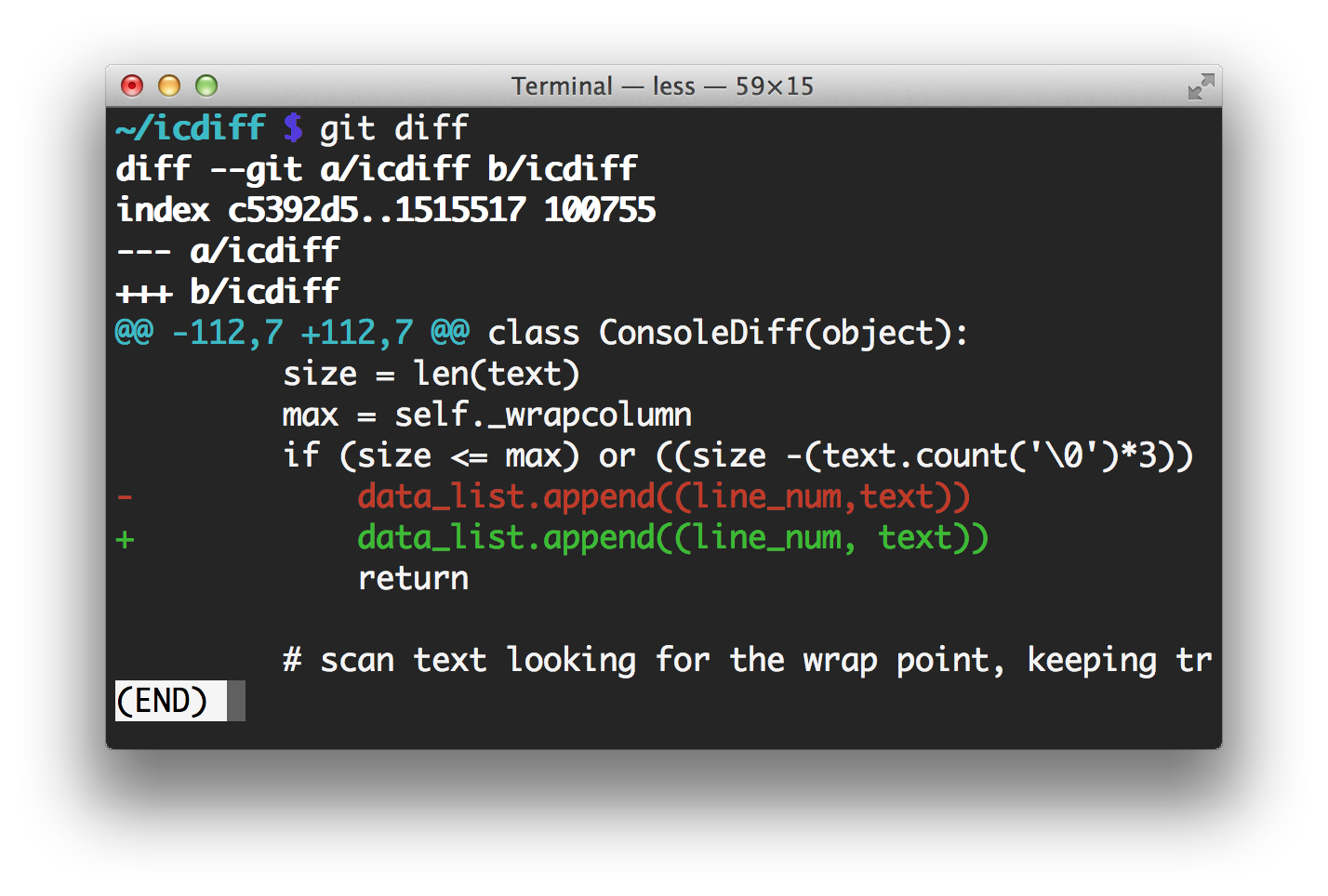
It's just coloring the standard diff output so lines starting with > or + are yellow and ones starting with < or - are green. This is also what "git diff" does by default: http://www.jefftk.com/git-diff-color-2x.png
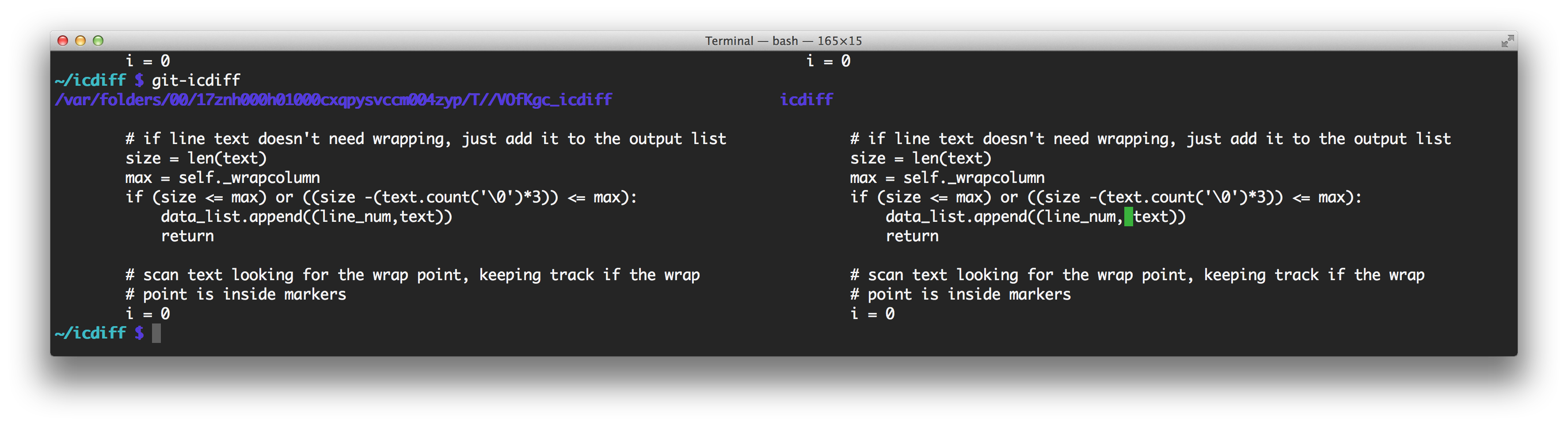
icdiff is doing a side-by-side diff, and it's only coloring the changed sections of lines: http://www.jefftk.com/icdiff-side-by-side-2x.png
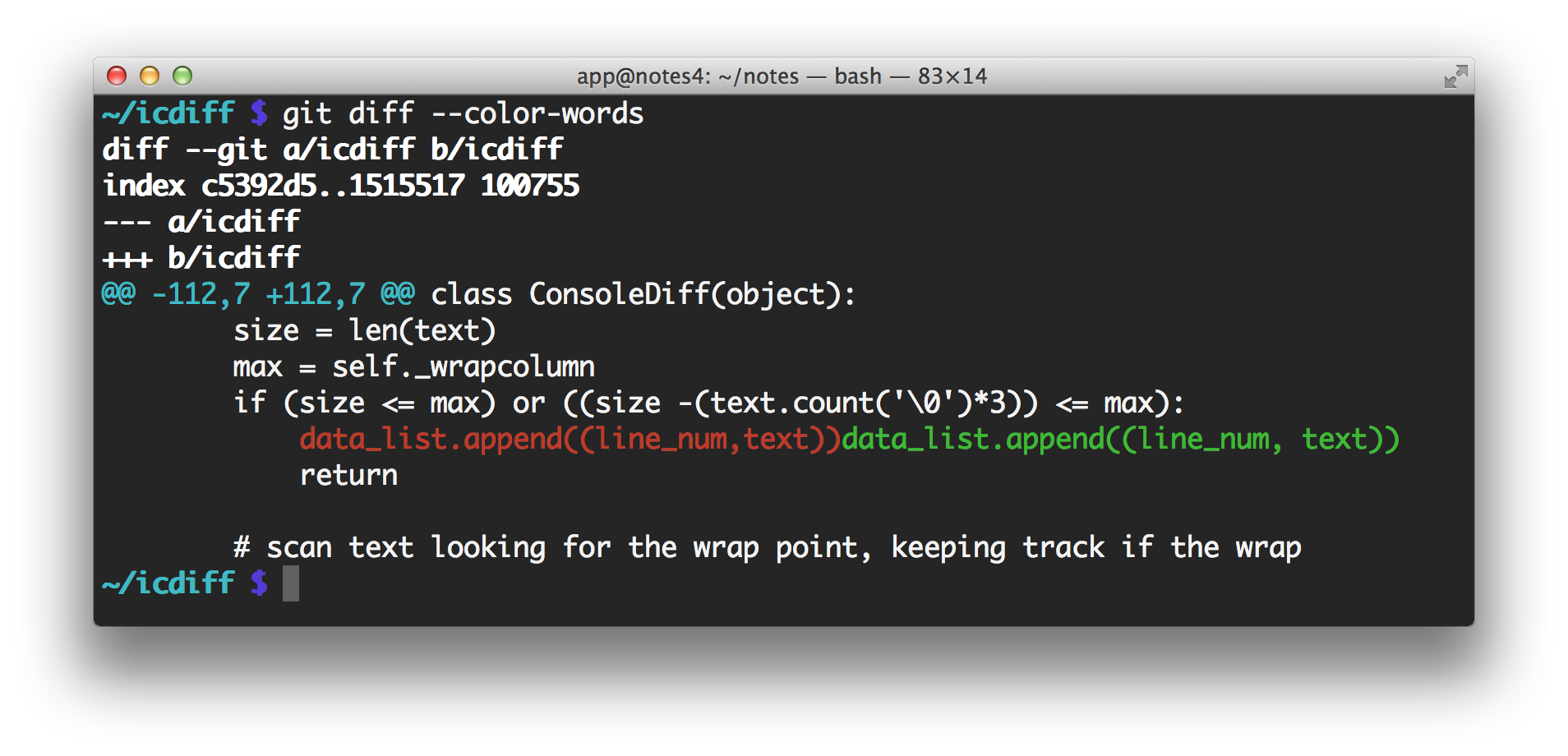
Example: http://i.imgur.com/smubTnH.png
Example: http://i.imgur.com/smubTnH.png