Hacker News new | ask | show | jobs
by marksellers 3148 days ago
Maybe these are silly things to complain about with fellow techies, but the things that prevent me from switching to Firefox:

The menu bars are enormous even on a compact theme. Bigger than on Chrome. I only have so much vertical space to spare.

When opening a new window, the address bar isn't the first thing to receive focus, unlike on Chrome. With Chrome, I just bang out WINKEY + C + H + R + ENTER + part of query + ENTER and I'm pretty much there

10 comments

https://i.imgur.com/hWl9YR8.png

A screenshot from my screen just now, running FF58 and Chrome side by side. Firefox's menu bar is smaller.

This is a bit misleading. When you maximize Chrome's window the space above the tabs disappears, making Chrome's footprint smaller than that of Firefox.

Though I still wonder why Chrome's menu bar enlarges when the window is not maximized.

Edit: A screenshot: https://i.imgur.com/yabXSEz.png

You're not on the most compact density though. That circle around the back button only appears on the "Normal" and "Touch" densities.

Right click the menu bar, hit "Customize", and you can change the density to "Compact" under the density dropdown at the bottom.

Hey, I didn't know about that. That's great actually! Thanks.

Though this doesn't help with the 'feeling' for new users, as the normal setting is a default.

I wondered the same thing a while ago and I would think this is to ease dragging the window with the mouse, which you may want to do easily when the window is not maximized.

I'd really like Firefox on Linux to hide the window title bar (at least when maximized) and put the close / maximize / reduce buttons in the tab bar (or make it an option). The tab bar does already allow one to move the window, at least on KDE. Then, Firefox could adopt the same kind of behavior as Chrome for this.

I still think Safari has the best implementation of any browser. Coincidentally this (maximizing) is also why bottom tabs is a much saner choice.

Normal window: https://i.imgur.com/WMfJMPC.png

Fullscreen: https://i.imgur.com/4iVPNzQ.png

Fullscreen with mouse at top of screen: https://i.imgur.com/hjC7Qgk.png

There is a Firefox legacy extension that does just this. Hide Caption Bar Plus. It might not work with this new Firefox as he APIs to control the UI are not exposed as they once were. I use it all the time on my laptops
Last mont Fedora had a release in which you could use CSD to merge the title and the tab bars. You only had to set a variable(maybe widget.allow-client-side-decoration?) in about:config to true. They took that option away because some bugs but it may arrive for the next firefox release.

Here is how it looks like https://twitter.com/Sesivany/status/908628645299748865

This is great. I didn't expect this to happen so soon.

When we will have this and pixel-perfect scrolling enabled by default, the Firefox UI will be close to ideal for me.

To get pixel scrolling now, the solution is easy:

  #!/usr/bin/env sh
  MOZ_USE_XINPUT2=1 exec /usr/bin/firefox "$@"
On debian with gnome, installing "maximus" package should hide title bar when maximized, works well here !
Thanks for the tip. I didn't know maximus. Actually, kwin does allow writing rules that do exactly that. However, this removes window management buttons, which I don't use often but do like to have. Extensions did that but are not compatible anymore ans never really had an integrated look. I recognize this is mostly feelings though
Amusingly, it seems neither you nor the grandparent comment have the interface set to `compact`.
True. I didn't know that that setting exists. That could be part of the problem, ofcourse.
Ah, well, when you Google for "smaller firefox [interface/menus]" you just get results like:

"How to make the menus in Firefox larger" (no thanks)

"How to install a compact theme in Firefox" (which doesn't really help)

Thanks though! Between your response and notes on how much more responsive the new FF is, I'll give it yet another shot. :)

> When you maximize Chrome's window the space above the tabs disappears, making Chrome's footprint smaller than that of Firefox.

Firefox does the same thing. You can also choose whether you want "drag space" or not on non-maximized windows, or even an old-fashioned title bar. It's all in the customize option (where you can also switch to the compact theme).

FF takes up less UI space than Chrome, when the compact theme is used.

As sibling said: Change the tab 'density' in Firefox from 'normal' to 'compact' under Customize > Density (at bottom).
Maximized browsers on wide screen monitors aren't very usable though, you end up with loads of pointless whitespace. The browser works best with a roughly square viewport on 1080p, or tending towards portrait on 1440p.
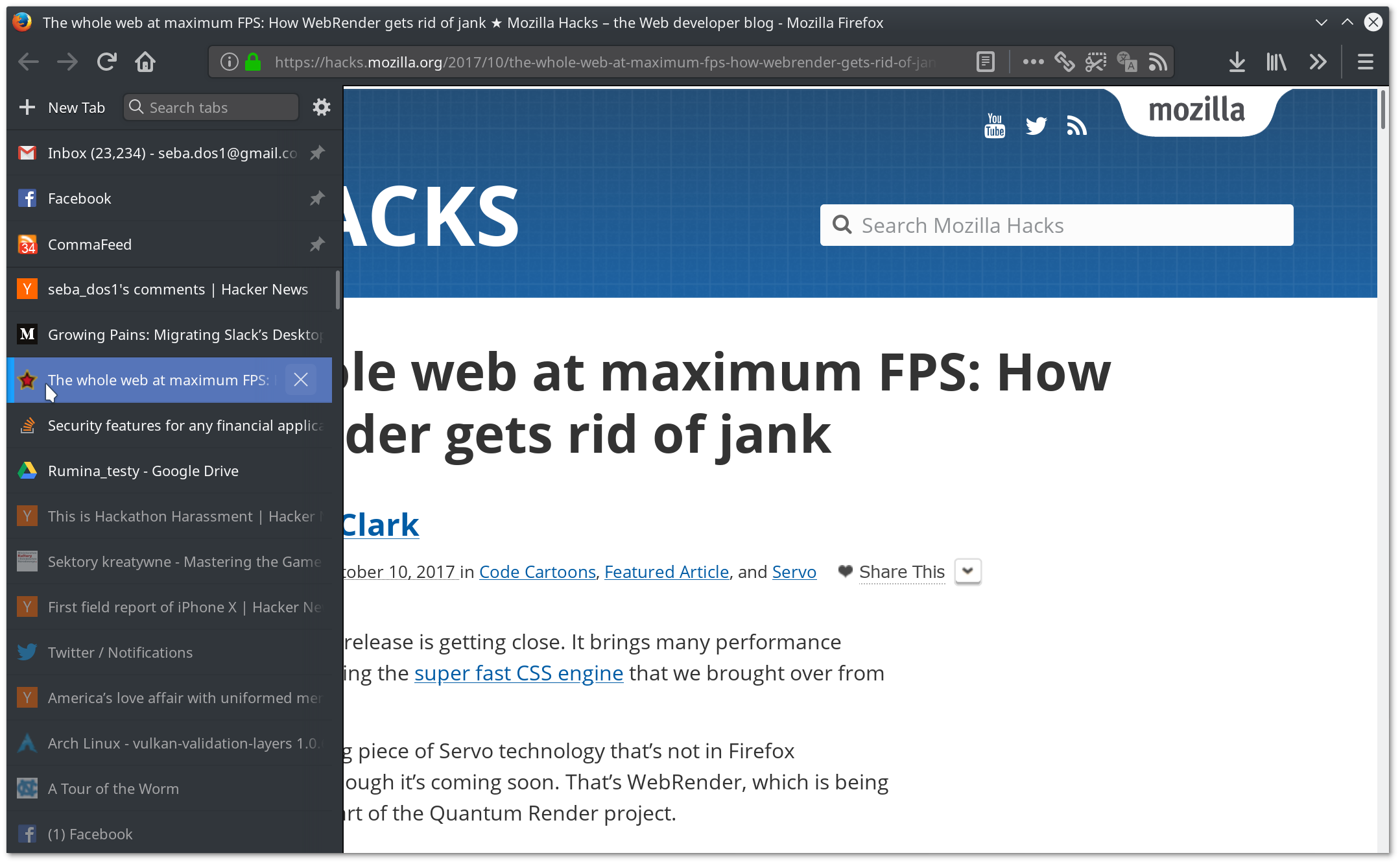
Good reason to use Firefox then, and its ability to have side tabs:

https://imgur.com/a/L9plD

Oh, absolutely. It seemed that I would have to say goodbye to Tab Center with 57 and was very unhappy with it, but thankfully it turned out that I was able to make it even better than before. userChrome.css rocks :)

https://dosowisko.net/Screenshot_20171030_203716.png https://dosowisko.net/Screenshot_20171030_203804.png

how did you get there? I installed treestyle on ff57 and top tabs are still there, in addition to vertical tabs
1. Navigate to your profile folder [1].

2. cd chrome or create the directory if it isn't there

3. Inside chrome, open userChrome.css or create it if it isn't there

4. Paste the following:

  @namespace url("http://www.mozilla.org/keymaster/gatekeeper/there.is.only.xul");
  
  /* to hide the native tabs */
  #TabsToolbar {
      visibility: collapse;
  }
  
  /* to hide the sidebar header */
  #sidebar-header {
      visibility: collapse;
  }

5. Restart Firefox

---

1. http://kb.mozillazine.org/Profile_folder_-_Firefox#Navigatin...

It's probably a subjective proportion thing. Pure metrics aren't necessary what people "measure", maybe the border above tabs is not seen as wasted space. Same for perf, Firefox might be faster in tests, but chrome has an overall feel of speed is "better".
Certainly not the case as far as opening new tabs goes on my machine, an 1.9Ghz with 4Gb RAM. Firefox opens the new tab instantly while Chrome has a noticeable delay. The same with closing tabs, especially heavy ones. Also Chrome takes just a little bit longer to start than the latest Firefox, although I didn't actually measure this.

I think the general perception that Chrome is fast is more a group-think at this point, fostered by a few years of sub-par Firefox performance combined with aggressive Google marketing. There's no real difference since the last few versions of Firefox vs. Chrome.

Trust me, I use "old" core 2 machines, right now on a 1st gen i5 and I regularly cringe at firefox, whenever I run chrome, something lifts off my mind.

I don't charge firefox, it was resetted non long ago, ublock origin and containers (I removed youtube extensions and the likes). Still twitter hungs enough for me to feel annoyed.

I'm not a speed addict, I even love slowness when done right [1], but I rate firefox nightly a little below chrome (stable or canary) at that point.

[1] I use an HP48 calculator, the thing was slower in terms of UI than all its competition but it was such a nice ux design you rarely care about it.

Did you try firefox quantum? I am also using an "old" machine, first gen i7 mobile processor. Firefox (pre-quantum) was slow for me on windows so I switched to Chrome. But firefox quantum was equally fast if not faster.

Now, I am using firefox 56 on OpenBSD, and it is really really smooth.

I assumed Quantum was in Nightly (58) isn't it ?
Thanks! Hadn't tried on Windows.
This is from pre-57 versions, right? I'm on 58 and it is much smaller than that.
> running FF58
Re: vertical space Oh you sweet sweet summer child (i kid)

Vertical tabs are the way to go. I use Tree Style Tabs (https://addons.mozilla.org/en-US/firefox/addon/tree-style-ta...) and there is also Tab center, but the experiment has ended (https://testpilot.firefox.com/experiments/tab-center/). You gain a whole tab height in space and only lose a constant amount of horizontal space.

I manage a world where you can read the title of your tab as you open more. Long gone is the world your curiosity is punished! And the in the tree case, you can track where your tabs came from!

But I also need the horizontal space! I very often tile windows side by side to allow developing while seeing the results, or while reading documentation.

Maybe I'm just picky. I don't know. Chrome does the job pretty well though, even with the bookmarks bar turned on.

A vertical tabs bar would make it impossible to use many sites, like GitHub.

> A vertical tabs bar would make it impossible to use many sites, like GitHub.

I use vertical tabs exclusively (for many, many years), and GitHub constantly. No problems whatsoever.

GitHub already deals with a window of half screenwidth poorly, as in requiring horizontal scrolling to see things. That's what I meant.
Win tree style tabs you can autohide. Indo that to reduce distractions
Looks like in Firefox v56 you need to change the start page to "blank" in the preferences (edit: to get the address bar focused after opening a window).

However in current Nightly (which is on v58) the input focus goes straight to the address bar, even in the default settings, so looks like more users complained ;)

I'm just using Ctrl-L to focus the address bar, works on all operating systems and browsers.

Alt +D. Left hand friendly :)
Opens the File (german: Datei) menu with German Firefox.
Didn't know that. It's handy. Thank you :)
F6 works as well in all OS's I've used (Linux Mint and Windows).
On Firefox 57 that is indeed solved.
Are you running Linux by any chance? For some reason, huge paddings are now very popular in GTK applications with... the result you mention. All GTK3 applications seem to have huge widgets for me, even with compact themes. Frankly, I stopped trying to solve this.
Manjaro Cinnamon. I love everything else about it.
> When opening a new window, the address bar isn't the first thing to receive focus, unlike on Chrome.

Do you have a non-default home page? I can reproduce the problem with Firefox 58 on Windows 10 in my regular user profile but not a brand new profile. My regular user profile had a non-default home page URL.

I'm not sure what the focus behavior should be in that case. If you set your home page to a website, would you still want the address bar to have focus?

Ah, well, the default that comes on the distro was the culprit there. Fixed now. Thanks!
I don't know if it will work in the new version, but you might be able to customize that with CSS:

https://support.mozilla.org/en-US/questions/959205

> The menu bars are enormous even on a compact theme. Bigger than on Chrome. I only have so much vertical space to spare.

This is what I get on OSX, latest Chrome v FDE Compact: https://i.imgur.com/TA62OAN.png

Can you provide a link to that Firefox theme? I searched "FDE Compact" in mozilla themes and couldn't find what you appear to be using.
FDE is presumably Firefox Developer Edition. What you get by downloading from https://www.mozilla.org/en-US/firefox/developer/

"Compact" is the built-in compact styling. Right-click (or otherwise context-click) on the toolbar, select "Customize.." and near the bottom there is a "Density" selector that you can set to "Compact". Note that this is somewhat independent of the color scheme used.

I'm pretty sure that the "Compact" layout is available in beta 57 as well, not just developer edition. It's not in release 56, though; it was added for 57.

> FDE is presumably Firefox Developer Edition.

> "Compact" is the built-in compact styling.

Yes and yes

> When opening a new window, the address bar isn't the first thing to receive focus, unlike on Chrome. With Chrome, I just bang out WINKEY + C + H + R + ENTER + part of query + ENTER and I'm pretty much there

This works for me with firefox 58/windows 10

I just tested Windows and OSX, when opening new tabs and windows the address bar gets focus
I guess it's just Linux then. Ah well, I hope you enjoy it anyway. I'm still going to donate to Mozilla at the end of the year. If nothing else, competition is great and their documentation is amazing.
What is Win + C + H + R? Is that just Win + R?
It's for searching by app name. Chrome will show up as the best match
Pressing and releasing the Windows-Key will open up the menu and then he types in "Chr" to search for Chrome.

Took me a moment, too...