Hacker News new | ask | show | jobs
by ho_schi 840 days ago
These are good news! I think this was a tough ride for the Gtk developers. Thanks!

Background:

https://gitlab.gnome.org/GNOME/gtk/-/merge_requests/6190

Basically gtk-hint-font-metrics=1 was needed with Gtk4 on non-HiDPI displays to get crisp text. Thanks to the change from 6190 above it is already automatically applied, when appropriate depending on which display is used. Mixed setups with multiple displays are common and Gtk4 cares about. The whole topic caused a heated issue before - because it depends on your own vision, taste and hardware.

Apple avoids trouble and work by always using HiDPI displays. Attach a MacMini to a non-HiDPI display and you could recognize that the font rendering is awkward.

4 comments

Apple also avoids the issue by always working with integer scale in software. For a fractional scale, it is downscaled by hardware. They also do not have exact percentage scale (for example: their 175% is actually 177.7778%, because it better allocates the pixels, i.e. use 8 pixel block on the display for each 9 pixels in framebuffer).
> Apple avoids trouble and work by always using HiDPI displays. Attach a MacMini to a non-HiDPI display and you could recognize that the font rendering is awkward.

You may personally find the output awkward, but typographers will disagree. They didn't always have high density displays. They did always have superior type rendering, with output more closely matching the underlying design. Hinting was used, but they didn't clobber the shapes to fit the pixel grid like Microsoft did.

I feel like youre arguing a different point here. I agree with the other person that hooking a macOS machine to a non-HiDPI monitor makes for an awkward (Id call downright bad) font experience, due to them having removed subpixel anti aliasing a few versions ago. It was so jarring to me that I took closeup pictures of the pixels, and they were all rendered really badly on a 1440p screen, to a degree that you can't claim that typographers would disagree. https://news.ycombinator.com/item?id=17476873
I agree that there's substantial qualitative difference between sub-pixel antialiased text and the plain render. The former takes advantage of greater lateral resolution and perceptual differences between the primary colors. That said, I wouldn't consider the absence of that technique jarring. I intentionally change bright-on-dark text to greyscale antialiasing[1], to counter the halation[2]. All the links to images in the thread and the Reddit post you linked are dead, so I can't see how the text rendered for you. Did you by any chance experience this on a MacBook connected to an external monitor, where you had the system set up to render type better on the built in screen[3]? Your point holds though, they don't optimize for 3rd party hardware. I was a bit quick to jump in, thinking you were referring to the difference between their flavour of sub-pixel antialiasing and Microsoft's ClearType[4].

[1] https://srdjan.si [2] https://bootcamp.uxdesign.cc/why-dark-mode-isnt-a-ux-panacea... [3] https://cdn.osxdaily.com/wp-content/uploads/2018/09/font-smo... [4] https://damieng.com/blog/2007/06/13/font-rendering-philosoph...

Both variants had their fans and anti-fans. Apple rendering was shape-preserving but blurry, Microsoft's shape-deforming but crisp.

I personally like the Apple rendering, but I realize that many people around me don't. In the end, it is subjective.

There's more than two variants that you can be a fan of. I for one find both cases that you describe blurry, and can only stand truly clean, non-rescalable bitmap fonts.
Do you know, that with a good font (properly hinted, or with good autohinter), you can have identical results as with bitmap fonts? Antialiasing is not mandatory for scaled fonts, and snapping to grid is the raison d'etre of hinting.

If anything, bitmap fonts on older/crt monitors were as fuzzy as the scaled ones, and on lcds, too jagged, so that hunted their readability. For me, enabling antialiasing actually improved their appearance.

But then, I always disliked the X11 bitmap fonts as ugly; the Microsoft's MS Sans Serif was about the only bitmap font I could tolerate (nowadays, it is truetype too).

It's pretty unreadable when the font size becomes small enough on a non-HiDPI display. It's a usability issue.
> Attach a MacMini to a non-HiDPI display and you could recognize that the font rendering is awkward.

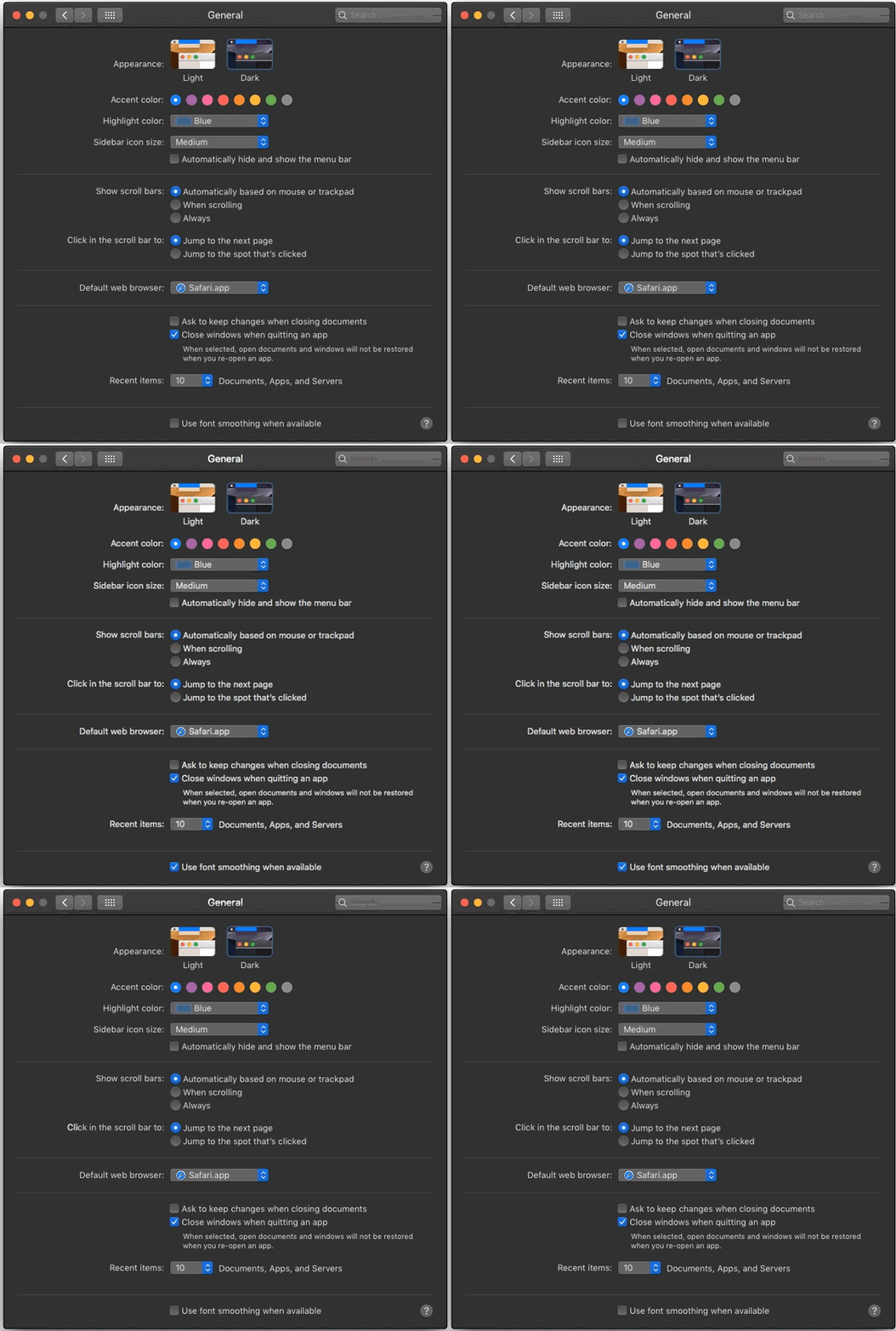
Ironically for "always expose relevant options through system settings" Apple, you can still access font smoothing via command line, e.g. "defaults -currentHost write -g AppleFontSmoothing -int 3". You can use 0-3 where 0 disables it (default) and 3 uses "strong" hinting, with 1 and 2 in between.

That option used to have a UI selection back in Leopard! I have no idea why they removed it in Snow Leopard but left the functionality there.
Nit: the option does not hint, it emboldens text, as in, smears it a bit to make it appear thicker. And I think the default is actually 2?
Well whatever it does, I actually prefer it to hinting and always have. Whatever happens on linux makes the fonts look too thin for my personal taste.

Regardless, I hope everyone agrees that hi dpi + no hinting (or smearing) looks the best.

If hinting makes the fonts "too thin", your display gamma is probably misconfigured. That kind of artifact is a common side-effect of graphical operations being performed in the wrong gamma space.
I don't see how that would affect a screenshot—the difference is clearly visible in screenshots. Furthermore the differences between Mac, Linux, and Window font rendering are widely discussed on the internet. I think I just prefer the way that Apple chose to render fonts.

This blog post seems to lay out the tradeoff between, at least, Windows and Mac font rendering: https://blog.typekit.com/2010/10/15/type-rendering-operating...

Yes, there is an issue with freetype where the gamma is different between otf and ttf fonts. otf will apply the gamma automatically, but for ttf you have to force stem darkening at the current time.
i always disliked hinting aswell, but thankfully one can just disable hinting on linux, and then fonts actually look fairly similar to what osx did(~10-15 years ago)
Full hinting is a must-have if you turn AA off and use fonts that were designed to be hinted to a pixel grid.

Fonts have several distinct periods where they were designed expecting that renderers would function a certain way. File format notwithstanding, one size does not fit all. You really do need to match your font to your renderer's settings.

You can also match your renderer's settings to your font, and have it different for different fonts, via fontconfig. But actually using that is pretty advanced.
that may well be, but for me, I choose no hinting, with AA activated, and if a font does not look good, I simply do not use it.

IF i specifically REALLY wanted a font that required hinting to look good, I would make a special config for that particular font, but I would need some serious advantage to bother doing that

You're right -- the default is 2, not 3.

I find 1 is a reasonable compromise in practice. I think of it as simulating a little paper ink bleed.

Reading it up, heated issue is putting it midly. That was a complete shitshow, with two gnome devs - and one from redhat specifically - not accepting the obviously awful font rendering as an issue and continuinously insulting the reporters. God I hate those type of Foss devs.

And then on the other hand you have finally a seemingly great solution, despite their sabotage. So, yeah gnome?

Mmmh do you mean https://gitlab.gnome.org/GNOME/gtk/-/issues/3787 ? Because the mentioned MR [1] discussion seems calm?

[1] https://gitlab.gnome.org/GNOME/gtk/-/merge_requests/6190

Yes. The MR linked above is calm, but the mentioned background issue was not.
I read the post using Firefox on Windows, and even though I've been aware of the font rendering controversy for a while, I was actually shocked by just how huge the difference was between the crisp, properly rendered text in the article and the font rendering in the "before" screenshot.
Not surprising as the Firefox devs invested a lot of effort into high-quality, gamma-correct subpixel text rendering that worked well with hardware accelerated compositing. One of the reasons I stuck with it.

Reading through one of the GTK4 issue threads, it seems that one problem with early versions was an insufficient gamma correction strategy.

Yeah it's definitely an improvement, but even with the "after" screenshot I can't imagine voluntarily using this % scaled rendering. I'm going to turn into a bitmap font absolutist.
Bitmaps are great in terminal windows, but for apps like browsers where they can't be used easily, that's still fine because you can work around it.

Simply turn off anti-aliasing, and use a period-specific font that was designed for presentation without anti-aliasing such as the MS core truetype fonts (e.g. Verdana, Arial, etc.) It will look fine IF you have full hinting turned on.