Hacker News new | ask | show | jobs
by some1else 840 days ago
> Apple avoids trouble and work by always using HiDPI displays. Attach a MacMini to a non-HiDPI display and you could recognize that the font rendering is awkward.

You may personally find the output awkward, but typographers will disagree. They didn't always have high density displays. They did always have superior type rendering, with output more closely matching the underlying design. Hinting was used, but they didn't clobber the shapes to fit the pixel grid like Microsoft did.

3 comments

I feel like youre arguing a different point here. I agree with the other person that hooking a macOS machine to a non-HiDPI monitor makes for an awkward (Id call downright bad) font experience, due to them having removed subpixel anti aliasing a few versions ago. It was so jarring to me that I took closeup pictures of the pixels, and they were all rendered really badly on a 1440p screen, to a degree that you can't claim that typographers would disagree. https://news.ycombinator.com/item?id=17476873
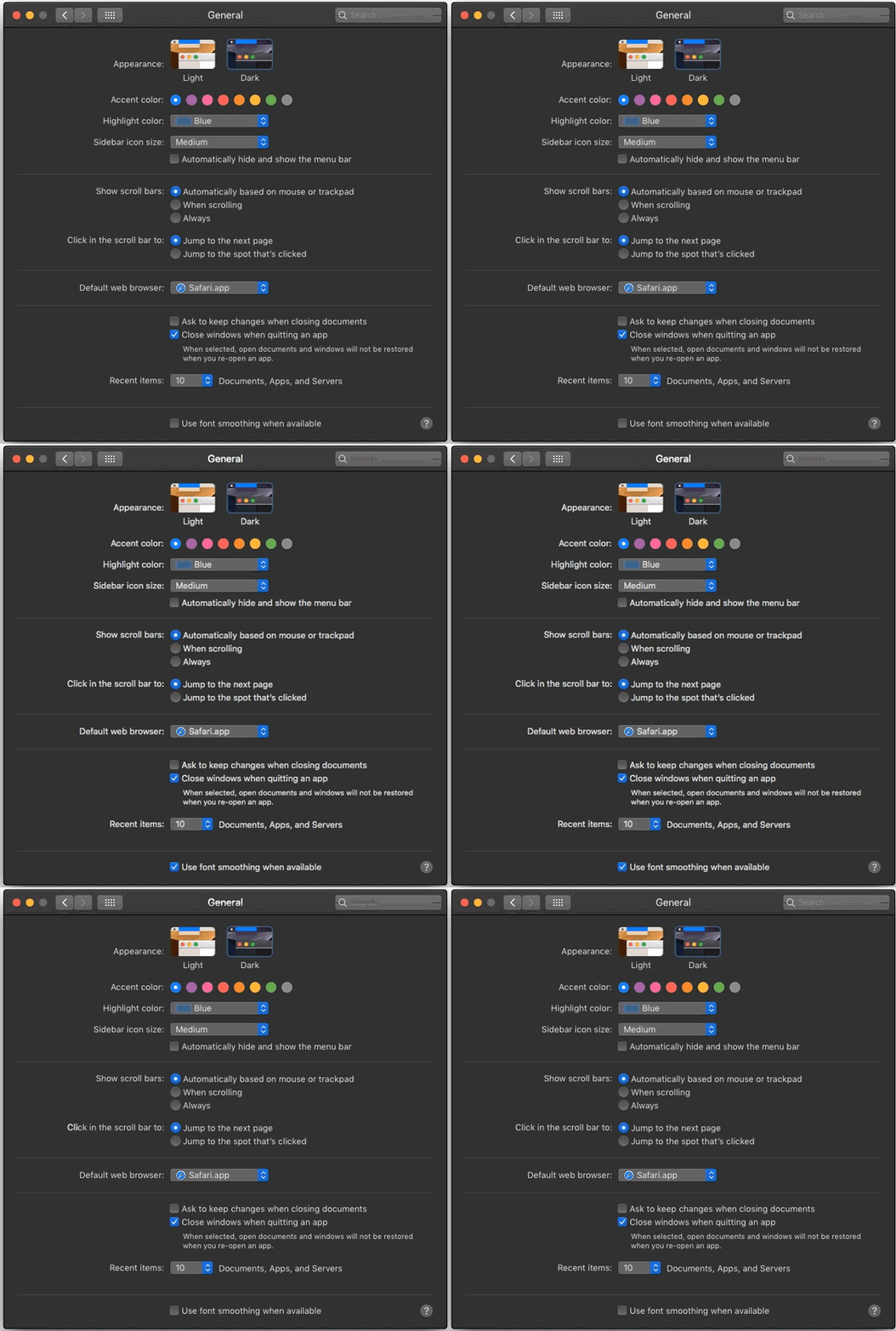
I agree that there's substantial qualitative difference between sub-pixel antialiased text and the plain render. The former takes advantage of greater lateral resolution and perceptual differences between the primary colors. That said, I wouldn't consider the absence of that technique jarring. I intentionally change bright-on-dark text to greyscale antialiasing[1], to counter the halation[2]. All the links to images in the thread and the Reddit post you linked are dead, so I can't see how the text rendered for you. Did you by any chance experience this on a MacBook connected to an external monitor, where you had the system set up to render type better on the built in screen[3]? Your point holds though, they don't optimize for 3rd party hardware. I was a bit quick to jump in, thinking you were referring to the difference between their flavour of sub-pixel antialiasing and Microsoft's ClearType[4].

[1] https://srdjan.si [2] https://bootcamp.uxdesign.cc/why-dark-mode-isnt-a-ux-panacea... [3] https://cdn.osxdaily.com/wp-content/uploads/2018/09/font-smo... [4] https://damieng.com/blog/2007/06/13/font-rendering-philosoph...

Both variants had their fans and anti-fans. Apple rendering was shape-preserving but blurry, Microsoft's shape-deforming but crisp.

I personally like the Apple rendering, but I realize that many people around me don't. In the end, it is subjective.

There's more than two variants that you can be a fan of. I for one find both cases that you describe blurry, and can only stand truly clean, non-rescalable bitmap fonts.
Do you know, that with a good font (properly hinted, or with good autohinter), you can have identical results as with bitmap fonts? Antialiasing is not mandatory for scaled fonts, and snapping to grid is the raison d'etre of hinting.

If anything, bitmap fonts on older/crt monitors were as fuzzy as the scaled ones, and on lcds, too jagged, so that hunted their readability. For me, enabling antialiasing actually improved their appearance.

But then, I always disliked the X11 bitmap fonts as ugly; the Microsoft's MS Sans Serif was about the only bitmap font I could tolerate (nowadays, it is truetype too).

It's pretty unreadable when the font size becomes small enough on a non-HiDPI display. It's a usability issue.