I've used Qt Creator only once or twice, but my memory (and the handful of screenshots I see on google image search) is that it's pretty much the same. An editor rectangle embedded in a bunch of other crap with way too much vertical space above and below it dedicated to things that aren't very important.
For reference, my emacs window has the gnome 3 panel and the window manager title bar as waste and that's it. And for years I ran a custom metacity theme which turned off the title bars entirely (haven't managed to port that to gnome shell yet).
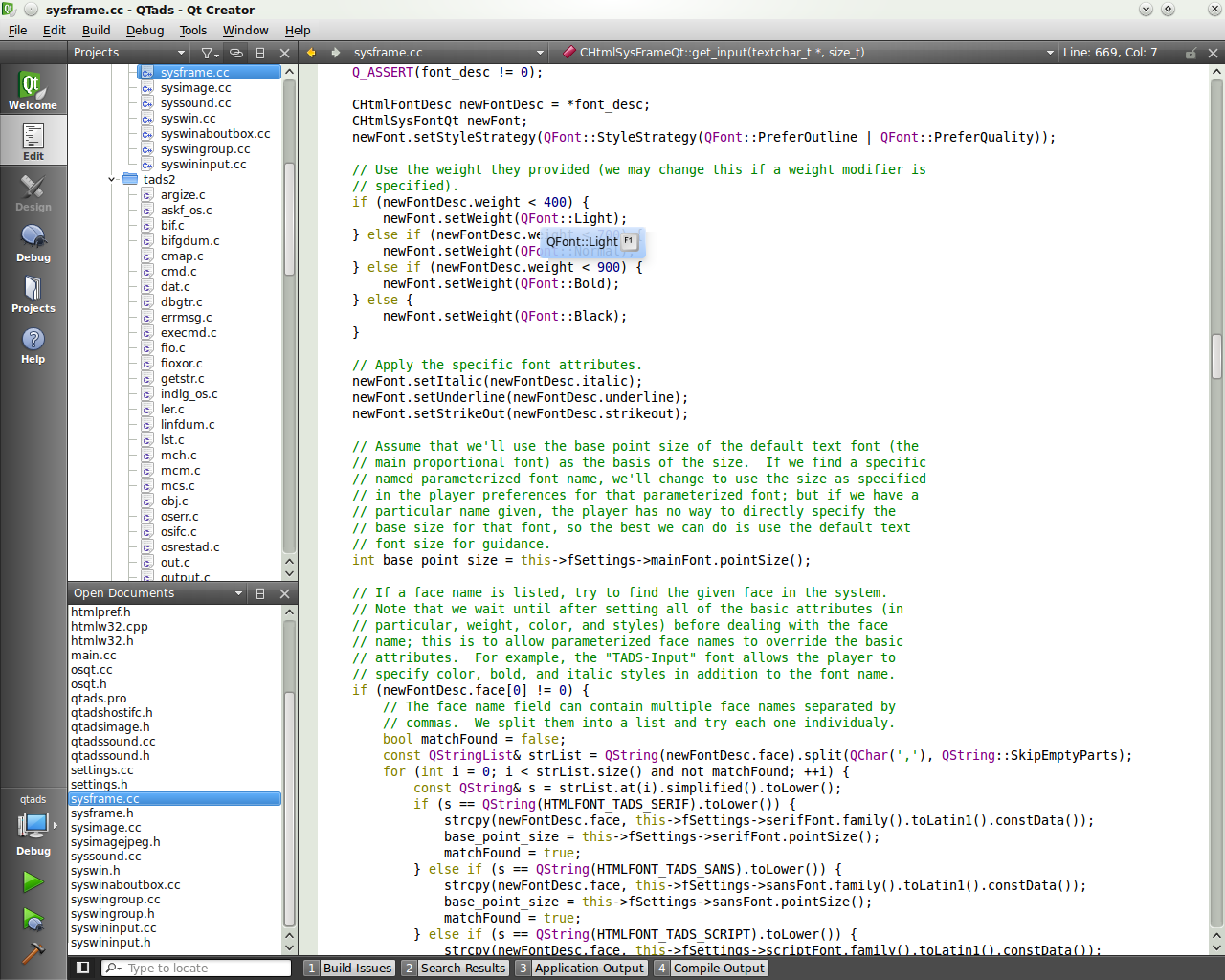
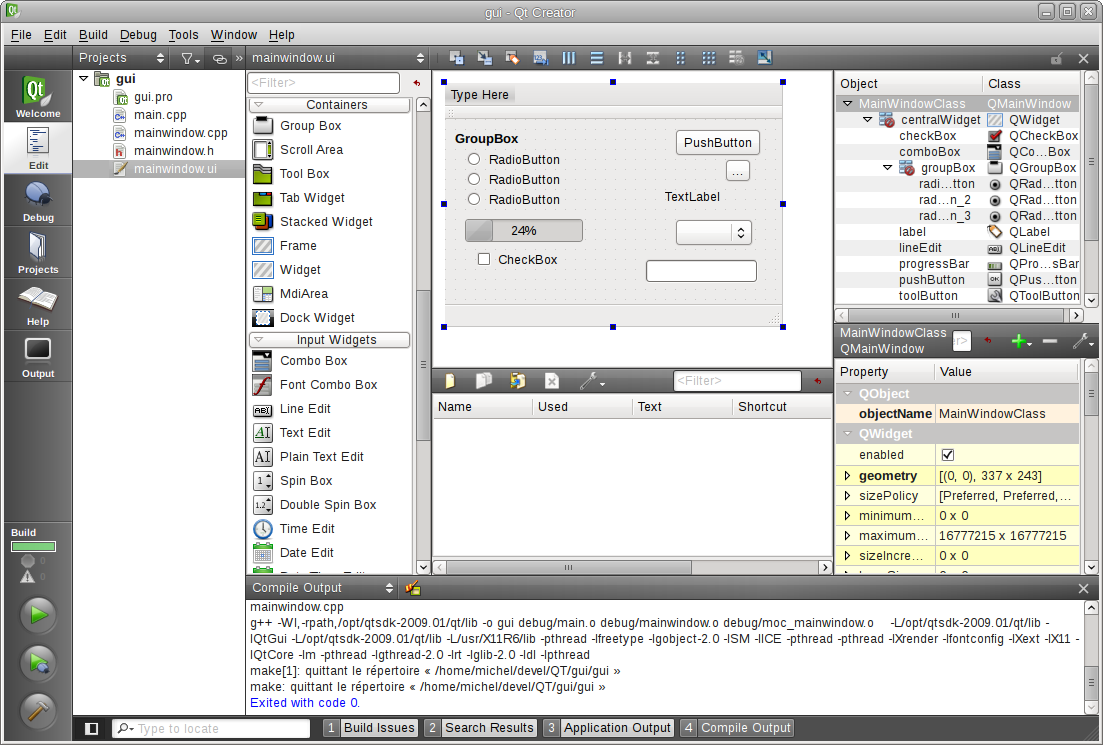
I think your recollection/search is incorrect. Qt Creator has a menu bar, navigation bar, and output selector etc. bar, all the height of a single line of text. There are no toolbars at all - none that can even be turned on. Much of the status and control interface is in a vertical bar on the left.
A typical session looks like this [1]. With the documentation window open, it looks like this [2]. The GUI designer looks like this [3] (there's also a second "designer" for Qt Quick). The debugger looks like this [4]. With the compile log/error log/search results window open, it looks like this [5]. About 80% of the time, when I use Qt Creator, especially if I'm not developing a GUI application (in which case I also use the designer), my screen looks like [1].
On the other hand, to my eyes at least, most other IDE's look something like this [6], [7] or very very extreme cases [8]. That is, they lose a lot of vertical space to tool bars.
When I'm developing on Linux and I'm not developing a Qt GUI application in C++, I use a mixture of text-mode vim, geany and gedit in a tiling window manager (that is, the "dock windows" in most IDEs are windows that I have tiled, or vim panels) with no window borders or decorations whatsoever [9].
Wait, what? You use four different editors? How can you stand that? How could you be good at any of them? I can barely type into a text field on a web page without pasting from emacs.
I don't use vim on windows. On linux, I use geany for Python code and plain text. Sometimes I also use gedit, but its rare. I use Qt Creator for all Qt development and for non-Qt C++ development if I'm not using linux.
So, most of the time I'm using Qt Creator, some of the time I use geany and the rest I use vim. I probably sholdn't have mentioned gedit as I really don't use it often. I'm planning on dumping geany in favour of vim next time I have to set up my development environment (basically when I get a new laptop, hopefully real soon) as I've been meaning to practice my vim skills for a while now. I was real good at it a few years ago, but then I got a little rusty, which is why I ended up using geany for python and plain text instead...
Actually, to be completely accurate, I use MPLAB too ;) I use it exclusively to program C for the PIC24 microcontrollers. I also used Notepad++ for AVR development a few months ago - if I had been developing on linux, I would have used vim, but I really dislike gvim, so do not use it on windows. I use MPLAB for PIC development because it integrates with the hardware programmer, the remote debugger and saves having to set up paths for a gcc thats not compatible with the one I use for desktop C++ development (though I plan on switching to clang, so I won't have any gcc clashes anymore then).



%20-%20Microsoft%20Visual%20Studio%20(Administrator)%20(5).png)


For reference, my emacs window has the gnome 3 panel and the window manager title bar as waste and that's it. And for years I ran a custom metacity theme which turned off the title bars entirely (haven't managed to port that to gnome shell yet).