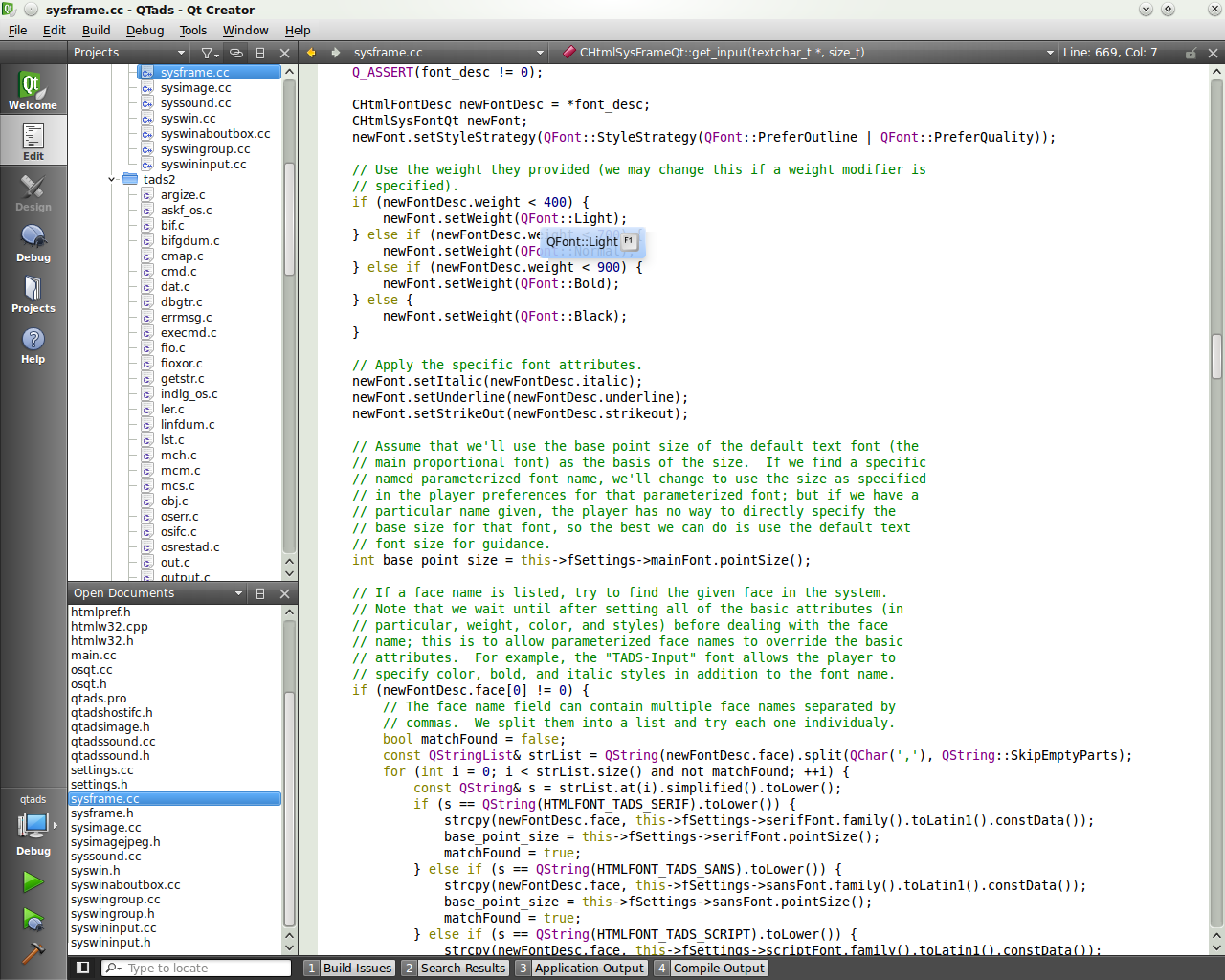
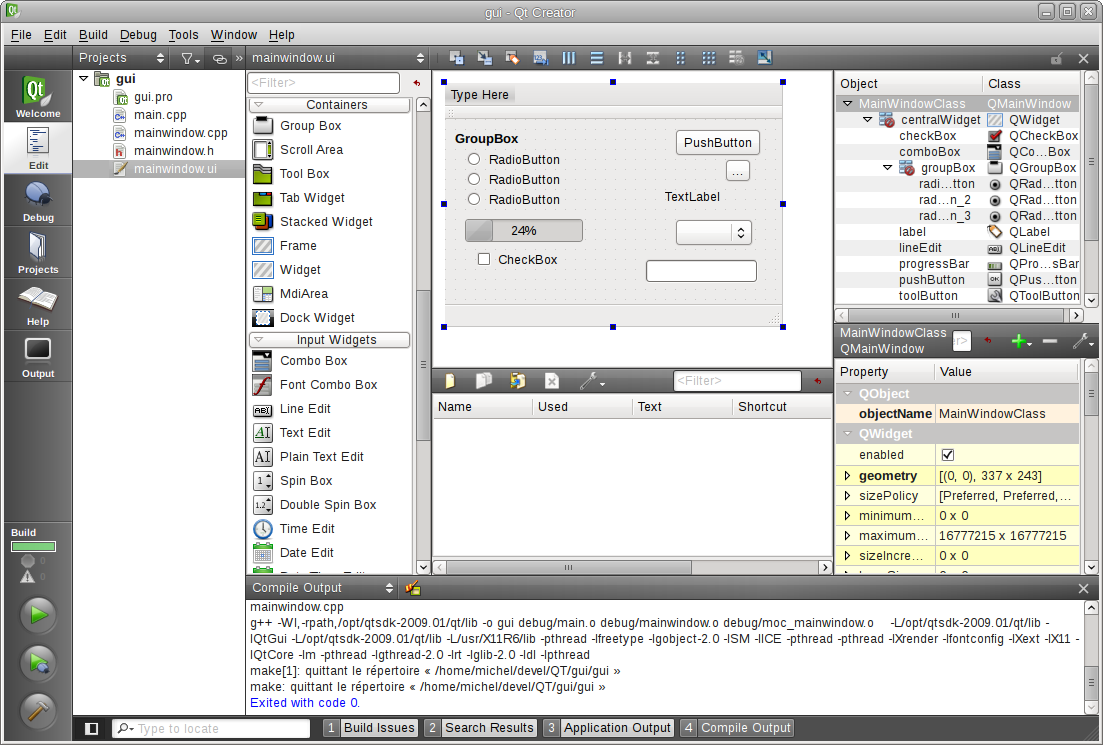
| A typical session looks like this [1]. With the documentation window open, it looks like this [2]. The GUI designer looks like this [3] (there's also a second "designer" for Qt Quick). The debugger looks like this [4]. With the compile log/error log/search results window open, it looks like this [5]. About 80% of the time, when I use Qt Creator, especially if I'm not developing a GUI application (in which case I also use the designer), my screen looks like [1]. On the other hand, to my eyes at least, most other IDE's look something like this [6], [7] or very very extreme cases [8]. That is, they lose a lot of vertical space to tool bars. When I'm developing on Linux and I'm not developing a Qt GUI application in C++, I use a mixture of text-mode vim, geany and gedit in a tiling window manager (that is, the "dock windows" in most IDEs are windows that I have tiled, or vim panels) with no window borders or decorations whatsoever [9]. [1] http://upload.wikimedia.org/wikipedia/commons/4/4d/QtCreator... [2] http://www.developer.nokia.com/Resources/Library/Porting_to_... [3] http://linux.leunen.com/wp-content/uploads/2009/03/qtcreator... [4] http://lists.qt.nokia.com/pipermail/qt-creator/attachments/2... [5] http://4.bp.blogspot.com/-teVIBJ45OEU/Twbi9_wQd_I/AAAAAAAAAY... [6] http://www.eclipse.org/screenshots/images/SDK-RedFlag_Linux.... [7] http://www.hanselman.com/blog/content/binary/WindowsLiveWrit... [8] http://swtswing.sourceforge.net/screenshots/images/EclipseMe... [9] Not my screenshot, but similar: http://static.milkbox.net/ss/ss-2009-05-06.png |



%20-%20Microsoft%20Visual%20Studio%20(Administrator)%20(5).png)

