Add in some lookup-tables from experimental nuclear interaction probability tables and you've got yourself a Monte Carlo radiation transport system capable of simulating in precise geometric detail all sorts of systems. This was indeed one of the early uses of computers back in the 1950s.
Wow, this is very similar to the way I use procedural 3D textures and displacement maps to draw planets and things. So much so that I don't even see the explosion, just a growing planet (really, just tweak the mapped color gradient a bit).
So much of 3D graphics is "hmm, this random thing I just made slightly resembles an $X". "OK, so let's say I just created a method for modeling $X." :-) Really fun stuff.
Despite the apparent variety, most 4k intros rely on a single effect, maybe two. There isn't enough space for more. The only things that change are the parameters.
Interestingly, the technique used here is signed distance field raymarching. A technique that is used by maybe 90% of all 4k intros today.
So basically, write the code in GLSL instead of C, add music, play a bit with the parameters, use a good exe packer like crinkler and you have a nice 4k intro.
The effects make the difference, besides artistic direction, so materials, blur (bokeh), the sdf geometries (often just mere balls and cubes, but perhaps a twister or a nice water surface or a fractal) just for starters. Just from my outside perspective.
That's really cool, in part because it's comforting to hear. :-) Sometimes I feel a bit guilty about how much variety can be had from abusing a single distance function + various texture maps, camera angles and focal settings, environment colors, etc.
The signed distance function also finds application in real physics simulations of fluids, where it goes under the name of "level set method". Ron Fedkiw, who's worked a lot on it, is one of very computational physicists who also holds an Academy Award. His homepage is very interesting:
Imgur doesn't work on the old iPod I was using while my phone charged. It never loads fully, but TBF I never upgrade iOS past 2 major versions. So iOS 7 and the first "plain" image host search result it is... :-)
It'd work if people just simply posted the direct image, so you don't have to load their massively bloated website. Then again a direct link wouldn't support them through their monitization methods (ads), but if I'm already running an ad blocker..
While I argued for Imgur over using the hosting site the parent to mine used with regards to intrusiveness of ads I should note something important about Imgur with regards to the bloat you mentioned.
The image subdomain servers of Imgur, i.imgur.com, look at the referer of your request and will conditionally redirect you to the web app.
Basically, direct links to images will only give you the image directly if the page you came from is on their whitelist.
Reddit is on said whitelist but I don’t think HN is.
And to further complicate the matter keep in mind that browser caching might make it look to you as though a direct link you posted somewhere is really direct, but to those who haven’t visited the image already they will be redirected the first time they visit that direct link.
For me it will look this direct link serves the image only, even when I click my own link in this comment after I’ve posted the comment and am visiting it with HN as referer.
But if HN is not on their whitelist then you and everyone else clicking the link in my comment will be redirected to their web app, provided you didn’t happen to have the image in your cache already.
Edit: Yup, visited the link in this comment from another computer and am indeed redirected as I expected.
Edit 2: Am also redirected even on the device I posted from when following the link in my comment. So even browser caching didn’t stop that in this case.
What's weird is, I'm pretty sure I originally posted the "direct" image link that PostImage provided, among the options given post-upload. When I tested the link from HN, I just saw the image on Safari's black background. But minutes later I tested the same link here at HN and saw the image buried in a page of ads.
I wonder if they have some kind of "hey, non-members get a limited number of directs" policy.
As pretty as this is I recommend reading all of his tutorial. Lots of it is old stuff that most of you will have seen takes on before, but he's got some great angles and insights hidden in each post.
Really well written. The other articles in the series on computer graphics are excellent too. The use of GitHub to show diffs of each step is quite effective.
Git can show you the diff of any commit as well, though I guess maybe the interactivity you mentioned is important.
Anyhow, with just git.
Diff of most recent commit:
git show HEAD
Diff of preceding commit:
git show HEAD^
Diff of commit before that again
git show HEAD^^
Of course you don’t want to type ^ 200 times. Fortunately you don’t have to. Diff of commit three steps back before most recent:
git show HEAD~3
Or you can look at the log first
git log
And find a specific commit and then use the first few characters of the id of that commit, e.g.
git show af4c
And of course I would be remiss to not mention
git diff
And
git diff --cached
These two show you unstaged and staged changes before you commit. I use these commands all the time. So much that they are two of the commands I have created very short two-letter aliases for in my .bashrc
Inigo Quilez created that site, he could be said to have been the one who really popularised it all. He has a bunch of articles on his site about distance fields:
I ported this [1], as well as ssloy's previous [2] article that was featured recently in HN, in Golang.
I wanted to say he's an excellent introduction to graphics. As a sysadmin, I had never drawn more than simple lines and the whole thing seemed daunting. Now I see how fun it can be, and I'm waiting for next weekend to pick up some more!
This is amazing, thanks for sharing! One particularity of fire is that it does not generate shadows, while smoke does (might be useful for more realistic effects):
I suppose this shows a bit of a sickness inside me, because I have a strong aversion against reading these articles because of my pure distaste for C++, which is stupid because this article is great.
Still, it's hard for me to not want to create a series of blog posts under the title "All those cool graphics tutorials in <language I like better>".
reminds me of a patch to MacOS WindowMgr that made an explosion when you closed the window.. didnt win MacHack i n Ann Arbor MI that year but it was fun..
I saw the openmp pragma and thought to myself "neat! should be fun to watch the cores work hard at this" and went ahead and compiled and run it and smiled at the 400% cpu usage in top.
    $ time ./tinykaboom
    ./tinykaboom  78.08s user 0.02s system 369% cpu 21.159 total
Then I wondered how it would fare if I were to port it to Go and went ahead and hastily did port to Go and thought that, "hmmm this should run a bit slower than the c++ version" but surprisingly it ran more than twice faster:
    $ go build ./tinykaboom.go
    $ time ./tinykaboom
    ./tinykaboom  34.32s user 0.03s system 368% cpu 9.315 total
There are a few potential improvements here:
1) Use a look up table for 'sin' rather than using 'std::sin'.
2) Tell the compiler what instruction sets to use; for example, tell GCC to use 'skylake' instructions (https://gcc.gnu.org/onlinedocs/gcc-6.2.0/gcc/x86-Options.htm...).
3) Many of the functions could be 'inline constexpr'.
4) Although 'ofs <<' is buffered, it can still be very slow. Create the output in memory and use a lower level function like 'fwrite' to write it to file.
5) Use 'std::thread' or 'std::async'. It makes the multi-threading more portable and clear.
Weird result. I guess it makes sense that it could use twice as much CPU to finish in half the time but looking at the numbers doesn't feel intuitive.
I wonder how many shaders this would keep busy. There is probably a class of GPUs and above that this could work on rather well alongside an already large workload.
I was willing to criticize the line count if it had a bunch of dependencies, but 180 lines seems accurate and I'll give a pass to the obligatory core C++ include statements
The OP's 180 lines of C++ could be rewritten to similar count of lines in HLSL or GLSL. The resulting code would render in realtime while also consuming less electricity.
Indeed, I don't see why people like this. In modern world, doing graphics on CPU is very inefficient.
You miss the point. The point is not doing it efficiently, but explaining the concepts without being distracted by getting it running on specific hardware and the like. Read the introduction to the overall series.
Have you read the linked article? It says "I want to have a simple stuff applicable to video games."
> without being distracted by getting it running on specific hardware
Just target Windows and use Direct3D, 99% of PC game developers do just that. The last GPU that didn't support D3D feature level 11.0 was intel sandy bridge from 2011. Everything newer then that supports 11.0, and unlike OpenGL with it's extensions, the majority of features are mandatory. Very rarely I saw compatibility issues across GPUs in recent years, and when I did it was a driver bug.
The algorithm is applicable to video games. As you yourself point out it'd not be a lot of effort to rewrite. I suggest you read the very next paragraph, which ends:
> I do not pursue speed/optimization at all, my goal is to show the underlying principles.
...
> Just target Windows and use Direct3D, 99% of PC game developers do just that.
Misses the point of the series. From the introduction (linked at the top of the page):
> I do not want to show how to write applications for OpenGL. I want to show how OpenGL works. I am deeply convinced that it is impossible to write efficient applications using 3D libraries without understanding this.
The exact same could be said for Direct3D. He gives his students a class to read/write TGA images and set pixels for that article, which should make it exceedingly clear that the point is to ensure the focus is the algorithm and no irrelevant details to teach the principles without people being sidelined by worrying about libraries, and differences between platforms and the like.
And in any case, I explained to you what the appeal of this to people here is. That you think it could be done differently does not change that the appeal to people is exactly that there are no dependencies like Direct3D or Windows or anything else (I don't have Windows anywhere, so for me that would have made it relatively uninteresting; as it would for a lot of other people here). I don't care about the performance; I care about the concepts.
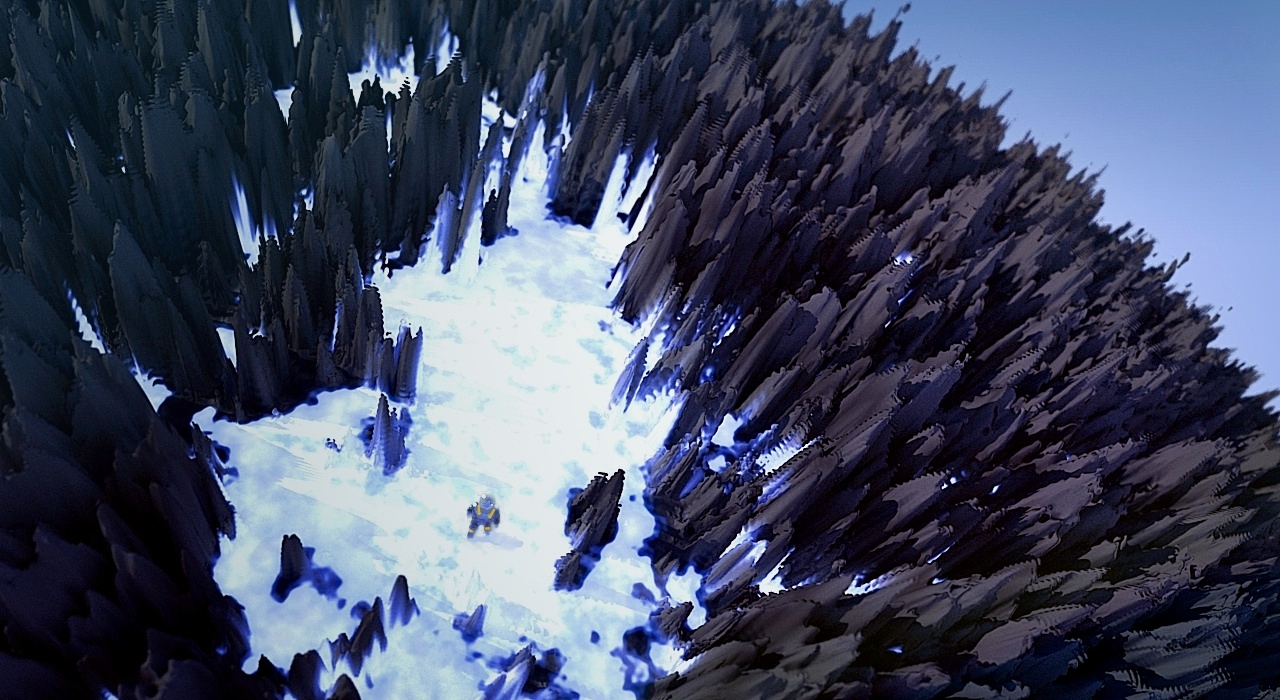

For example: https://en.wikipedia.org/wiki/Monte_Carlo_N-Particle_Transpo...