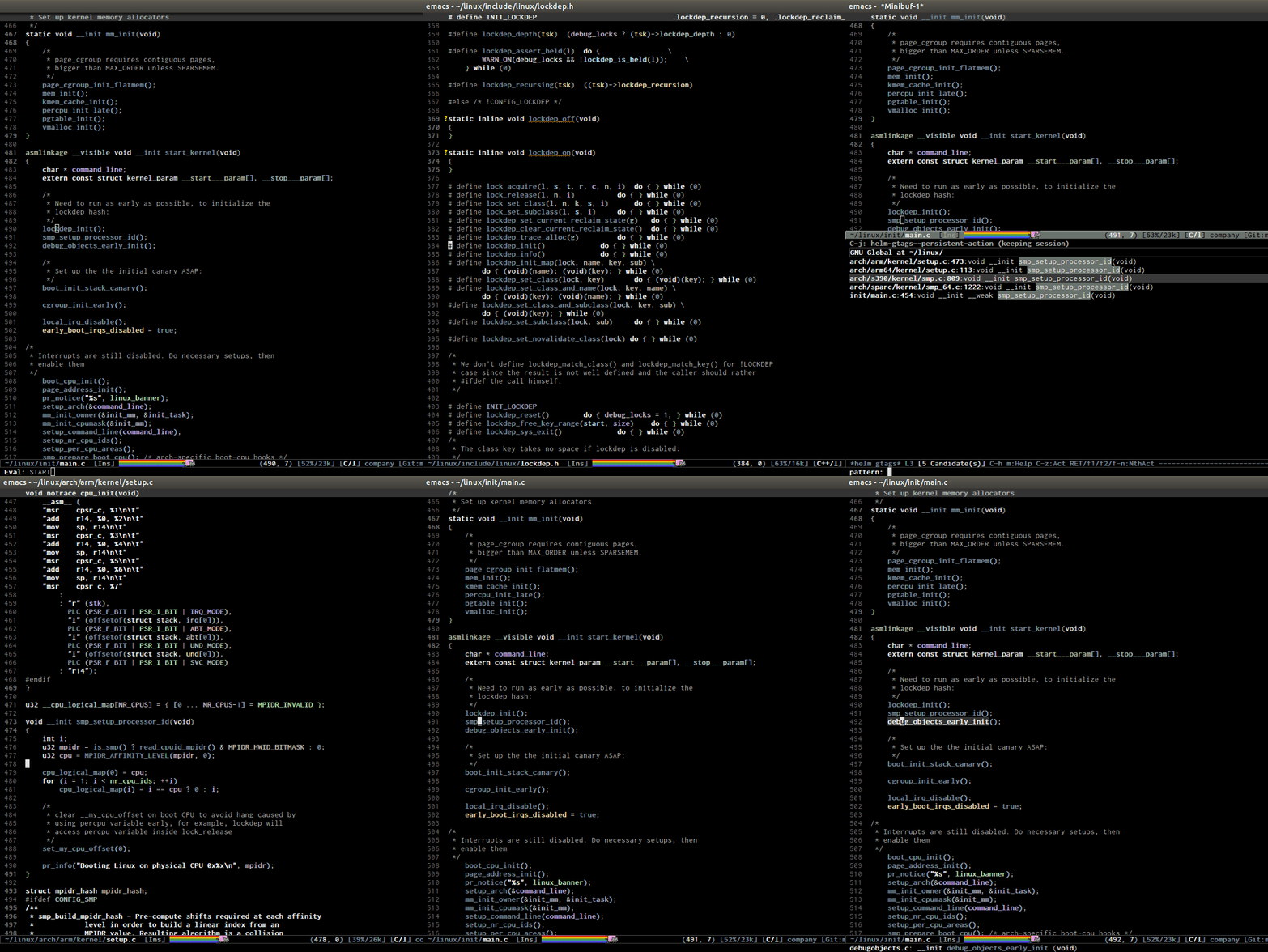
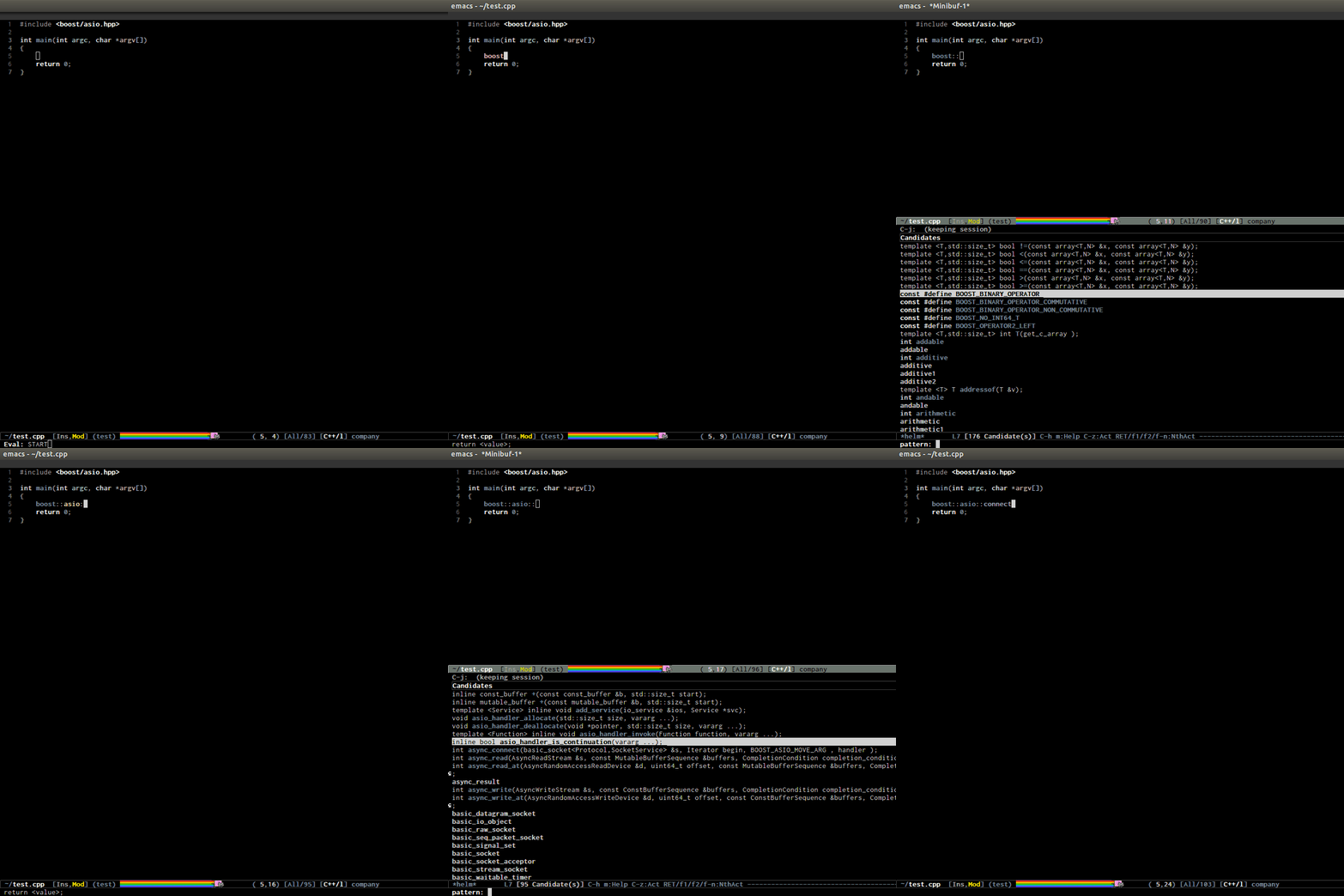
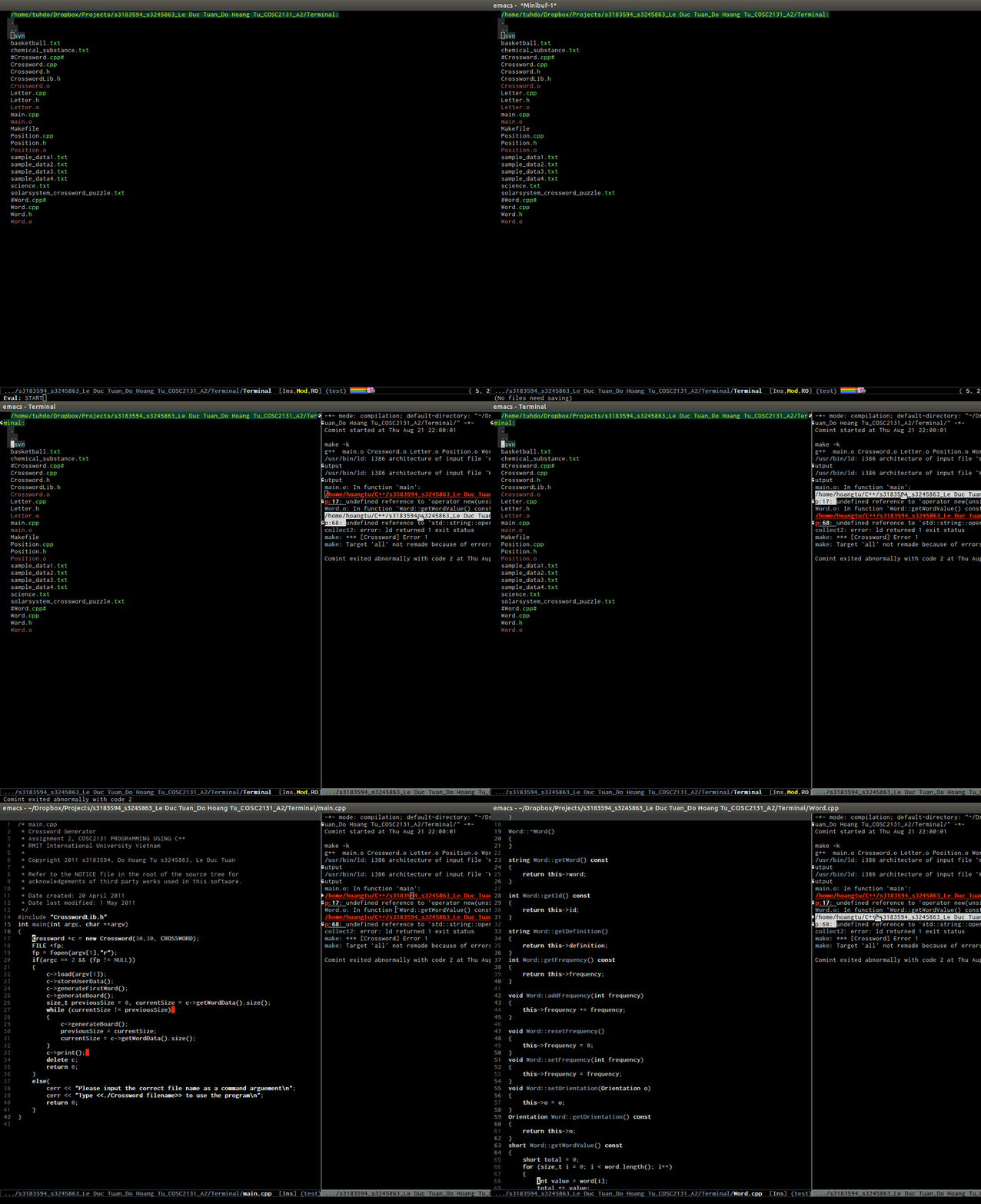
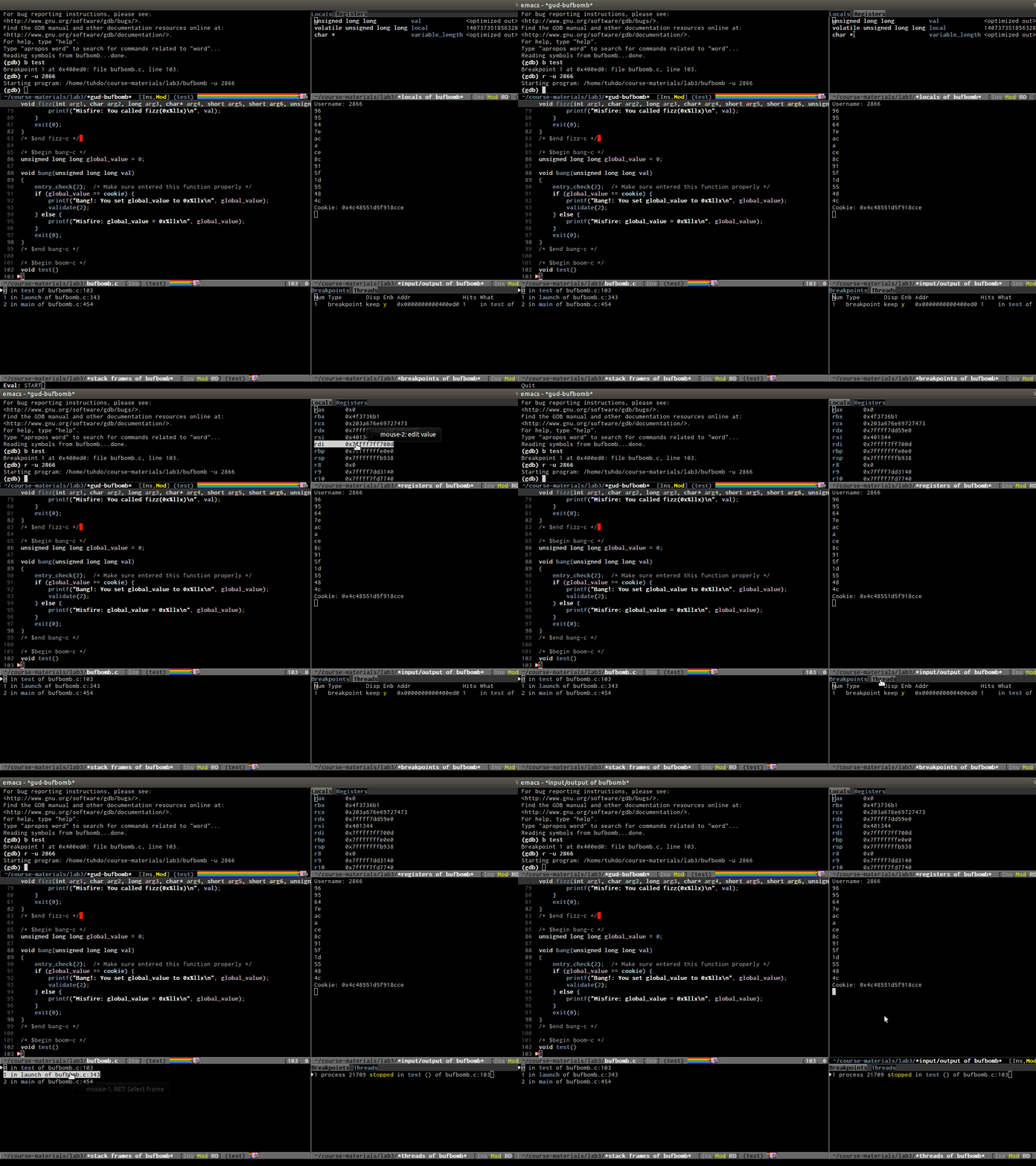
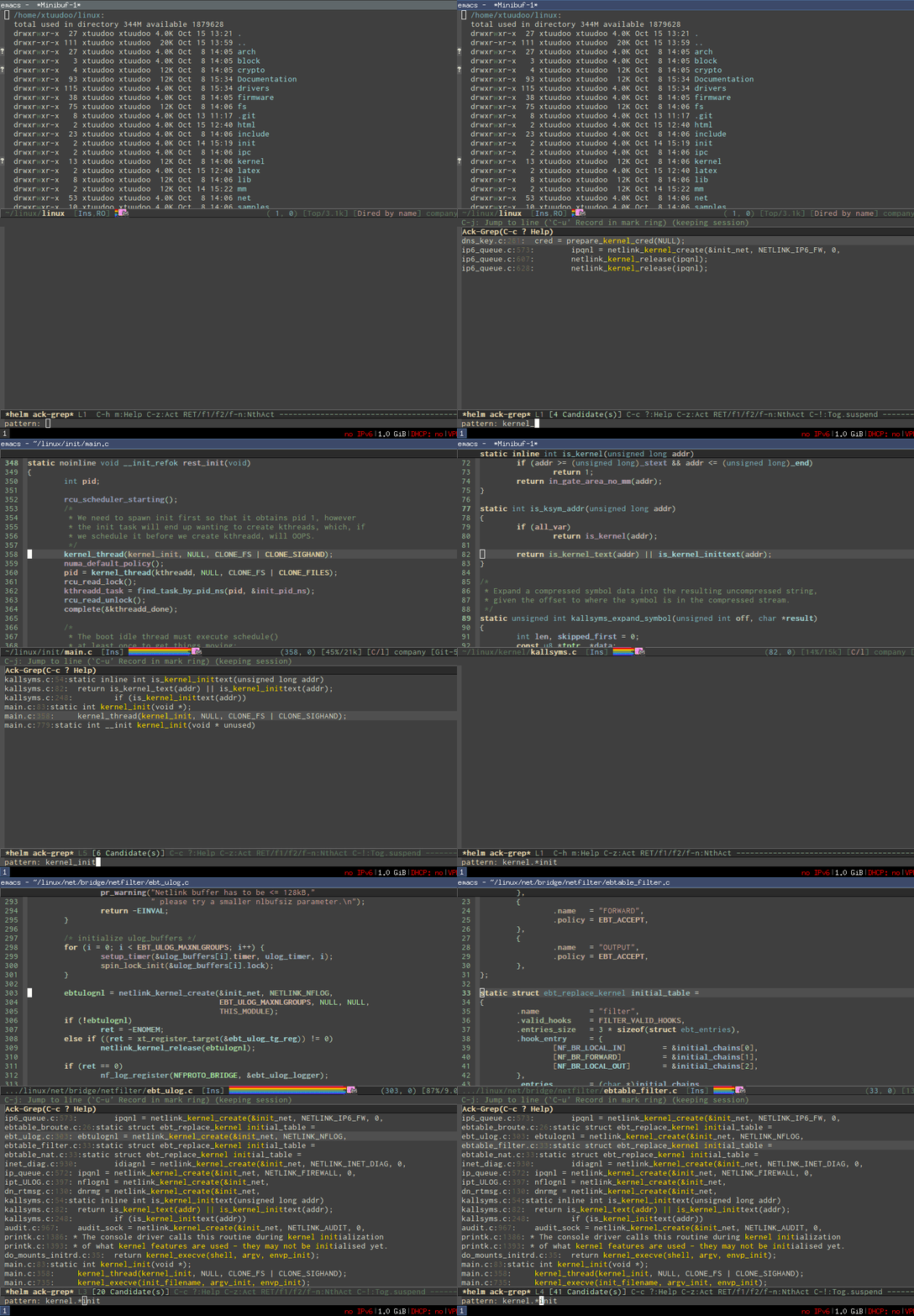
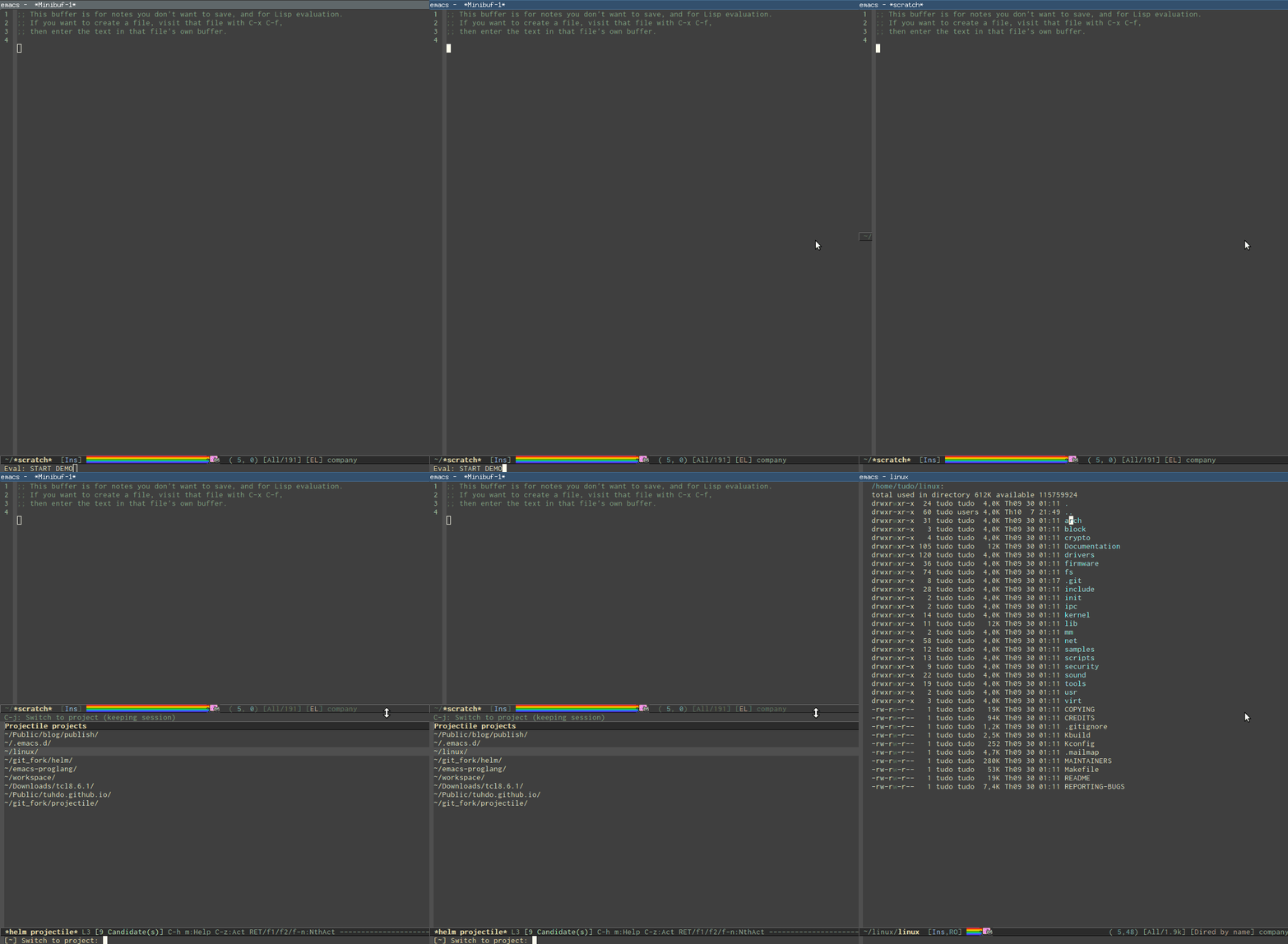
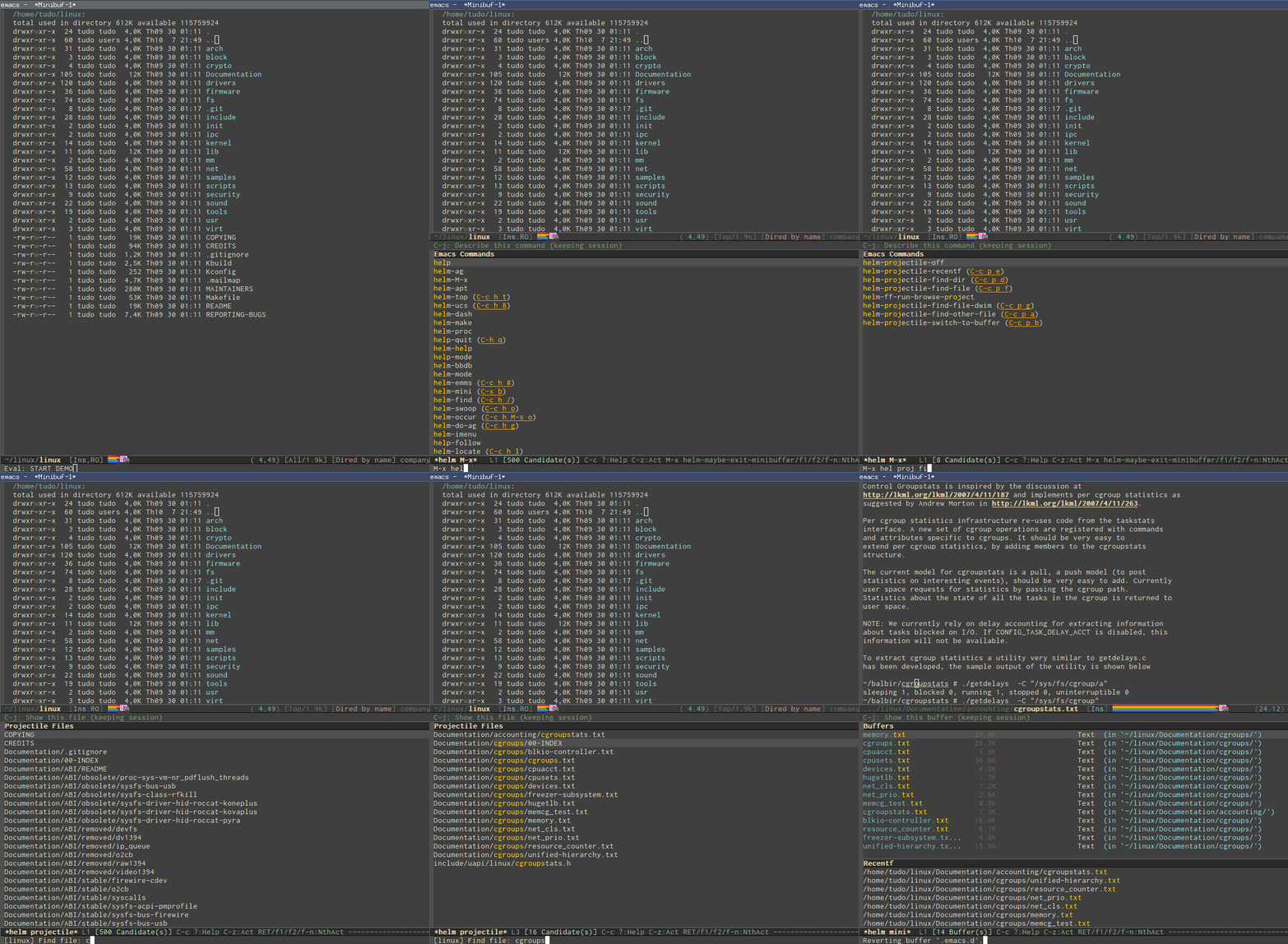
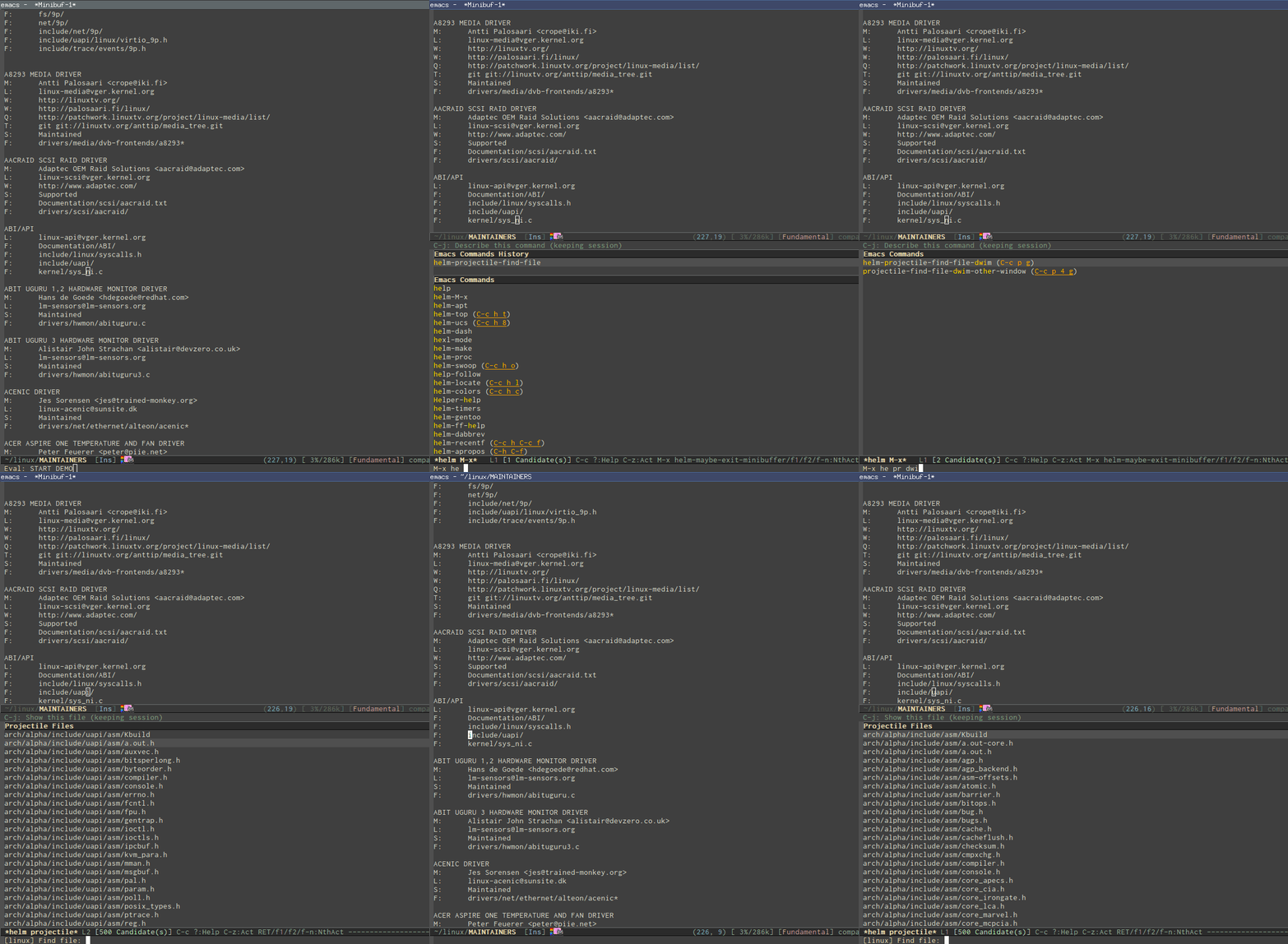
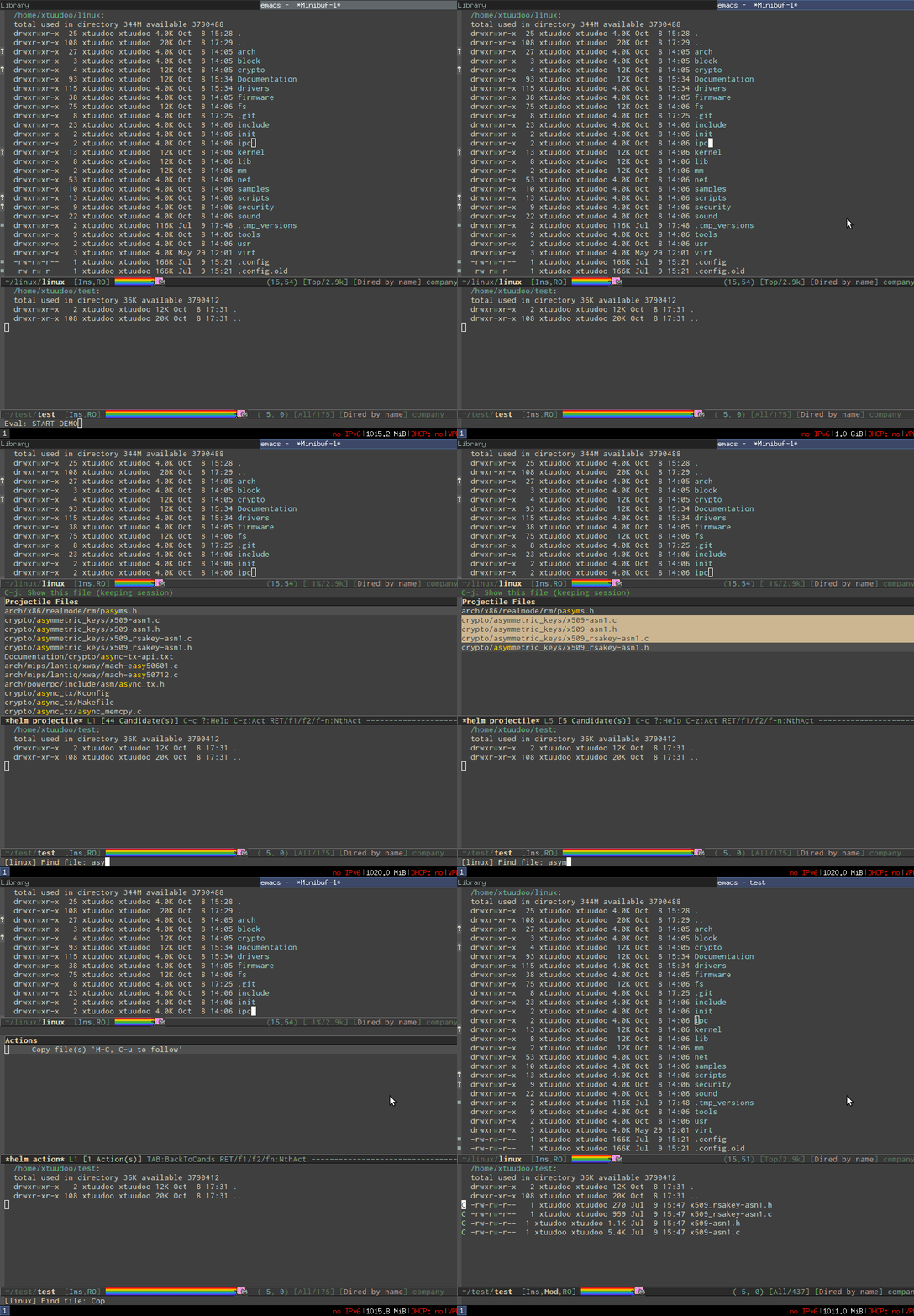
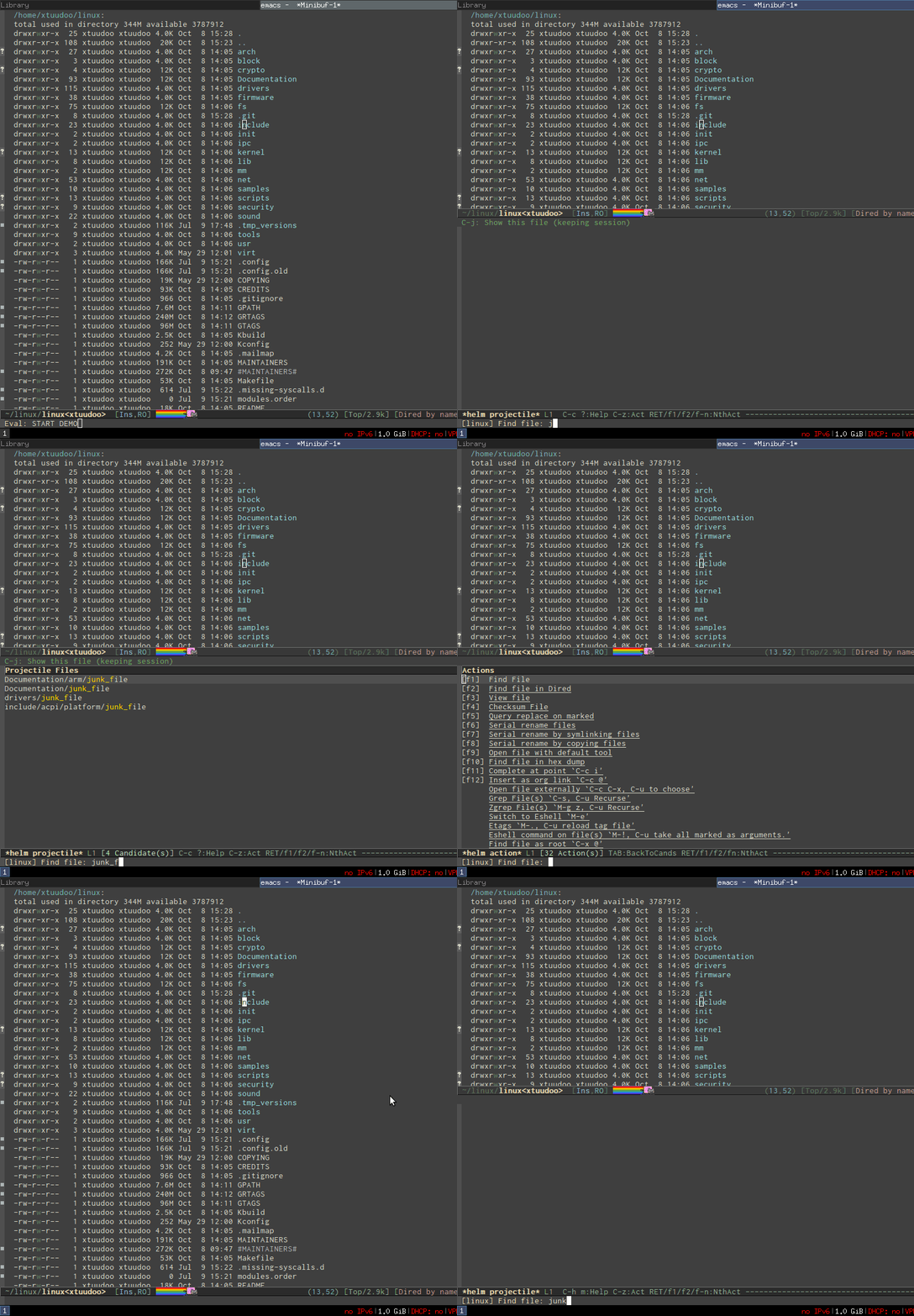
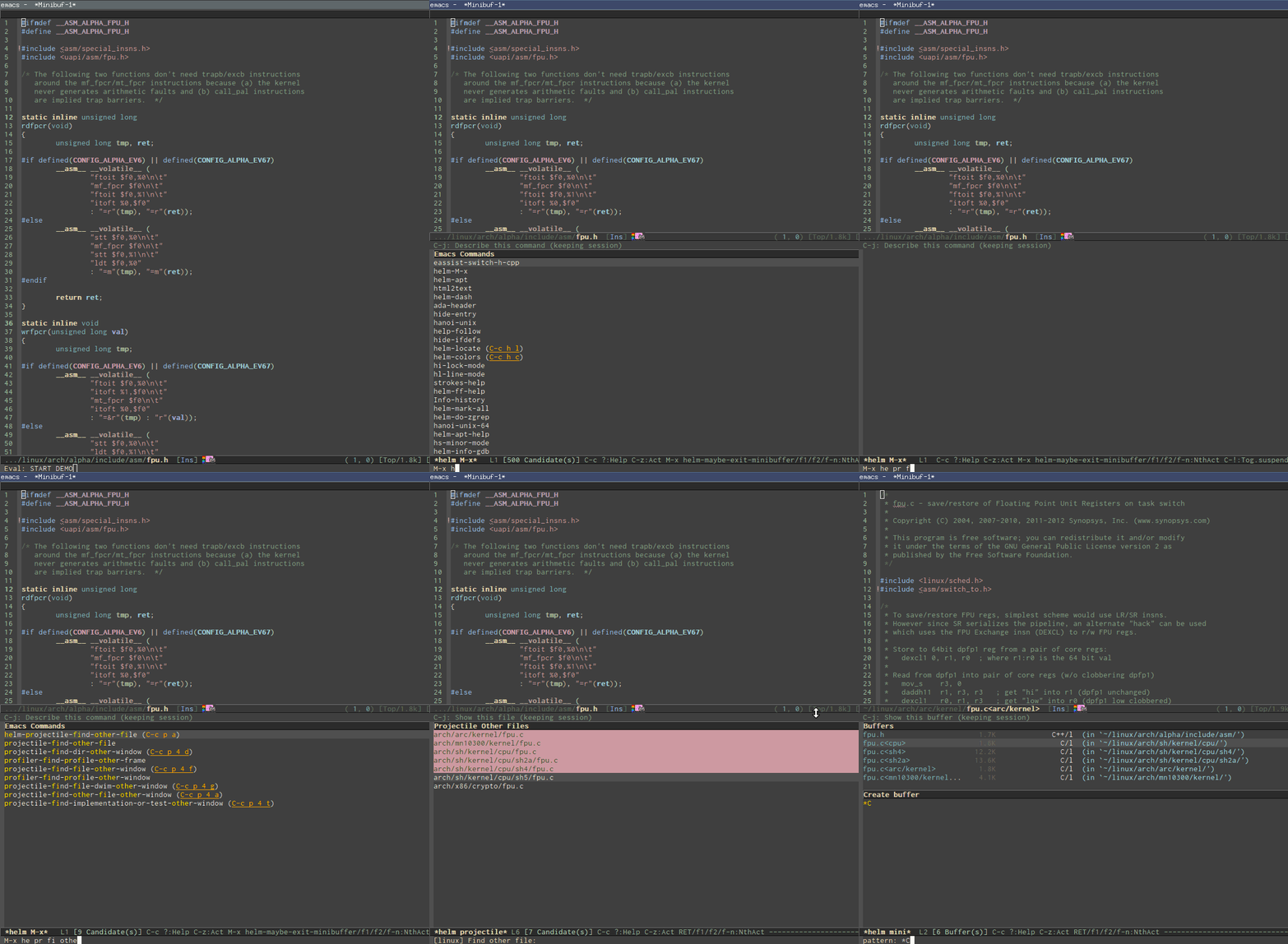
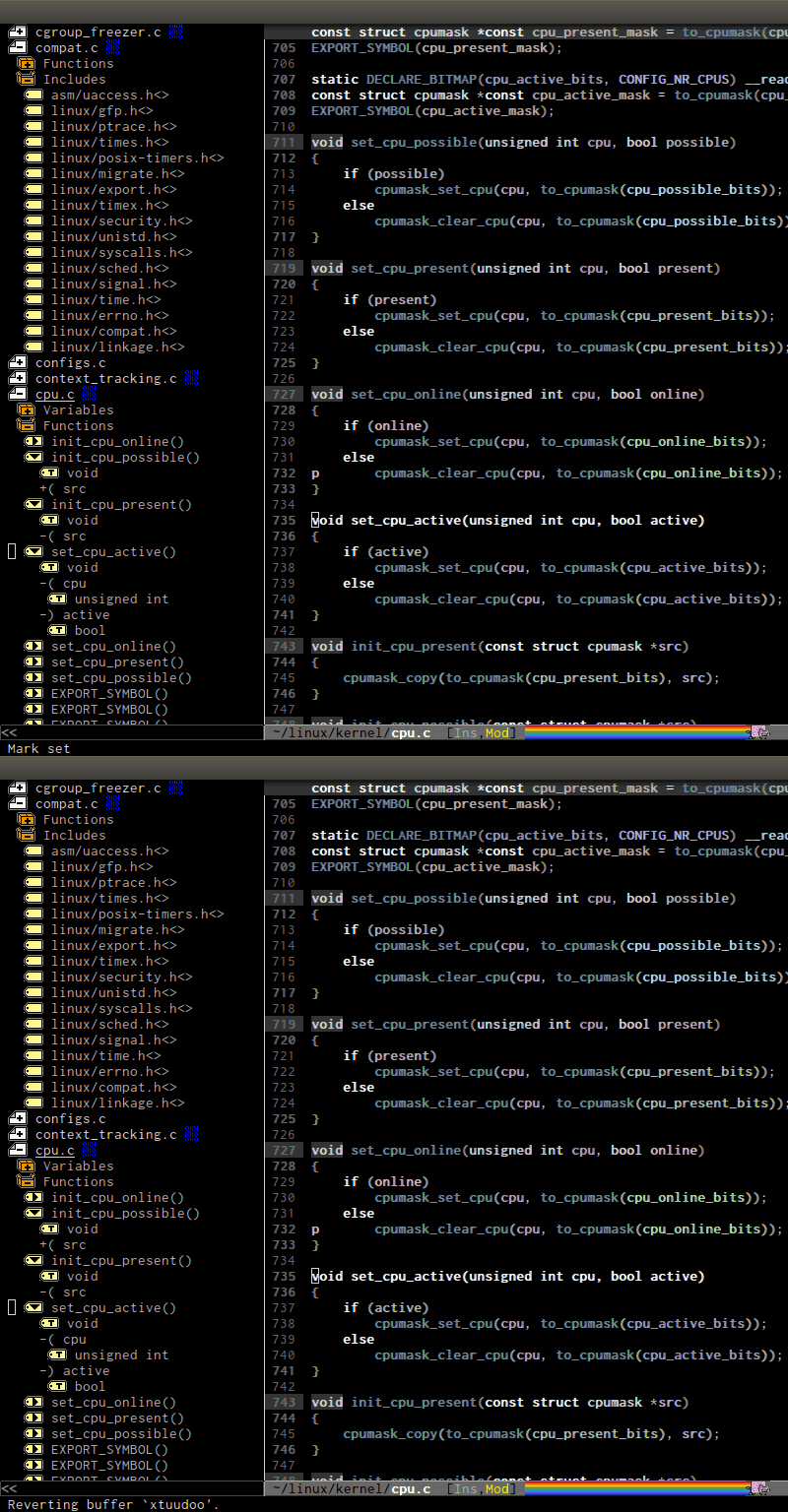
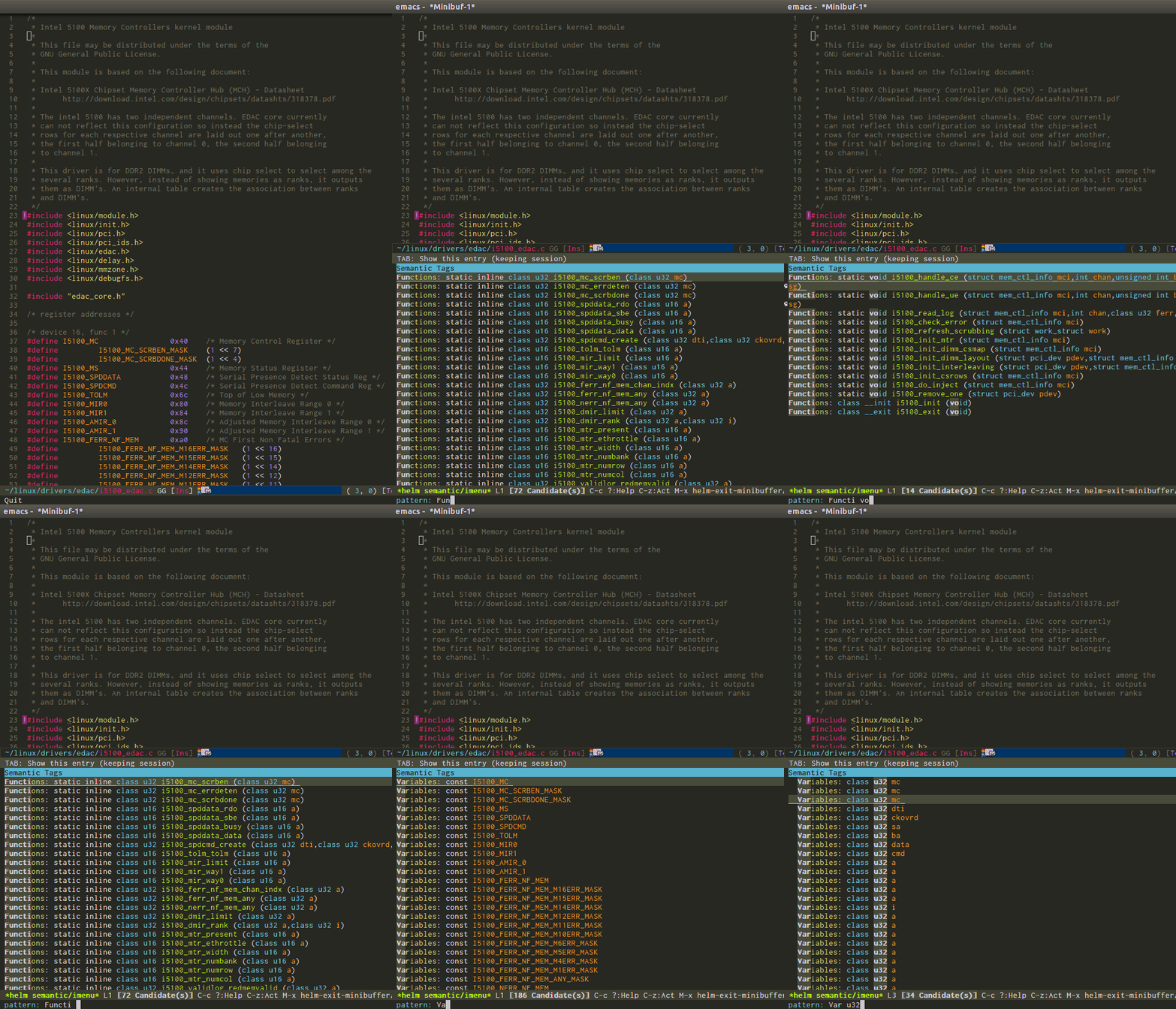
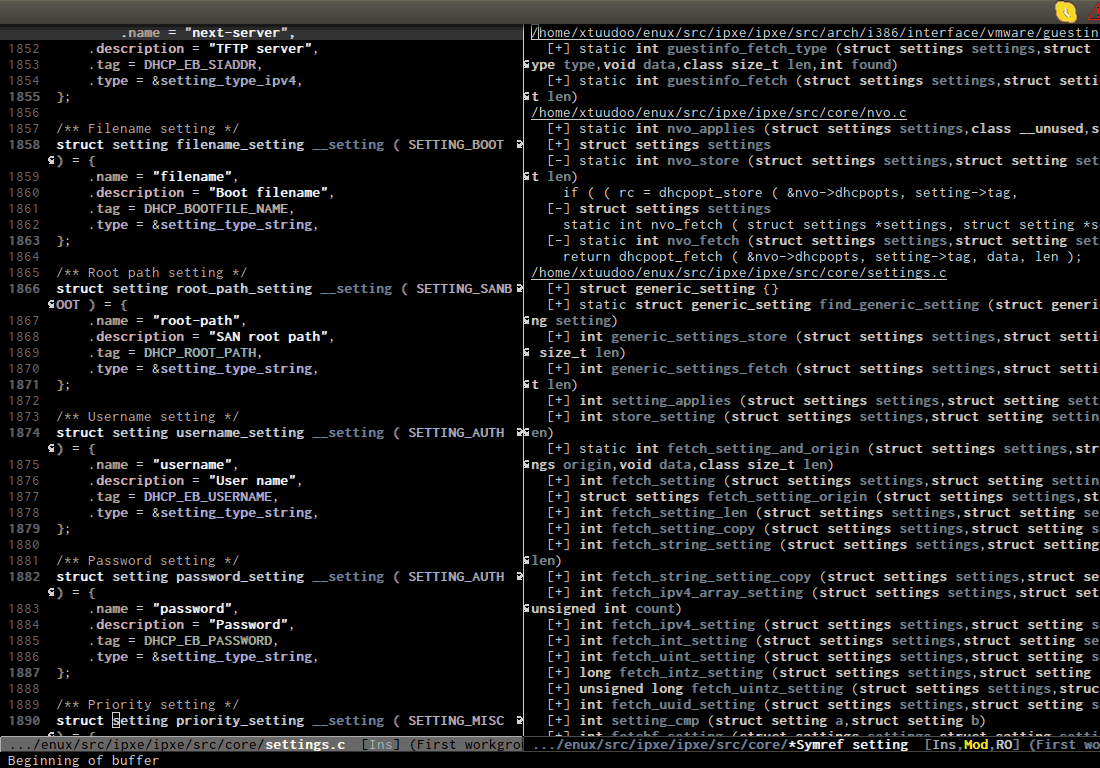
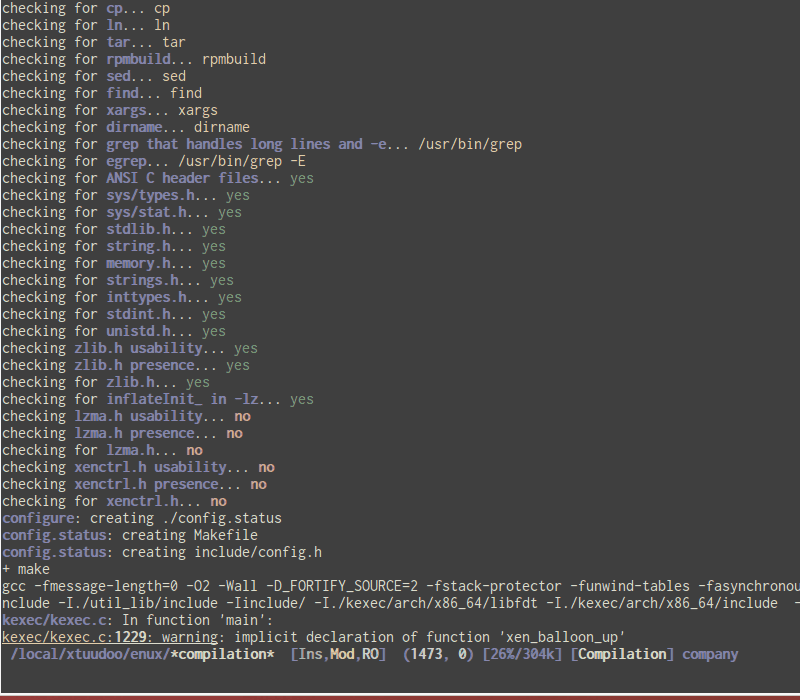
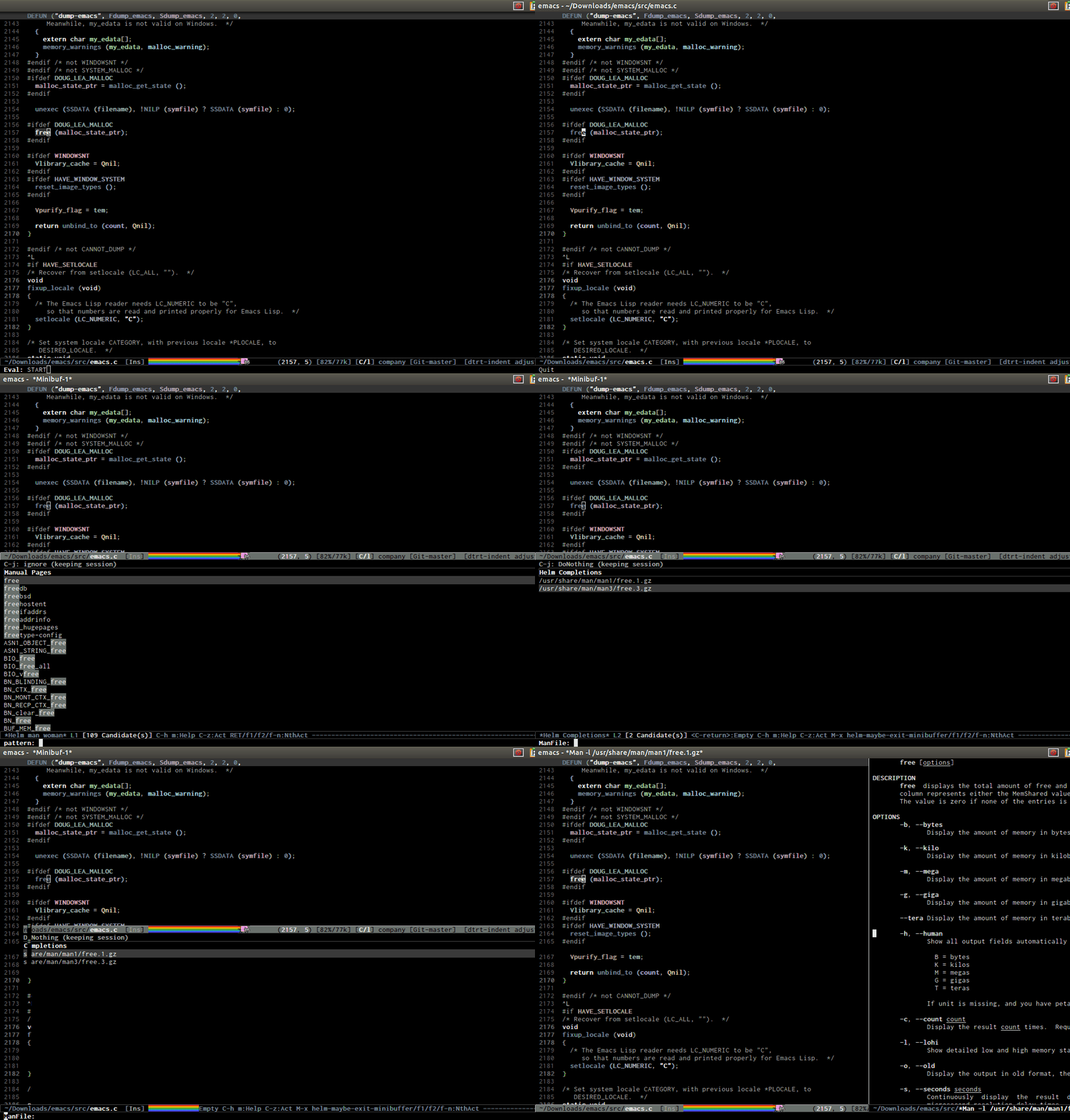
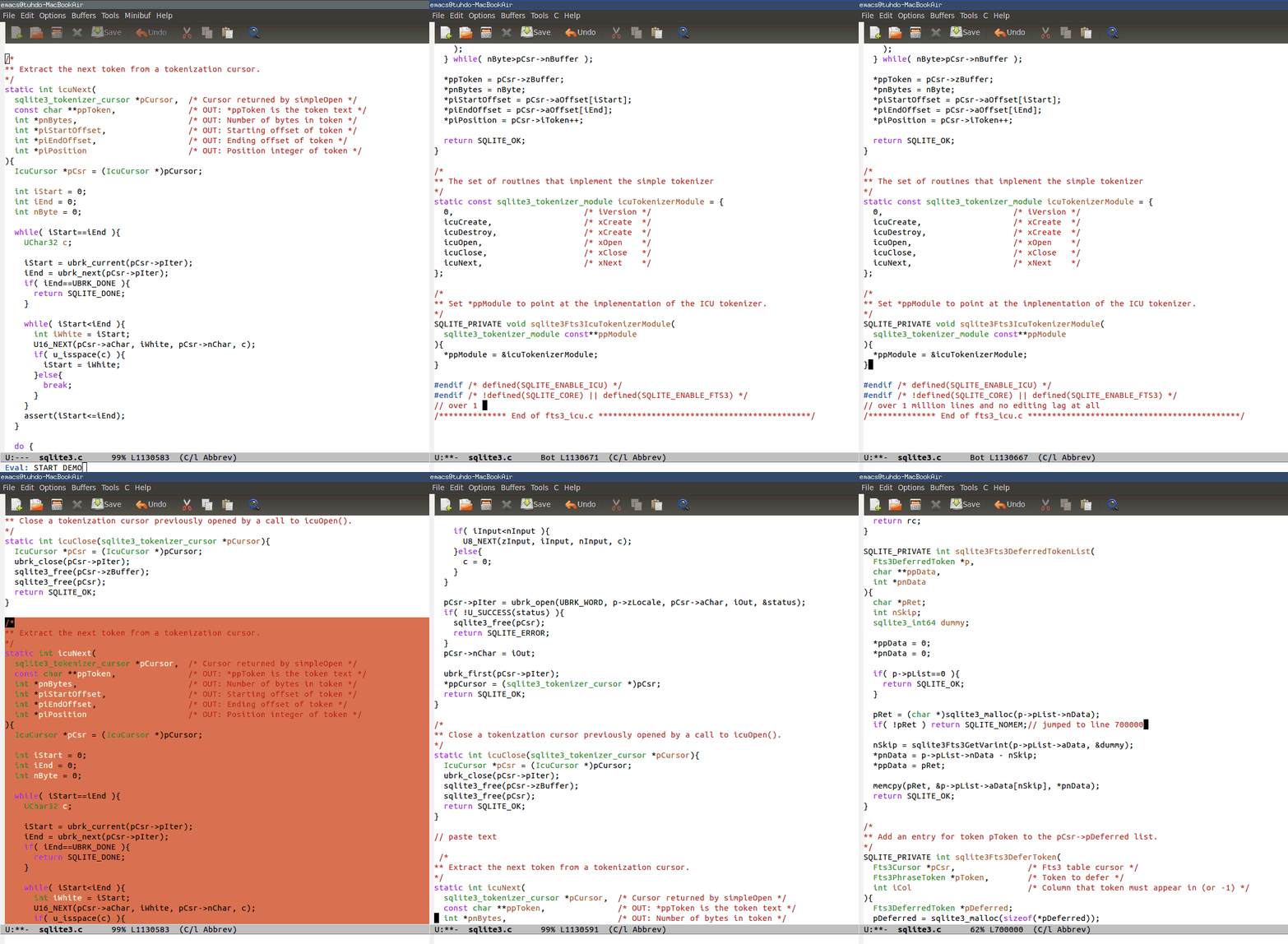
| You can be quickly productive with my mini manual: http://tuhdo.github.io/emacs-tutor.html. If you write C++, did you check my C/C++ guide: http://tuhdo.github.io/c-ide.html. A few demos: - code navigation: jump to anywhere instantly. DEMO: http://tuhdo.github.io/static/c-ide/helm-gtags-jump-dwim.gif. - code completion: context-sensitve completion. DEMO: http://tuhdo.github.io/static/c-ide/semantic-boost-demo.gif. - code compilation: you can click on the error and it gets you to where you want; work with any build system, while other IDE only supports a specific build system, i.e. for Makefile project, you only get plain text error message. DEMO: http://tuhdo.github.io/static/c-ide/compilation-mode.gif. - code debugging: provides a frontend for GDB; DEMO: http://tuhdo.github.io/static/c-ide/gdb-many-windows.gif. - Powerful automatic indentation: https://github.com/Bruce-Connor/aggressive-indent-mode. It does not only indent the current line, but the whole Semantic context around your cursor. Demos inside the homepage. - Live grep: http://tuhdo.github.io/static/live_grep.gif. - Access to a list of project with a few key strokes: http://tuhdo.github.io/static/helm-projectile/helm-projectil... - Quickly access any file in your project, as large as Linux kernel, instantly, regardless of where you are in the project, and within a few keystrokes: http://tuhdo.github.io/static/helm-projectile/helm-projectil... - Jump to any file depends on context, even if the file path is in a plain ASCII text file; even if there's only a filename without any path information, as long as it's in your project, Emacs can jump to it fine: http://tuhdo.github.io/static/helm-projectile/helm-projectil... - Copy files from anywhere to anywhere: http://tuhdo.github.io/static/helm-projectile/helm-projectil... - Delete files anywhere; files are always at your finger tip to do whatever with them: http://tuhdo.github.io/static/helm-projectile/helm-projectil... - Switch between other files with same names but different extensions: http://tuhdo.github.io/static/helm-projectile/helm-projectil... Work not only for C/C++ but other languages, and is customizable. You don't have to configure anything, like adding include paths. Everything is automatically done for you. - Jump to tag definition, from its own parser or external parser like GNU Global: http://tuhdo.github.io/static/c-ide/helm-gtags-jump-dwim.gif - Do you like outline tree?: http://tuhdo.github.io/static/c-ide/sr-speedbar.gif - Interactive outline tree: http://tuhdo.github.io/static/part3/helm-semantic-or-imenu.g... - References retrieved from its Emacs internal parser: http://tuhdo.github.io/static/c-ide/semantic-symref.gif - Beautiful compile output: http://tuhdo.github.io/static/c-ide/compilation-compile.gif - Frontend support for GDB: http://tuhdo.github.io/static/c-ide/gdb-many-windows.gif - Open man page for symbol at cursor: http://tuhdo.github.io/static/part3/helm-man-woman.gif - Emacs open 39MB C file: http://tuhdo.github.io/static/performance.gif - Emac opens multi-gigabtye file: http://www.emacswiki.org/VLF |