|
|
|
|
|
|
by Someone1234
4328 days ago
|
|
|
Windows tried to do that with their search (in Vista, 7, and 8). It has been a disaster. Hidden functionality is a UI and UX anti-pattern. How do people know to type "bm:" for Bookmarks? Google? Is a Google search now part of the UI's workflow? Or will people simply stop using Bookmarks because it is so obscure (you're seeing this with mobile browsers, Bookmarks are hidden so go unutilised). Ditto with Windows. In Windows 9x you had a nice UI for search that allowed the user to: Search file/folder names, search within (contents), and to filter by file type and file date(s). In Windows Vista+ it is now hidden strings like "filetype:" (and that is the least obscure example, try doing the between-dates thing WITHOUT googling how first). Plus now "unknown file types" cannot be search within at all (even if you alter the indexer's settings it no longer works, you have to add each file type in the registry as a "text file"). |
|
|
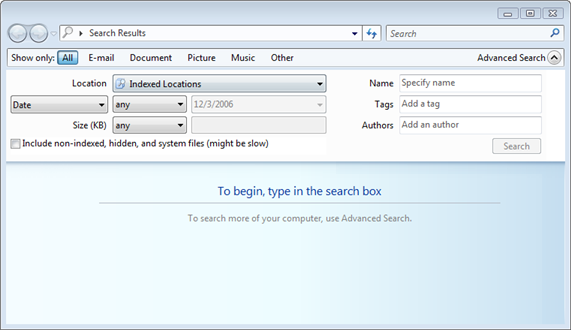
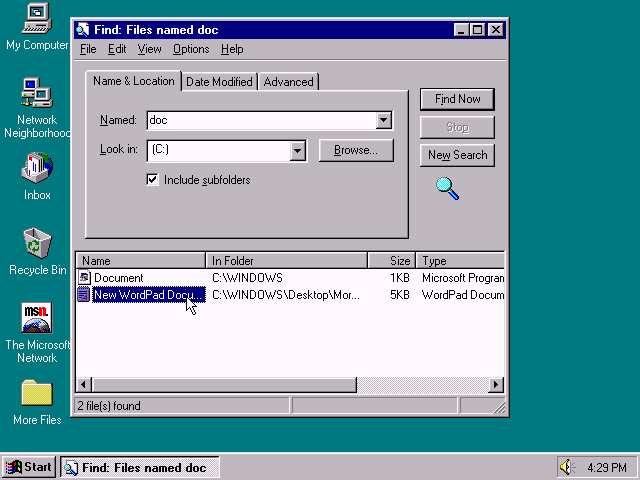
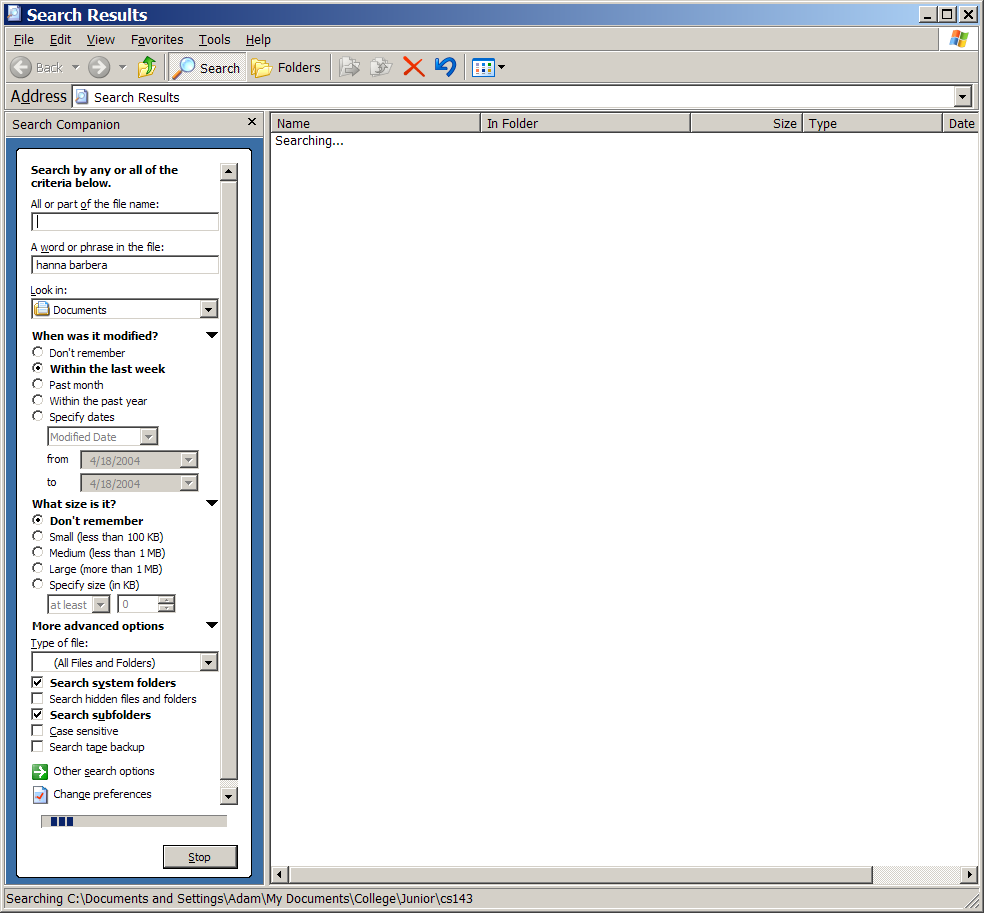
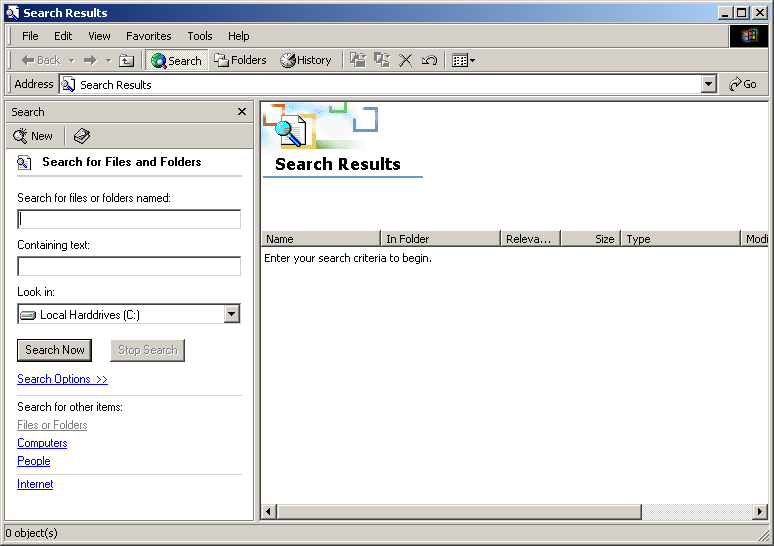
I'm a fan of the style of gmail's advanced search (for example), which has all the various fields to fill in if you drop it down, but then when you execute the search, it converts them into the search operators, thus teaching you how to use them (if you care enough to pay attention...if not, the field boxes are still there for you to use).