Hacker News new | ask | show | jobs
by snarfy 4865 days ago
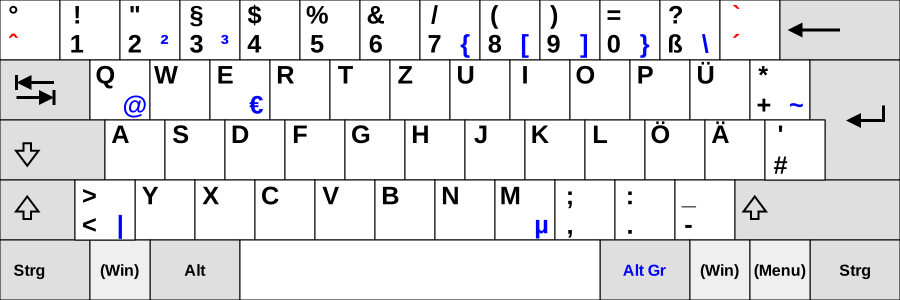
My #1 trick/recommendation? Use Control-[ instead of the Esc key. It's less hand travel and keeps your fingers on the home keys. It's all about minimizing your arm movements.

The same goes for hkjl. The arrow keys are too far away, that's why you use hkjl. Embrace the lazy and you'll grok vim.

2 comments

False!

The #1 trick is to swap control and caps lock. The #2 trick is to use control-[

Some other approaches:

- use the caps lock as escape

- use the space bar as escape

- map jk or jj as escape

I've personally been using the escape key itself for so long it doesn't bother me. I no longer even notice that it's any further for me to reach than other keys, so I have no reason to switch. And that leaves all those other keys I mentioned above for other purposes. For instance, I've mapped the space bar to : Now if only I could remember to use it.

Have you considered swapping Esc and Caps Lock instead? Caps Lock is not very useful so tossing it into the corner makes sense to me.
You can do both, actually. Using KeyRemap4Macbook, my esc is now capslock, and my capslock is ctrl if I use it with another key, such as ctrl-s, and esc when I use it on its own.