|
|
|
|
|
|
by Animats
40 days ago
|
|
|
Here's a real IBM 3270 keyboard.[1] Note the "Next field" key on the left, and the matching "Previous field" key on the right. The IBM 3270 was a device for filling up forms. The mainframe sent the terminal a form with blanks, and the terminal let the user fill in the blanks. The terminal hardware prevented the user from overwriting the static parts of the form, and could apply some other form constraints, such as numeric fields. That was all done by the terminal. When the form was filled in, the user pressed ENTER, and the completed form was sent to the mainframe as one transaction. This approach let one mainframe service huge numbers of terminals. The user never experienced delays while typing and could type at full speed, often without looking. PCs didn't have that usage model. The PC crowd was thinking "typewriter". One of the first terminals for home computers was called the "TV Typewriter". Web forms do have that model, but with less consistency. [1] https://sharktastica.co.uk/resources/images/model_bs/themk_1... |
|
|
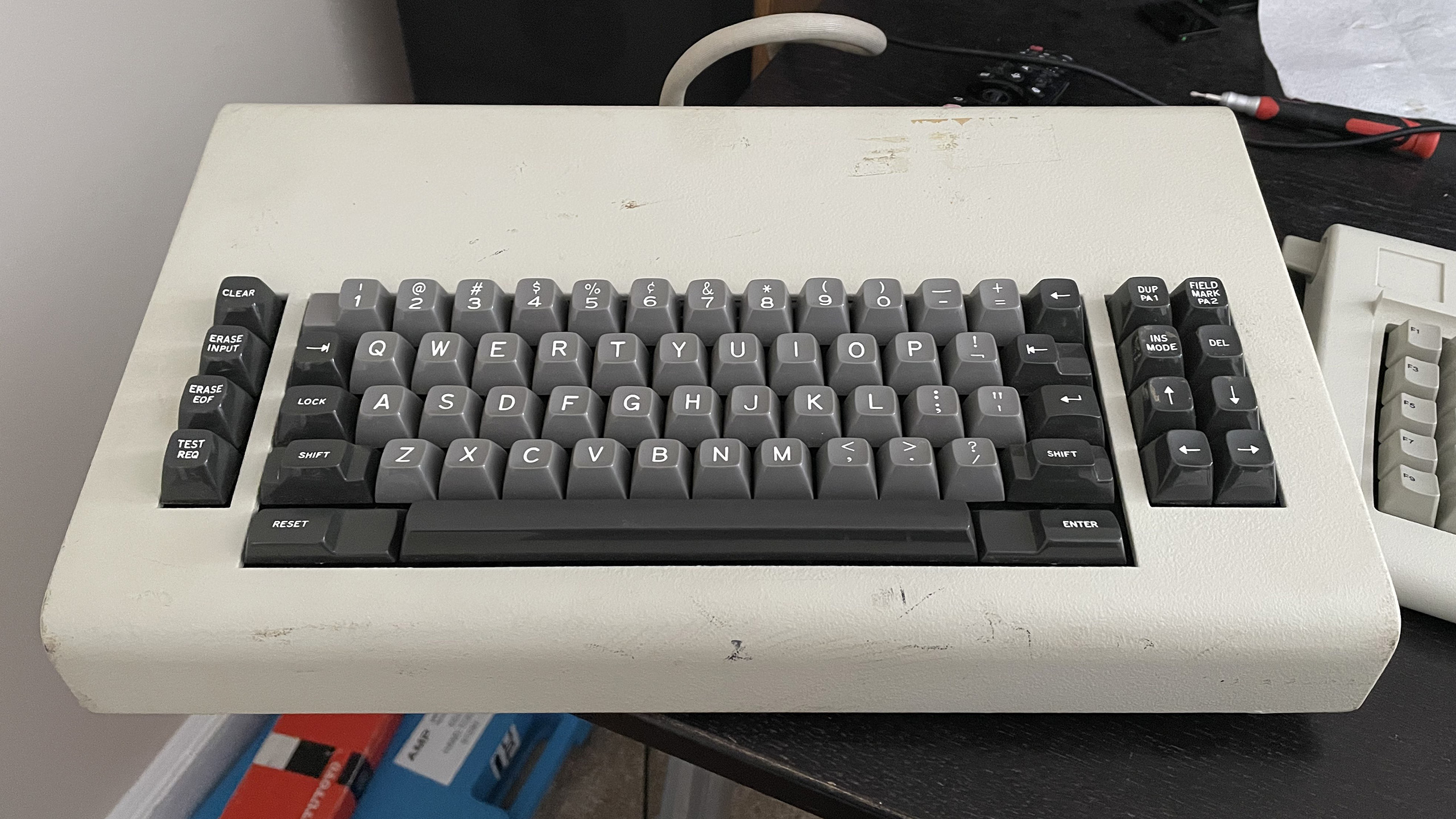
With only a single combined Enter/Return key, it's hard to remember in any given context whether Shift+Enter or Control+Enter will open up a new line instead of immediately sending a message, dismissing a dialog box, completing input into a particular spreadsheet cell, editable filename, text object in a drawing program, etc., or whether I need to copy/paste a line break from another application because no such shortcut exists at all.