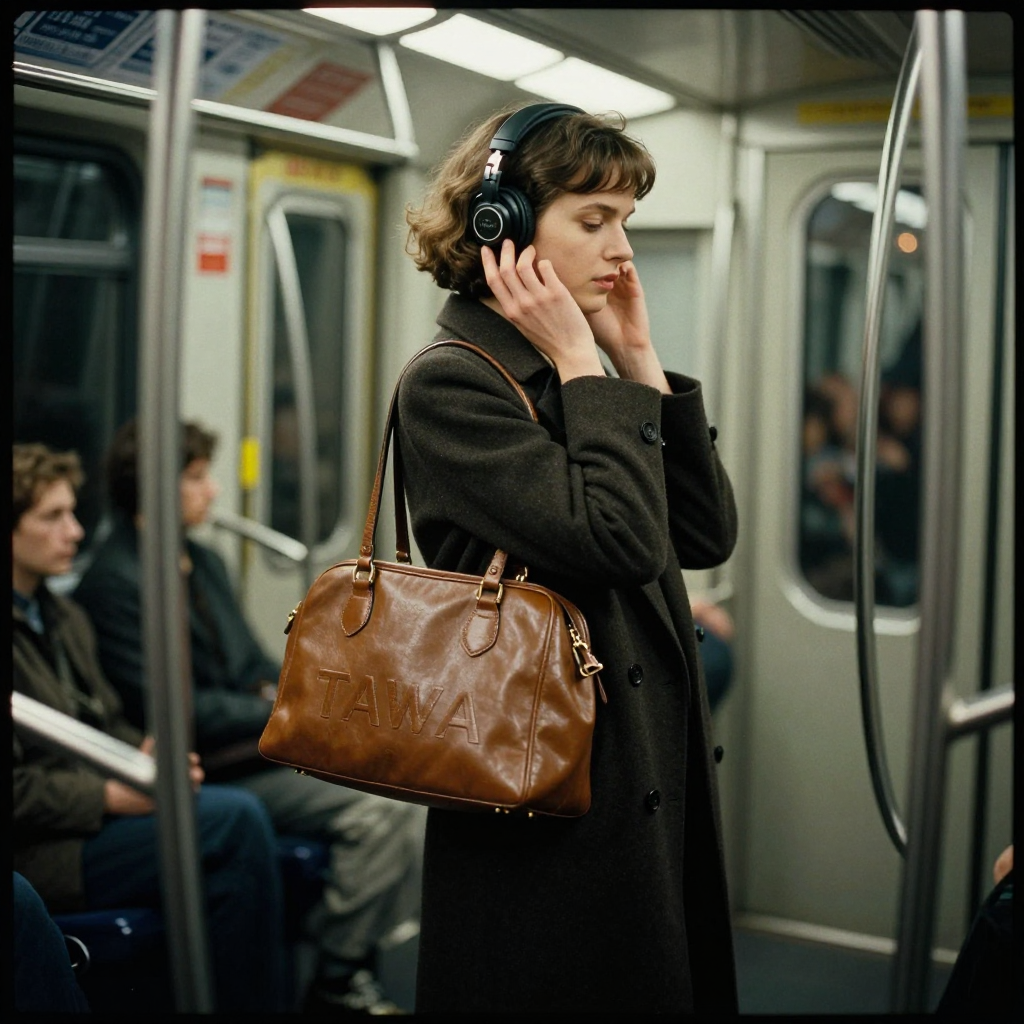
The text rendering is quite impressive, but is it just me or do all these generated 'realistic' images have a distinctly uncanny feel to it. I can't quite put my finger on it what it is, but they just feel off to me.
I agree. They makes me nauseous. The same kind of light nausea as car sickness.
I assume our brains are used to stuff which we dont notice conciously, and reject very mild errors. I've stared at the picture a bit now and the finger holding the baloon is weird. The out of place snowman feels weird. If you follow the background blur around it isnt at the same depth everywehere. Everything that reflects, has reflections that I cant see in the scene.
I dont feel good staring at it now so I had to stop.
Qwen always suffered from their subpar rope implementation and qwen 2 seems to suffer from it as well. The uncanny feel is down to the sparsity of text to image token and the higher in resolution you go the worse it gets. It's why you can't take the higher ends of the MP numbers serious no matter the model. At the moment there is no model that can go for 4k without problems you will always get high frequency artifacts.
I’m always surprised when people bother to point out more-subtle flaws in AI images as “tells”, when the “depth-of-field problem” is so easily spotted, and has been there in every AI image ever since the earliest models.
The blur isn't correct though. Like the amount of blur is wrong for the distance, zoom amount etc. So the depth of field is really wrong even if it conforms to "subject crisp, background blurred"
My personal mechanistic understanding of diffusion models is that, "under the hood", the core thing they're doing, at every step and in every layer, is a kind of apophenia — i.e. they recognize patterns/textures they "know" within noise, and then they nudge the noise (least-recognizable pixels) in the image toward the closest of those learned patterns/textures, "snapping" those pixels into high-activation parts of their trained-in texture-space (with any text-prompt input just adding a probabilistic bias toward recognizing/interpreting the noise in certain parts of the image as belonging to certain patterns/textures.)
I like to think of these patterns/textures that diffusion models learn as "brush presets", in the Photoshop sense of the term: a "brush" (i.e. a specific texture or pattern), but locked into a specific size, roughness, intensity, rotation angle, etc.
Due to the way training backpropagation works (and presuming a large-enough training dataset), each of these "brush presets" that a diffusion model learns, will always end up learned as a kind of "archetype" of that brush preset. Out of a collection of examples in the training data where uses of that "brush preset" appear with varying degrees of slightly-wrong-size, slightly-wrong-intensity, slightly-out-of-focus-ness, etc, the model is inevitably going to learn most from the "central examples" in that example cluster, and distill away any parts of the example cluster that are less shared. So whenever a diffusion model recognizes a given one of its known brush presets in an image and snaps pixels toward it, the direction it's moving those pixels will always be toward that archetypal distilled version of that brush preset: the resultant texture in perfect focus, and at a very specific size, intensity, etc.
This also means that diffusion models learn brushes at distinctively-different scales / rotation angles / etc as entirely distinct brush presets. Diffusion models have no way to recognize/repair toward "a size-resampled copy of" one of their learned brush presets. And due to this, diffusion models will never learn to render in details small enough that the high-frequency components of of their recognizable textural-detail would be lost below the Nyquist floor (which is why they suck so much at drawing crowds, tiny letters on signs, etc.) And they will also never learn to recognize or reproduce visual distortions like moire or ringing, that occur when things get rescaled to the point that beat-frequencies appear in their high-frequency components.
Which means that:
- When you instruct a diffusion model that an image should have "low depth-of-field", what you're really telling it is that it should use a "smooth-blur brush preset" to paint in the background details.
- And even if you ask for depth-of-field, everything in what a diffusion model thinks of as the "foreground" of an image will always have this surreal perfect focus, where all the textures are perfectly evident.
- ...and that'll be true, even when it doesn't make sense for the textures to be evident at all, because in real life, at the distance the subject is from the "camera" in the image, the presumed textures would actually be so small as to be lost below the Nyquist floor at anything other than a macro-zoom scale.
These last two problems combine to create an effect that's totally unlike real photography, but is actually (unintentionally) quite similar to how digital artists tend to texture video-game characters for "tactile legibility." Just like how you can clearly see the crisp texture of e.g. denim on Mario's overalls (because the artist wanted to make it feel like you're looking at denim, even though you shouldn't be able to see those kinds of details at the scaling and distance Mario is from the camera), diffusion models will paint anything described as "jeans" or "denim" as having a crisply-evident denim texture, despite that being the totally wrong scale.
It's effectively a "doll clothes" effect — i.e. what you get when you take materials used to make full-scale clothing, cut tiny scraps of those materials to make a much smaller version of that clothing, put them on a doll, and then take pictures far closer to the doll, such that the clothing's material textural detail is visibly far larger relative to the "model" than it should be. Except, instead of just applying to the clothing, it applies to every texture in the scene. You can see the pores on a person's face, and the individual hairs on their head, despite the person standing five feet away from the camera. Nothing is ever aliased down into a visual aggregate texture — until a subject gets distant enough that the recognition maybe snaps over to using entirely different "brush preset" learned specifically on visual aggregate textures.
Right, prompting for depth of field will never work (with current models) because it treats it as a style rather than knowing on some level how light and lenses behave. The model needs to know this, and then we can prompt it with the lens and zoom and it will naturally do the rest. Like how you prompt newer video models without saying "make the ball roll down the hill"
Which is pretty amusing - because it's the exact opposite problem that BFL had with the original Flux model - every single image looked like it was taken with a 200mm f/4.
For me the only model that can really generate realistic images is nano banana pro (also known as gemini-3-pro-image). Other models are closing the gap, this one is pretty meh in my opinion in realistic images.
The examples I saw of z-image look much more realistic than Nano Banana Pro, which is likely using Imagen 4 (plus editing) internally, which isn't very realistic. But Nano Banana Pro has obviously much better prompt alignment than something like z-image.
In your example, z-image and Nano Banana Pro look basically equally photorealistic to me. Perhaps the NBP image looks a bit more real because it resembles an unstaged smartphone shot with wide angle. Anyway, the difference is very small. I agree the lighting in Flux.2 Pro looks a bit off.
But anyway, realistic environments like a street cafe are not suited to test for photorealism. You have to use somewhat more fantastical environments.
I don't have access to z-image, but here are two examples with Nano Banana Pro:
These are terribly unrealistic. Far more so than the Flux.2 Pro image above.
> Also Imagen 4 and Nano Banana Pro are very different models.
No, Imagen 4 is a pure diffusion model. Nano Banana Pro is a Gemini scaffold which uses Imagen to generate an initial image, then Gemini 3 Pro writes prompts to edit the image for much better prompt alignment. The prompts above a very simple, so there is little for Gemini to alter, so they look basically identical to plain Imagen 4. Both pictures (especially the first) have the signature AI look of Imagen 4, which is different from other models like Imagen 3.
By the way, here is GPT Image 1.5 with the same prompts:
The first is very fake and the second is a strong improvement, though still far from the excellent cafe shots above (fake studio lighting, unrealistic colors etc).
>Nano Banana Pro is a Gemini scaffold which uses Imagen to generate an initial image, then Gemini 3 Pro writes prompts to edit the image for much better prompt alignment.
First of all how should you know the architecture details of gemini-3-pro-image, second of all how the model can modify the image if gemini itself is just rewriting the prompt (like old chatgpt+dalle), imagen 4 is just a text-to-image model, not an editing one, it doesn't make sense, nano banana pro can edit images (like the ones you can provide).


I assume our brains are used to stuff which we dont notice conciously, and reject very mild errors. I've stared at the picture a bit now and the finger holding the baloon is weird. The out of place snowman feels weird. If you follow the background blur around it isnt at the same depth everywehere. Everything that reflects, has reflections that I cant see in the scene.
I dont feel good staring at it now so I had to stop.