Hacker News new | ask | show | jobs
by LeonM 275 days ago
My best guess is that this attack was purely social engineering, and that no email spoofing actually happened. I think that the email message in question is actually a legit email from Google.

I'm not familiar with the formal account takeover process at Google, but my best guess is that the attacker simply requested an account takeover via the official Google process, which triggered this email to be sent by Google legitimately. By reading back the code in that email, the attacker was able to claim the Google account as theirs, thus access the Gmail inbox to reset the Coinbase password and access the authenticator backups from the Google Drive.

I would be very curious to see the original message headers of the email though.

3 comments

I don't think that email he posted from legal@google.com is legit.

Look at the first sentence of the first paragraph and the first sentence in the second paragraph. Two grammar errors which are a dead giveaway it's fraudulent.

> Thank you for your assistance and understanding during your recent support call, regarding a ficticious request aimed at accessing your Google account.

Comma doesn't belong there and "fictitious" is misspelled.

> To follow all guidelines of the internal review properly. Please keep a secure note with the temporary password which your support representative has provided to you.

Out of place period. Should be a comma.

Legit, canned emails like this (especially from legal@google.com) would be proofread much better than this. It's fake.

Yeah, that part doesn't add up. If the email was sent by the attacker, why did it have a code he needed to give the attacker?
Yes, at least two emails. One was the spoofed email from legal@google.com (which sadly convinced me this was legit) and the other was a Google recovery code email.

The spoofed email was deleted by the attacker, but I have a copy because I forwarded the email to phishing@google.com (something ChatGPT told me to do). The attacker then deleted the original but when I got my account back an hour later, Google bounced back the email. So that is the copy I have and the headers are not super helpful.

"(something ChatGPT told me to do)"

You're going to get hacked again

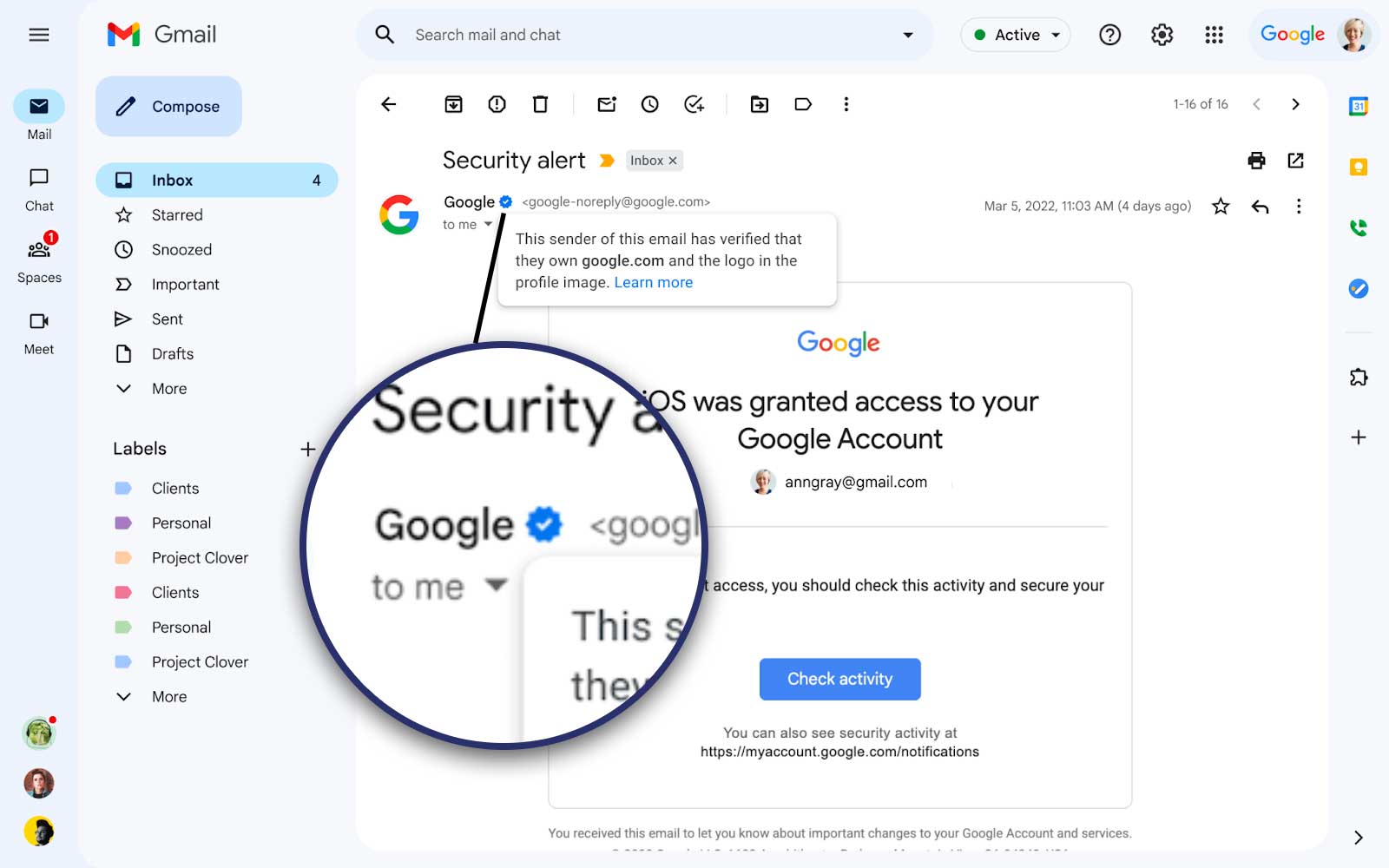
Any check mark?

https://www.thesslstore.com/blog/wp-content/uploads/2023/05/...

Edit: I searched my email and it doesn't look like they are doing this at all with their accounts.

Edit II: Looks like it's on hold: https://blog.kickbox.com/gmail-bimi-exploit-what-you-need-to...

That makes sense, thanks for the clarification.
What was the process for getting your account back?
I think the attacker asked him to read an SMS code.
"reset the Coinbase"

You must be insane to use gmail for anything like banking, crypto, domains.

I lost access to my gmail account. I know the PW but I can't access the 2 factor authentication anymore.

This is why 2FA isn't all it's cracked up to be. Strong passwords kept in your head are less brittle than managing something you can lose. If you have a real support channel (like employer IT) to deal with loss it's workable. Online services with no support is just asking for trouble.
2FA can be all it's cracked up to be. A Yubikey you have to physically possess, and physically touch, to login to a site is completely immune to this.

Yes, you need to buy hardware, yes you need 1 or more backup yubikeys in a bank safe somewhere in case your primary one breaks, but it is actually safe.

Strong passwords in your head are bad because they're even more phish-able. Like, with FIDO2, my yubikey will not login to "fake-coinbase.com", the attacker cannot proxy the data they get from the yubikey. For 2FA TOTP codes and for passwords, a phishing page can just proxy through the stuff to the real coinbase and login (as happened in this attack).

Yubikey is great. But I would be scared as f. to lose it when traveling abroad.

Sure, have a second one at home that can be Fedexed to you.

Eh just use a password manager; I use 1Password, it sync's to all my devices, I keep backups of everything (export primarily in json), autofills the 2fa codes, etc.
1password + hardware keys - I am not a large target though and use crypto transactionally.
I'd certainly be insane to take security advice from people who don't use password managers
I mean. I have a little book on my desk with password hints. "2nd grade best friends phone number", "birthday of first dog". It also has a grid of random numbers/letters on the front page, so I can write "first_crush_b4*5". You'd have to have physical access to the book, and know what the hint leads to. It's un-hackable. I mean aside from social, or physically breaking into my house.
Which doesn't do a darned thing to keep your from getting phished. Which again, keeps popping up on HN, over and over and over.
downvote all you want, this is third time in a month that basically "opsec" failure would've been prevented by a password manager that binds to domains, or passkeys. Both of which people regularly kvetch about here.