| > I don't think I understand this example. There's only so many keybindings and clashes aren't uncommon. That's precisely my point! Many terminals these days try to do too much and by default end up capturing keybindings that I want to use for something else. The terminal should allow me to do that something else, not get in the way. A simple terminal wouldn't get in my way and I could insert tmux in the more complex scenarios (even for local sessions). I know I can reconfigure most terminals, but not everything is configurable, plus everyone knows the best tools are the ones that don't require to be reconfigured to be great. :) Thankfully my main editor is Helix and by default it doesn't clash with anything because it's a modal editor where commands are regular keystrokes and not key combinations. > Foot is a barebones solution, so that might be good for you I'm aware of foot, and it works fine, but it doesn't correctly display the fancy icons used by foot (and other programs). For a visual comparison, here's foot on the left, Ghostty on the right: <https://v1.imgpaste.net/images/public/21baee04-b4a5-4693-8a8...> |
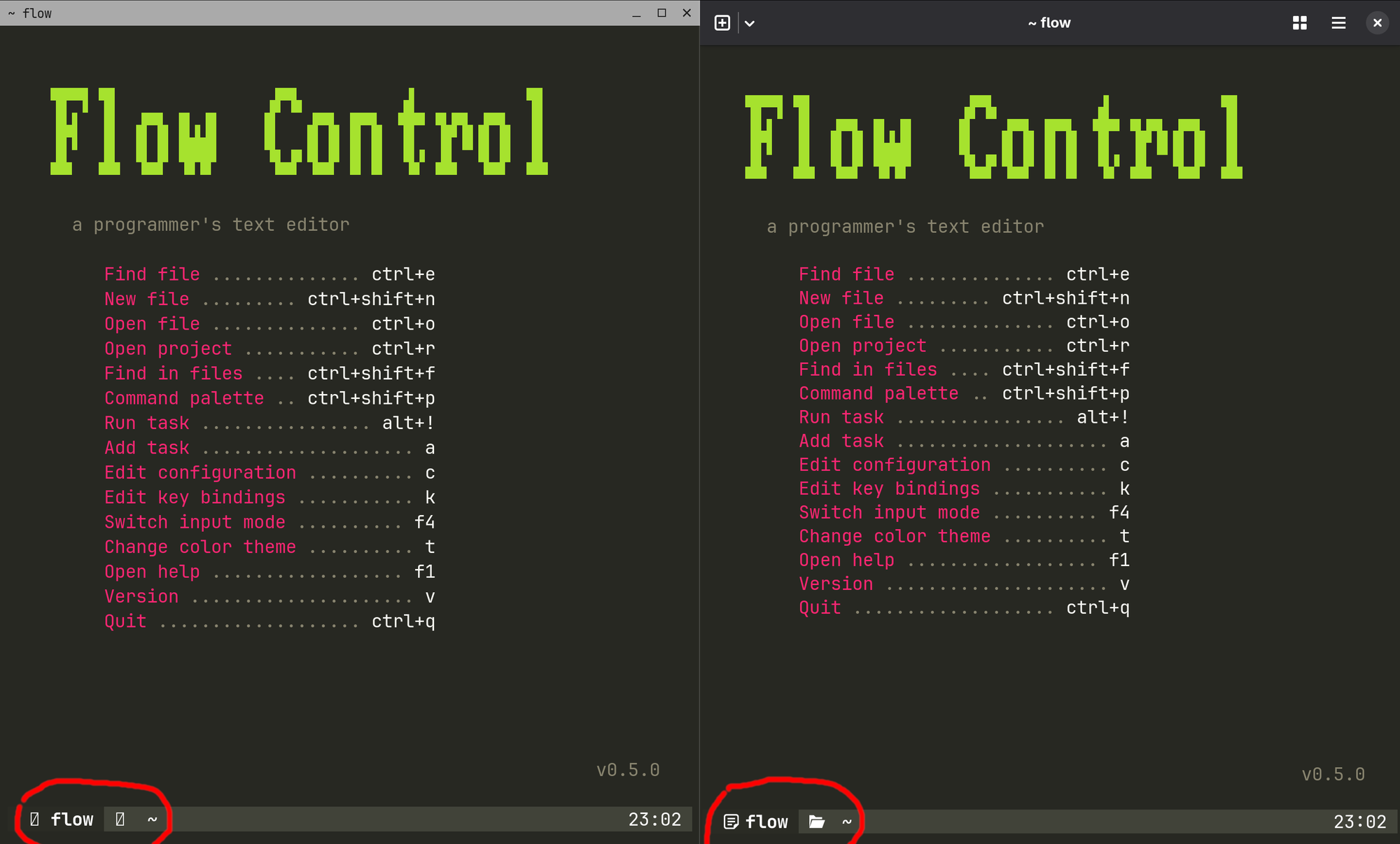
These are icon glyphes. You have to set the font setting for the terminal to have them. By default, foot uses whatever you set for the monospace family (you can use the command `fc-match monospace` to find out which font). You may want to use a Nerd Font instead.
[0]: https://www.nerdfonts.com/