Hacker News new | ask | show | jobs
by hn92726819 665 days ago
> most Apis aren't available until the user accepted a prompt for the permission

True in general, but not true for preinstalled installed. System apps are already granted permissions on a fresh install (for example, Google Play Services has basically every permission, but you were never prompted).

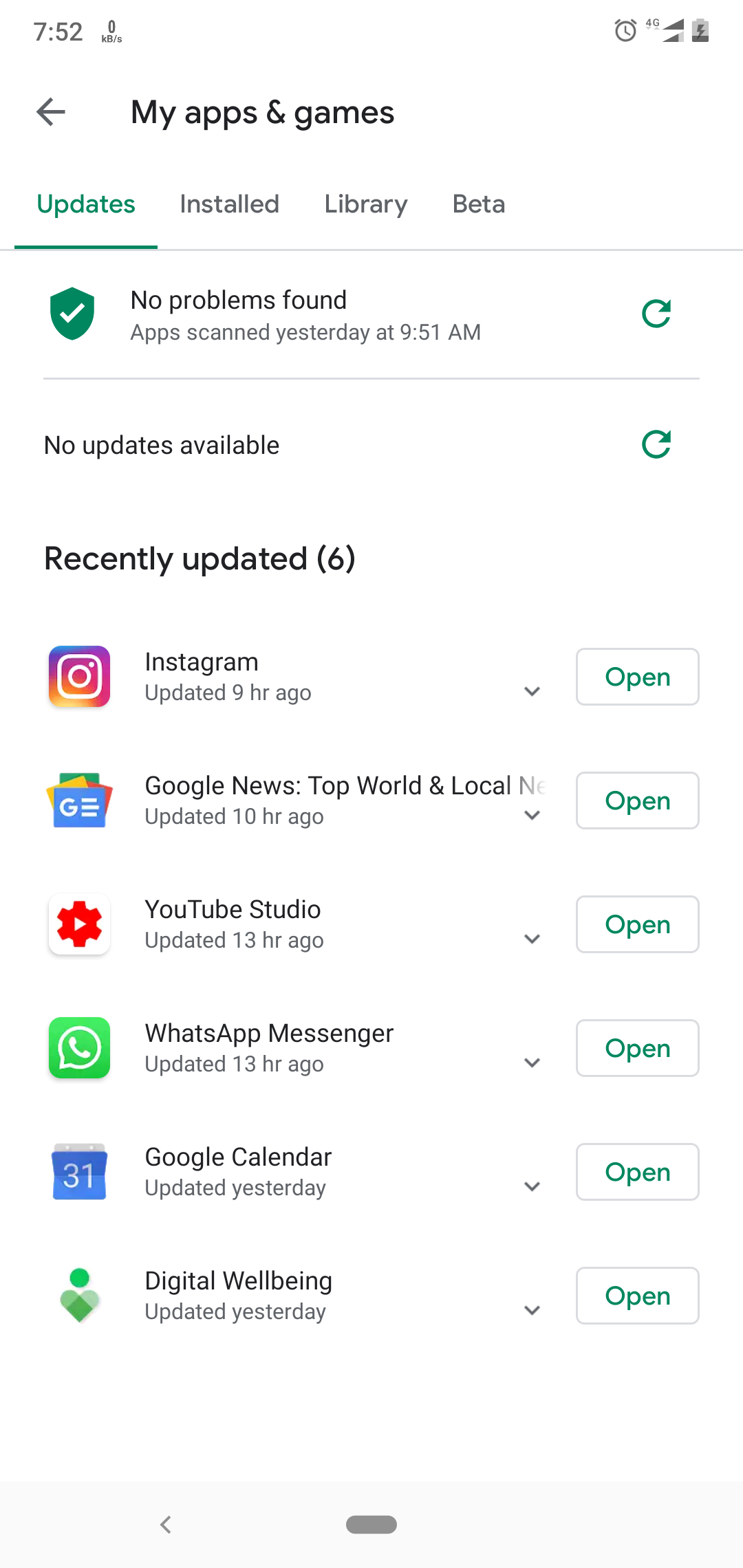
Also what I'm describing isn't an update. At runtime, no update or reboot required, you can tell Play to install an app on your phone. Google then tells your phone to install it. I bet the mechanism is the same to enable a disabled app. I do know play store can enable disabled apps, I just don't know if it can be done remotely.

Edit: here's proof you can Enable a disabled app: https://storage.googleapis.com/support-forums-api/attachment...

Here's proof you can remotely install apps: https://support.google.com/googleplay/answer/14274288?hl=en

If you put these together, you have this app that can be remotely enabled, contrary to what Graphene is saying.

3 comments

Neither of these proofs actually prove anything.

The first one has nothing about any disabled apps

The second one explicitly states that you're only able to install on your own device. And even if you doubt that... This still won't help you unless the user also opens the application and accepts the pop-up for scary permissions.

Okay let's say the app can be enabled remotely by someone other than the user of the phone.

What next? Have you looked at the app? What can actually be done with it? Please explain the exact steps an attacker would take next, with evidence.

This thing being there is evidence something somewhere went super wrong and now the entire system cannot be trusted by default.

Ask: was it put there intentionally? If yes, why? If it is there by mistake, and no one at google noticed it there, then how many other (actually properly hidden and actually exploitable) backdoors did they miss in their phone?

The Verizon retail demo mode doesn't become active if the package is enabled and regardless they haven't actually demonstrated enabling any of the Verizon apps on Pixels through the Play Store. Enabling the retail demo app doesn't add any remote attack surface.

Verizon's Android apps are additional attack surface for Verizon Android users on any Android device with proper support for Verizon. The retail demo app has yet to be shown to add any relevant attack surface. Despite that, there's a massive amount of news coverage portraying it as if this was accidentally included (it wasn't) or included for no explicable reason (it used to be used by Verizon for demos in their stores). The other apps in the suite are used as part of providing useful Verizon features because they refuse to do things in a standard way.

GrapheneOS has never included these so it's missing features on Verizon including Wi-Fi calling which work with any normal carrier such as T-Mobile. We're previously analyzed the apps and have repeatedly written about them and our privacy/security concerns. The retail demo app isn't part of what's concerning from our perspective.

iVerify, etc. talk about iOS not including carrier apps but it has included a lot of similar functionality for carriers. They're portraying it as Google not having access to the code and not knowing what the apps do which is at least to us is a strange thing to assume. There are many things wrong with the overall claims. The motivation to promote their product by portraying it as finding this is clear, but they clearly shouldn't get credit for that and we've demonstrated that in our thread. We can provide further examples beyond the thread and commit we linked. This section talks about the carrier apps and is not new or modified recently:

https://grapheneos.org/features#broad-carrier-support

We have a lot of past threads on Twitter about it. A lot is on our pre-2018 Twitter account which got stolen from the GrapheneOS project.

Enabling the package doesn't mean the app is active. You also haven't actually demonstrated enabling any of the non-Verizon apps on a non-Verizon SIM with this. You're presenting it as contradicting what we've said but you haven't and are mistaken about what's needed to enable the Verizon retail demo mode. Simply having a Verizon SIM enables the package but the retail mode app is disabled unless the device is put in demo mode with an under the hood setting change.