And for what reason? There were things that were so easy to do - like change network interface priority by reordering the list of interfaces - that have obvious method anymore (I want to prefer ethernet when it’s attached, for example).
I can no longer navigate to settings I frequently used and need to search for just about everything. Perhaps I shouldn’t expect things to stay the same after 20 years(!), but for long time users, it’s bewildering.
It's just a big dumb list that I now have to use search to find anything in. My guess is that someone doesn't want to spend developer and designer resources curating the old design. Now they can more or less shove new things into the list and call it a day. Sad.
One thing that I think makes System Settings much worse than it has to be is how indistinguishable its sidebar icons are. They all have the same shape, some share the same background color or have very similar background colors, their glyph shapes are thin, and the white glyph color has extremely bad contrast with some of the background colors.
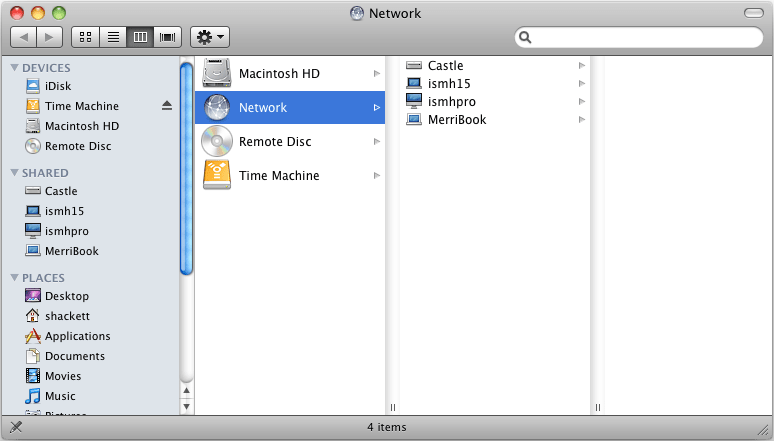
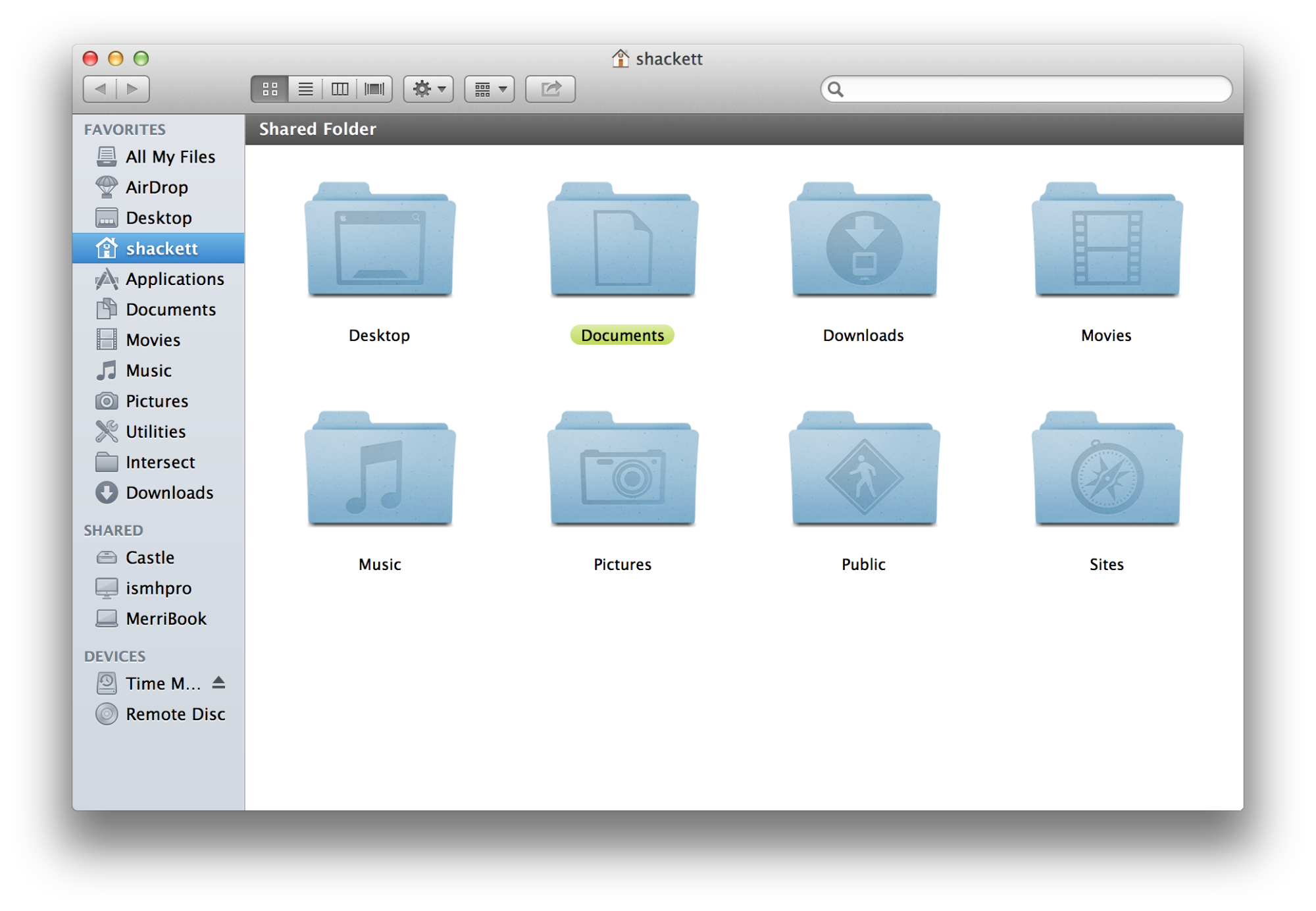
If the icons were more akin to 10.6 Snow Leopard sidebar icons[0] it'd give the sidebar items much more substantial visual anchors. Heck even the more muted sidebar icons of 10.7 Lion[1] would be a substantial improvement.
I don't dispute your experience. However, for me the old grid provided a two-dimensional spatial hierarchy (if that's a thing) that made it easy for me to quickly drill down to what I wanted. The new list version has a one-dimensional flattened hierarchy with many more categories to consider at the top level. With so many choices my brain shuts down and I just resort to search.
Yes, the old grid layout was not good for anything that you didn’t access frequently. It was sometimes hard to find things if you didn’t already know where to look.
I agree that the actual settings controls and panel layouts are not as good as before. They are more autogenerated while the old panel layouts were more carefully planned. some of the controls seem poorly suited to the data they are controlling.
It might have been better if the navigation were changed but the original controls retained.
maybe they can take a hybrid approach and have grid for favorites and a mile-long list for everything else (with just a plain alphabetical ordering or logical grouping perhaps)
I can no longer navigate to settings I frequently used and need to search for just about everything. Perhaps I shouldn’t expect things to stay the same after 20 years(!), but for long time users, it’s bewildering.