Hacker News new | ask | show | jobs
by jefftk 1139 days ago
> it supports SSL for some unfathomable reason.

"neverssl.com now supports ssl, as some browsers and sites automatically use https even when you don't type that in. You get a browser-cacheable page that still helps you get online by forcing a request that ... never uses ssl." -- https://twitter.com/NeverSSL/status/1456310362551164928

They're trying to solve the "how do log into this captive portal" problem, and they needed to make this change to handle that typing "neverssl.com" now often evaluates to "https://neverssl.com".

1 comments

Wow. Unfathomable indeed; that action and that explanation make no sense to me, and they haven’t even updated the HTML served—it still makes the claim of “never SSL” they’ve reneged on.
That isn't useful, because https://http.rip goes to a self-signed cert.
In the escalation of security, some browsers or browsers with extensions only ever try https, so that change was necessary to handle those browsers.
I use HTTPS Only mode in Firefox. For a site like this, what I would expect is it to not accept connections on port 443, then my browser would issue a “Secure Site Not Available” error page, and I’d have to click the “Continue to HTTP Site” button to allow it to connect over HTTP for the rest of the session.

What happens is it just gets served over HTTPS—the one attempted HTTPS-on-apex-to-HTTP-on-subdomain redirect being translated to HTTPS-on-subdomain and the server shrugging and talking HTTPS on the subdomain without complaint—obviously undermining the whole point of the site.

To my knowledge, no browser configuration flat-out blocks cleartext HTTP; they’re all willing to compromise, and if you’re using neverssl.com you obviously intend to use that compromise. That’s why I say that both the action and the explanation make no sense to me; I cannot comprehend any way in which they actually help the site’s purpose, and the absurdity of it makes the site a laughing-stock.

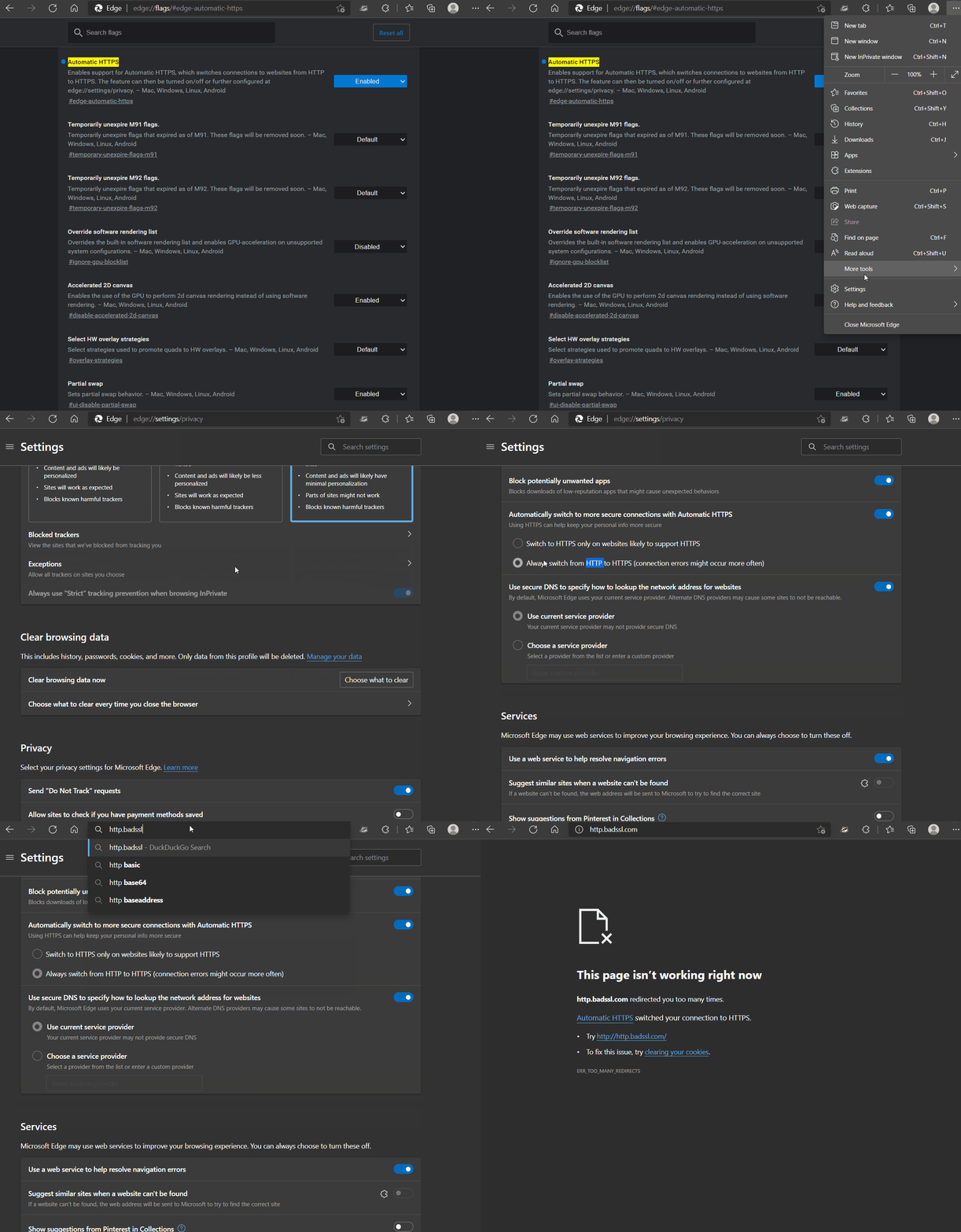
Cleartext HTTP is blocked for users on Microsoft Edge with "Automatically switch to more secure connections with Automatic HTTPS" turned on via corporate policy - which means they can't turn it off to get around the "feature".

There's also this chrome extension which can be configured by Corporate IT to disable HTTP and then they can also prevent disabling the extension.

https://chrome.google.com/webstore/detail/http-request-block...

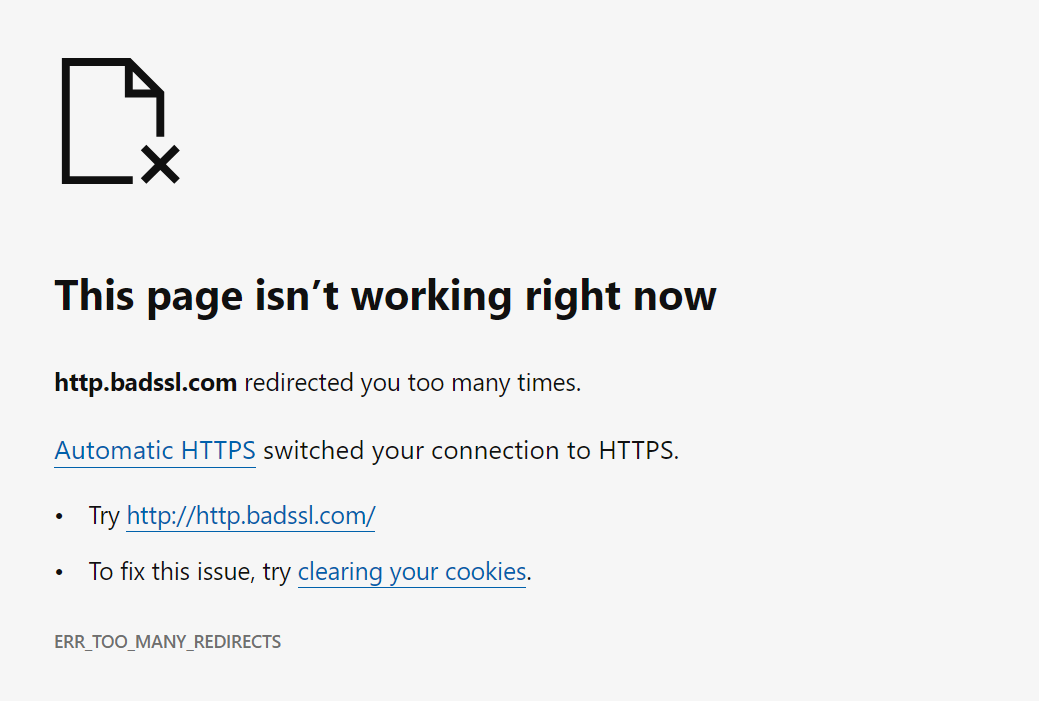
On Edge: https://blogs.windows.com/wp-content/uploads/prod/sites/33/2... shows an option “Try http://http.badssl.com/”; does that not work, or have things changed since that time? (https://www.eff.org/files/2021/09/21/edge_https_only.gif also shows this, in the strictest Automatic HTTPS mode.)
> they’ve reneged on.

Damn straight. Demand your money back!

Someone buy SometimesSSL.com and make it redirect to http://NeverSSL.com
TLS isn't SSL.