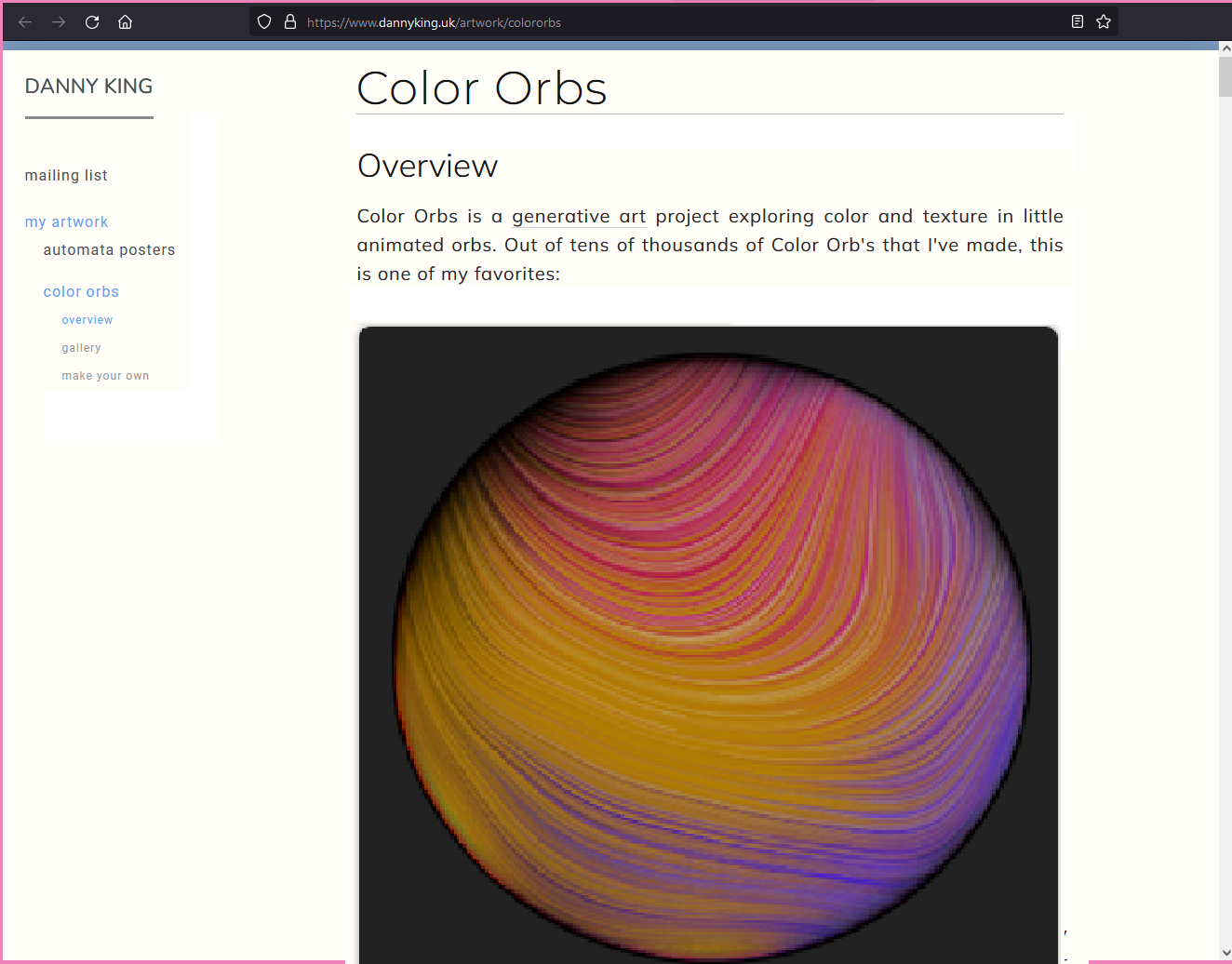
For a webpage [0] about visual art, the art itself disappointly gets less than 5% of screen space. When you present art you're supposed to present the art. This page is a massive waste of empty space, asking the viewer to employ a magnifying glass to see the thing being talked about.
On the size of the art, with this art project I'm limited to the size of the orbs being 300x300px as the way I implemented the drawing algorithm unfortunately means I can't scale up the size of a render without changing the random seed and causing a different image to be created. So these are necessarily limited to that smaller size unless I introduce pixellation. For future projects I intend to have a resolution independent drawing algorithm rather than hard-coding pixel lengths. Lessons learned!
For future projects though I agree, I'd like to dedicate much more screen real estate to each image. I appreciate you taking the time to draw that mockup, thanks.
On the gallery page not working, could you let me know what browser and device you're using? The animations are .webm video files, which are not supported yet in some browsers so I also provide a .mov fallback for browsers that don't support it, which works here when I test it but it sounds like I've not got that fallback working in all situations yet (unless you have JS disabled). Should work for you on any modern non-Safari browser that isn't on an iOS device, for sure though.
> On the gallery page not working, could you let me know what browser and device you're using?
Firefox on Windows desktop. Further testing reveals that the animation is stuck while the page is loading. So if I click on an orb it won't move until the page has fully loaded (and the gallery takes a long time to load).
Actually I'm not sure why but the gallery page seems to get stuck loading for some reason, and the orb animation is stuck accordingly.
Firefox's dev console shows that these are stuck doing something and the page won't... "settle" into finished state:
On the size of the art, with this art project I'm limited to the size of the orbs being 300x300px as the way I implemented the drawing algorithm unfortunately means I can't scale up the size of a render without changing the random seed and causing a different image to be created. So these are necessarily limited to that smaller size unless I introduce pixellation. For future projects I intend to have a resolution independent drawing algorithm rather than hard-coding pixel lengths. Lessons learned!
For future projects though I agree, I'd like to dedicate much more screen real estate to each image. I appreciate you taking the time to draw that mockup, thanks.
On the gallery page not working, could you let me know what browser and device you're using? The animations are .webm video files, which are not supported yet in some browsers so I also provide a .mov fallback for browsers that don't support it, which works here when I test it but it sounds like I've not got that fallback working in all situations yet (unless you have JS disabled). Should work for you on any modern non-Safari browser that isn't on an iOS device, for sure though.