Hacker News new | ask | show | jobs
by Koenvh 2031 days ago
Is it really trivial to support both dark and light interfaces though? It may be for command line interfaces, but for anything with a GUI and custom colours it means creating every element twice. Things like shadow work on light interfaces, but not on dark.
4 comments

It used to be trivial, because the OS had a configurable palette for GUI elements, which every single program followed, because it used the standard platform GUI toolkit. So going dark or light mode for the entire desktop was as trivial as choosing it from a drop-down menu. Or you could have it pink or green or a horrible mishmash of colour that made you go crosseyed. You could even change font sizes so if you had trouble seeing, like maybe you had cataracts, you could have huge letters on highly contrasting background.
This has never been true if your computer ran "creative" software.

Video editing, music creation tools almost never used "the standard platform GUI toolkit" (even Apple has/had their own internal kit used for apps like Logic).

It also stopped being true (or became less true) when cross-platform development became important to some developers and some users, meaning that deeply integrating your application with whatever system a particular platform had was less important than making sure it ran reasonably consistently across platforms.

If you use Qt it will use your system theme and colours no matter which OS you run your app on, unless you (the dev) overrides the style manually. I'd believe that's the case for wxWidgets too.
It's not about Qt's ability to pick up system theme & colors (although not also that the configurability mentioned in TFA goes somewhat beyond what is typically offered by modern desktop environments).

It's about whether or not the application uses custom elements (or even just puts everything in a Canvas and draws everything itself).

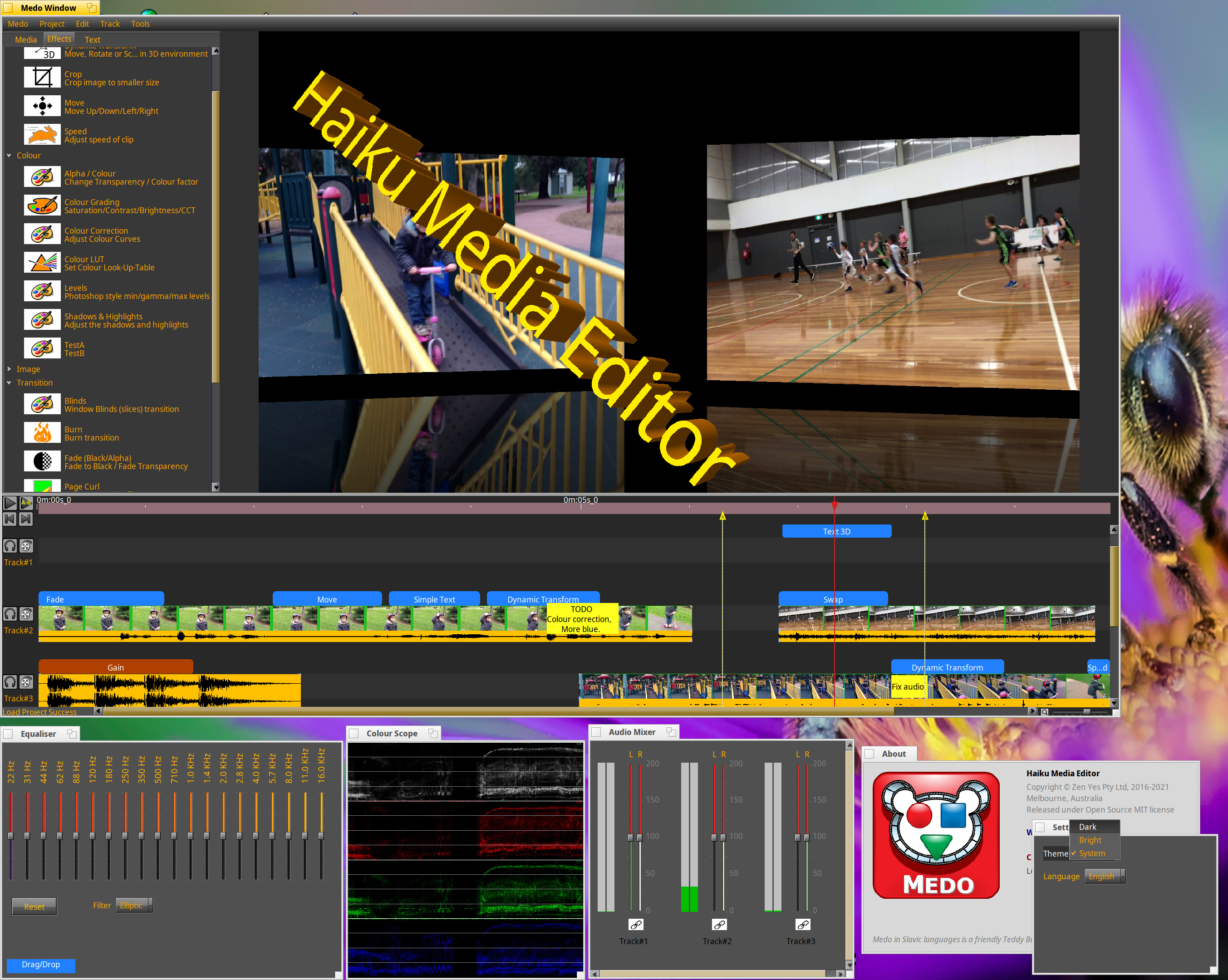
A platform native video editor (no cross platform capability), which uses native GUI toolkit would look something like this:

https://discuss.haiku-os.org/uploads/default/original/2X/9/9...

All the visual effects software I use have light and dark modes.
Sonic Foundry (then to some extent Madison, then Sony, then MAGIX) made creative tools that used the native widgets to a pretty good extent.
In context, this is about continuing to support pre-existing light vs dark mode rather than removing it; meaning the non-trivial stuff has already been solved and implemented. If done correctly, continuing to support it should be trivial. Whether it is in practice...
FFS in windows 95 I could make my whole OS pink if I wanted. Why would that be complicated ? E.g. in Linux I set a dark mode in KDE and all the apps I use follow it and it works just fine. What kind of weird UI has shadows ? Apps are not websites.
even on windows 95 it didn't always work very well. The main problem is getting people to actually test their custom widgets under different color schemes.
At the risk of failing a turing test and being lectured about human eyeballs:

What people asked for: choose between black on white or white on black.

What people got: dark gray on off color gray mode, or light gray on off color gray mode.

Simply having + honoring a system color scheme is a 100% solution, but then the designers and marketing folks wouldn’t have anything to focus on while they avoid improving the actual product.