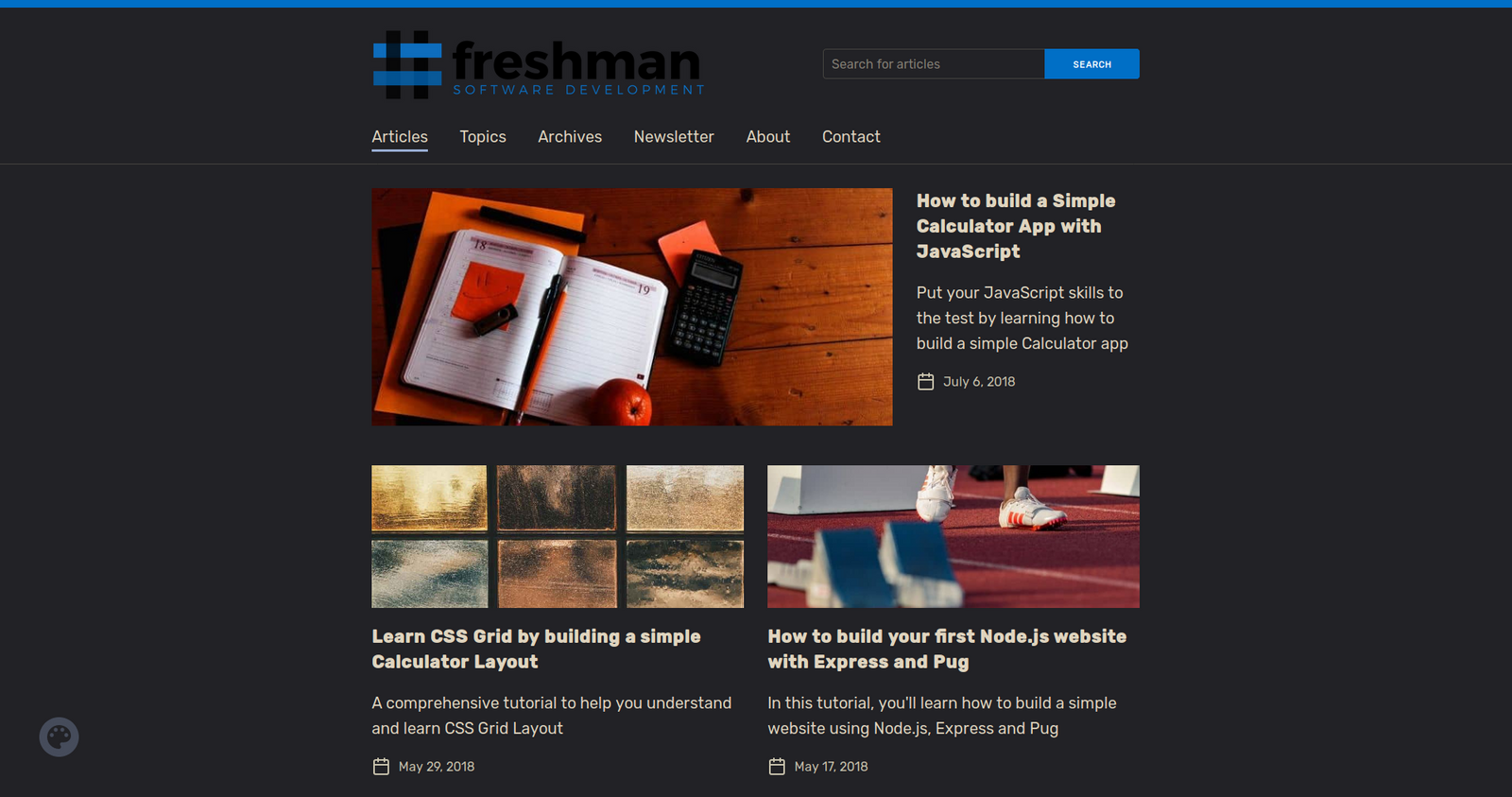
| This article like many others is full of fallacies. Image formats are not used wisely: [1] is PNG not JPEG and [2] is JPEG not PNG. > I found that setting quality (mozjpeg) to 70 produces good enough images for the most part, but your mileage may vary. You can get away with this setting for hidpi sizes but 1x will look horrible [1]. If you care about quality, the mileage is actually 75-95. > (Pngquant) quality level of 65-80 to provide a good compromise between file size and image quality Again, it may only be applied to hidpi sizes, and it will easily ruin any gradients or previously quantized images. Pngquant is a great color quantization tool but it does not actually perform any lossless PNG optimizations, which can save you at least 5% more, and up to 90% in some cases. All of these tools will also blindly strip metadata (but it's not guaranteed!) along with color profiles and Exif Orientation resulting in color shifts and image transformations respectively. Most importantly, none of them are good enough for automatic lossy compression. Guetzli is the closest but it still has some severe issues [3]. I'm also trying to build a real thing, and it is hard. > there’s value in using WebP formats where possible WebP lossless and WebP lossy are quite different formats. WebP lossy being always 4:2:0 is not a good replacement for JPEG [4] especially at higher quality. On the contrary WebP lossless has evolved into a decent alternative for PNG including lossy [5]. Proper responsive images would give you considerably smaller page weight and improve performance on mobile devices. BTW Google treats oversized images as unoptimized [6]. [1] https://freshman.tech/assets/dist/images/http-status-codes/e... [2] https://freshman.tech/assets/dist/images/articles/freshman-1... [3] https://github.com/google/guetzli/issues [4] https://research.mozilla.org/2014/07/15/mozilla-advances-jpe... [5] https://twitter.com/jyzg/status/958629795692150790 [6] https://developers.google.com/speed/pagespeed/insights/?url=... |