|
|
|
|
|
|
by hiram112
2966 days ago
|
|
|
I know everyone has there own work flows, but how can you even keep track of that many tabs? After about 8 or 9, I find myself tabbing through half of a dozen tabs to get where I'm going, and at that point I realize I've added like 5 new tasks to my original stack of todos or research or whatever I was originally doing. At that point it's time to shut some tabs and concentrate on the original item. Also, once I've logged into, for example, GMail or Facebook, I do not want to be browsing other sites while under their eye. I instead usually open multiple Chromiums / Chrome, each app for a specific task. |
|
|
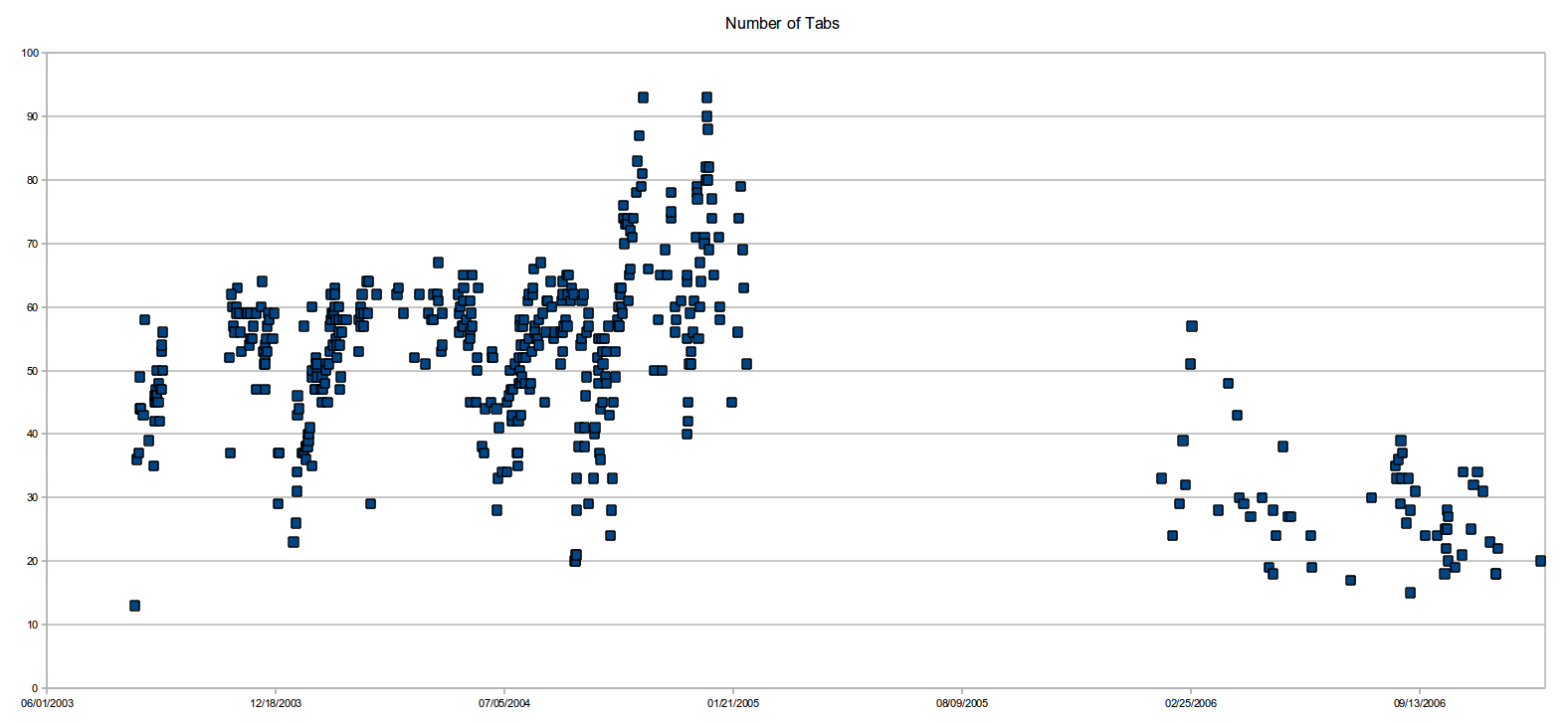

You don't.
You just push new tabs onto the stack. When you're done with a topic, you start popping those tabs until you're back at the previous topic.
Then that previous topic is either something unrelated which you wanted to read later, so you just leave it there. Or it's whatever you were researching before you had to look up something that's mentioned in the text, meaning that you now know this thing and can continue working on the previous topic.
You never have to know what your tabs to the left contain. You only care for the last handful of tabs to the right, which you can use as if those tabs to the left wouldn't exist (well, on Firefox at least, on Chrome they become unreadable).
As for GMail and Facebook, check out these:
https://addons.mozilla.org/en-US/firefox/addon/facebook-cont...
https://addons.mozilla.org/en-US/firefox/addon/google-contai...
Or the more generic variant:
https://addons.mozilla.org/en-US/firefox/addon/multi-account...