I believe A* should always give the minimum path as long the heuristic is optimistic. It will become a greedy search if the heuristic is pessimistic. If the heuristic is "perfect" i.e heuristic(x to y) = min_cost(x to y) the the search will be optimal (i.e no nodes that do not belong with the path will be explored)
Yep after playing around with it for a bit it didn't give a minimum path. I believe something is wrong with the heuristic you are using.
I believe the push and pull is between optimal path and time to find the path. The heuristic dictates whether the algorithm will lean towards Dijkstra or Greedy or somewhere in between.
Whether a greedy heuristic is faster or not is dependent on the structure of the graph. For the example in the article about mountains and grassland, it makes sense that such a heuristic would speed up the search, since the algorithm can't get stuck in dead-ends.
But in a problem where the algorithm can get stuck in dead-ends, it's possible to construct examples where the greedy heuristic is (much) slower than plain Manhattan distance. Here's an example:
                xxx
                xEx
                x x
                x x
                x x
                x x
  Sxxxxxxxxxxxxxx x
                  x
   xxxxxxxxxxxxxxxx
I don’t think the algorithm is correct though. The heuristic seems to use Euclidean distance instead of “how the crow flies” and thus this implementation goes along the axis instead of directly towards the goal. This causes the algorithm to find the optimal route only occasionally and probably has little to no effect on average execution time.
I just realized my terminology was way wrong. Sorry.
You have Manhattan distance and you want Euclidean distance to make sure the path is always optimal. Execution speed should be the same or better in the average case with Euclidean distance.
Thanks! I will keep app as a reference for my future feature development. The app will lean towards understanding the algorithms rather than being used in other apps.
It would be great if there were some ready-made examples that could be loaded, especially showing off interesting things. Maybe those are already present but not visible on the mobile version?
Nice visualization, but the algorithm doesn't seem quite right: given the following map (don't have a good way of sending a screenshot, sorry), it goes above and around rather than below:
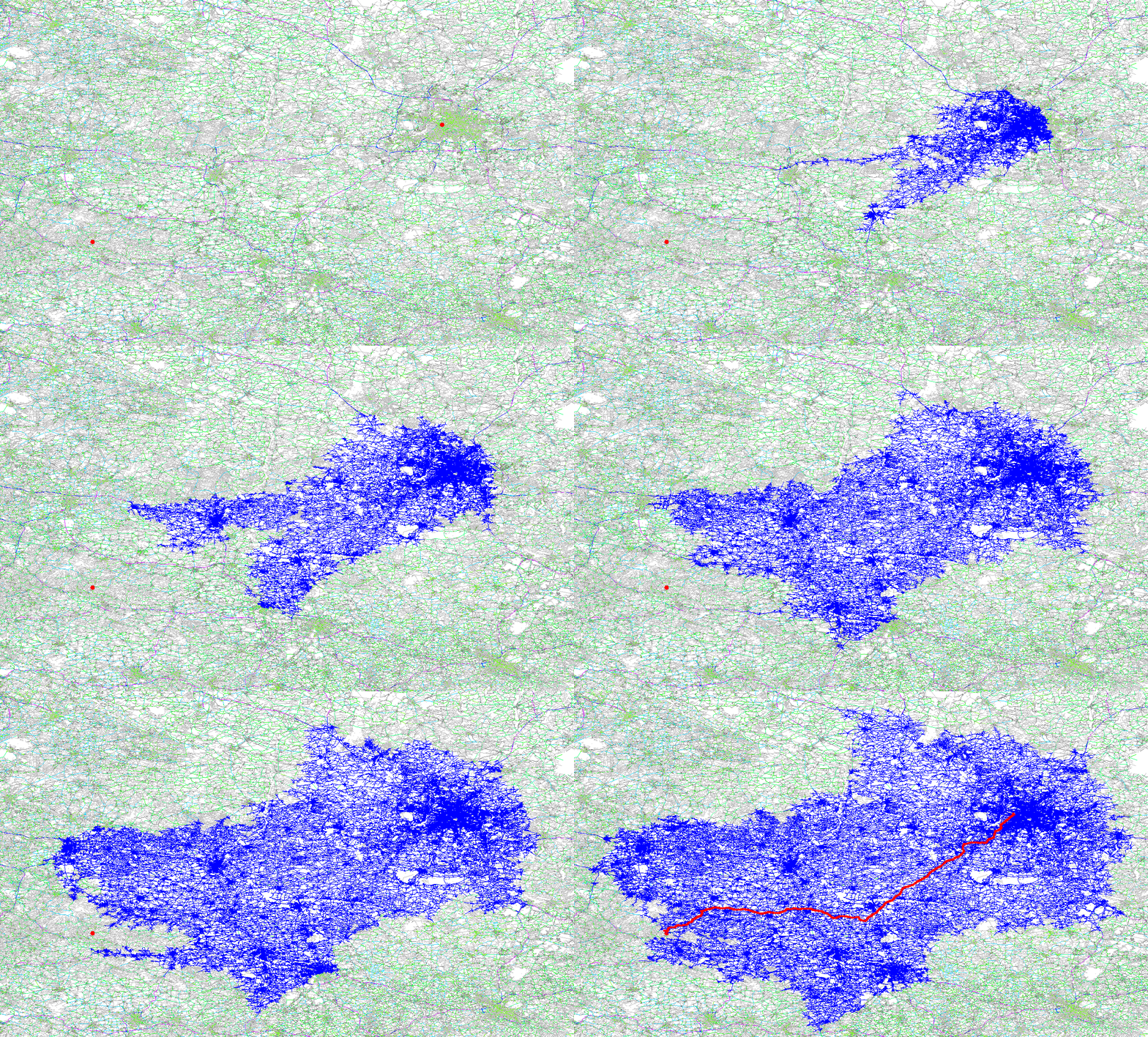
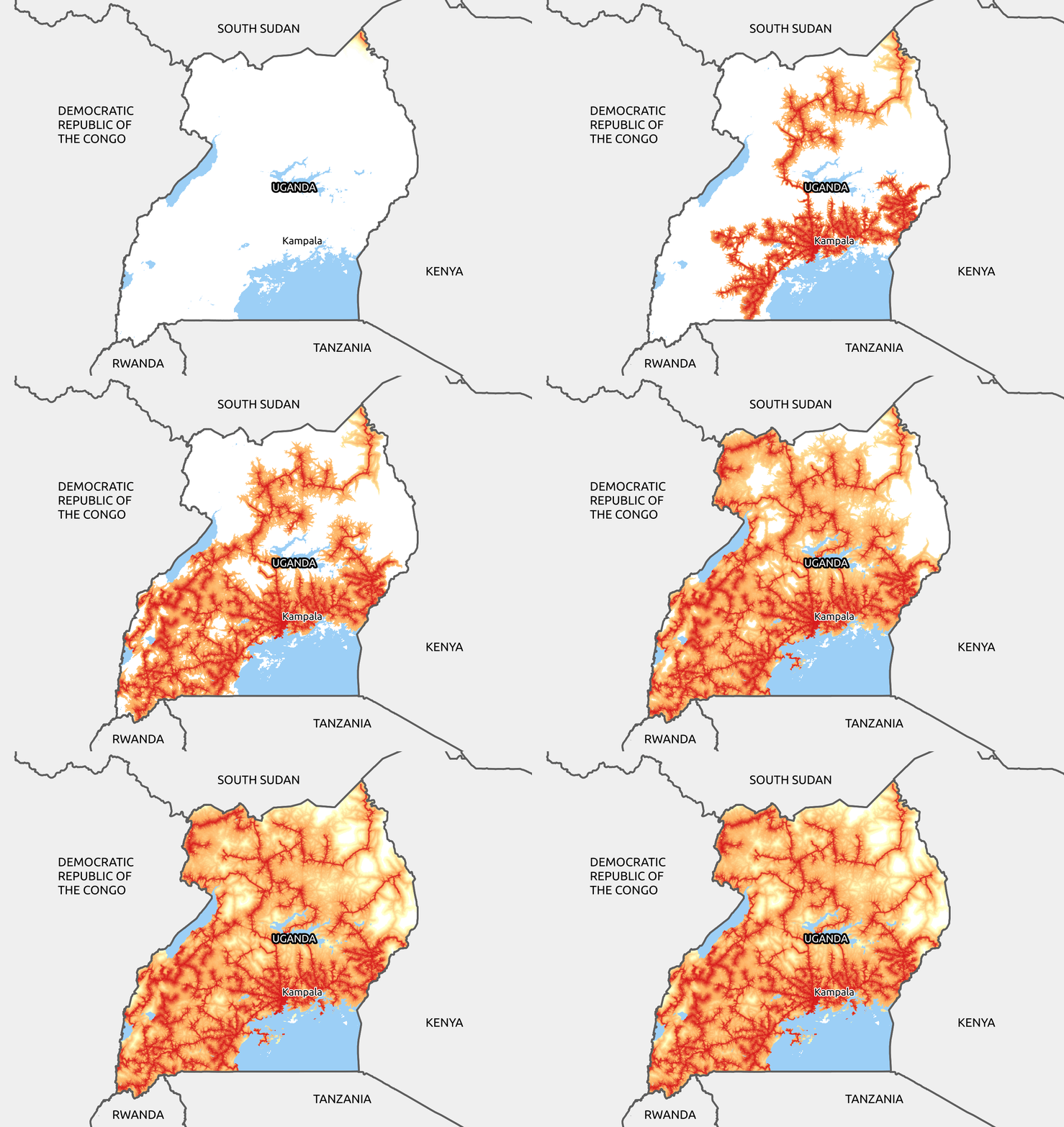
In a similar (but unfortunately not interactive) vein, here's an animation I made for a many-to-many version (more than two endpoints, basically a hybrid Dijkstra/Prim's algorithm): https://raw.githubusercontent.com/carderne/gridfinder/master...
(This is for connecting towns, and also uses a cost matrix with a different cost for traversing each cell).
I love this! I made a similar version in Java and Swing during college for a research project on pathfinding algorithms, so I'm excited I'm not the only one who geeked out over A*!

Computation is done on worker so main thread should be safe all the time.
I plan to add textual information on each step, to show how algorithm is "thinking".
Also, heuristics is fixed for now, I plan to add heuristics choice. So,
Roadmap: - different heuristics - 8 way support - Detailed explanation of each step
Let me know what you think!